One day. Two columns.
Zero friction.
一天一页,两栏清爽,
零负担。
Nice TodoTab turns your Chrome new tab into a quiet to-do / done board — type, press Enter, tick it off. Built for project and work management. Nice TodoTab 把 Chrome 新标签页变成安静的待办 / 已完成看板:输入、回车、打钩。为项目与工作管理而生。
Add to Chrome添加到 Chrome See how it works看看怎么用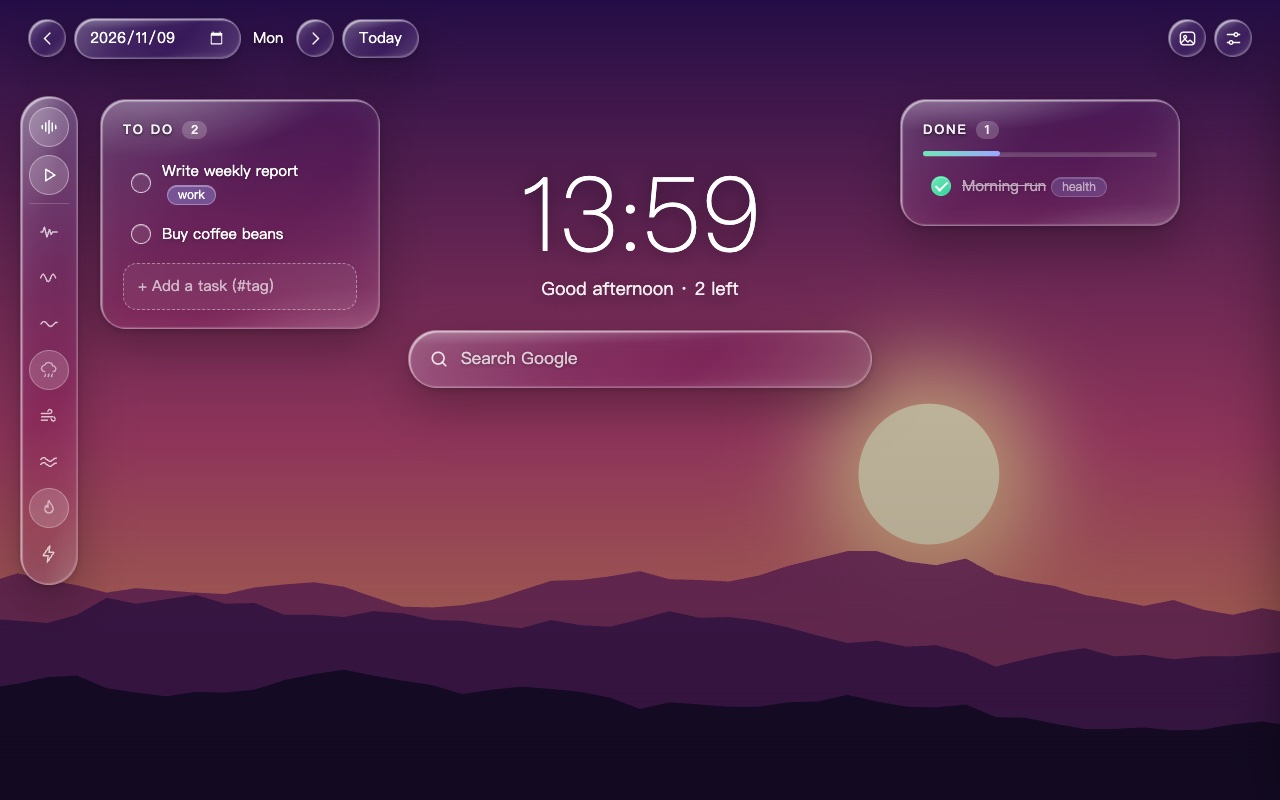
Made for focus专注,而不打扰
Everything you need to run your day, nothing you don't.只保留管理一天所需的一切。
Type + Enter输入 + 回车
Add tasks without leaving the keyboard. Tick to move them to Done with a timestamp.无需离开键盘即可添加;打钩后移到「已完成」并记录时间。
A page per day一天一页
Jump between days with arrows or a date picker. Review what you shipped last Tuesday.箭头或日期选择器切换日期,随时回看上周二做了什么。
Auto carry-over自动顺延
Unfinished tasks from the last 30 days move to today, once per day.过去 30 天未完成的任务,每天自动带到今天一次。
#project tags#项目标签
Add #tag to any task; it shows as a tidy chip.在任务里写 #标签,以整洁的徽章显示。
Edit & reorder编辑与排序
Double-click to rename, drag to reorder, one click to delete.双击改名,拖拽排序,一键删除。
3 languages三种语言
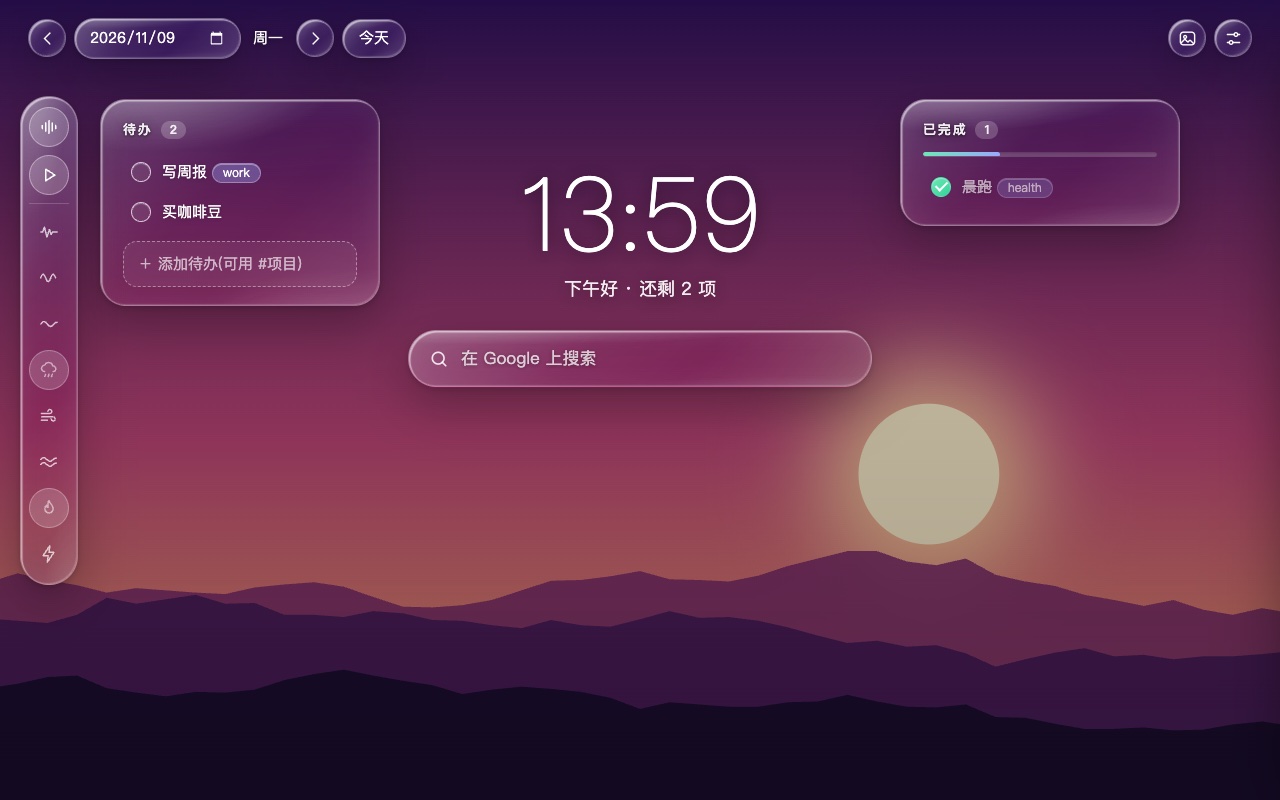
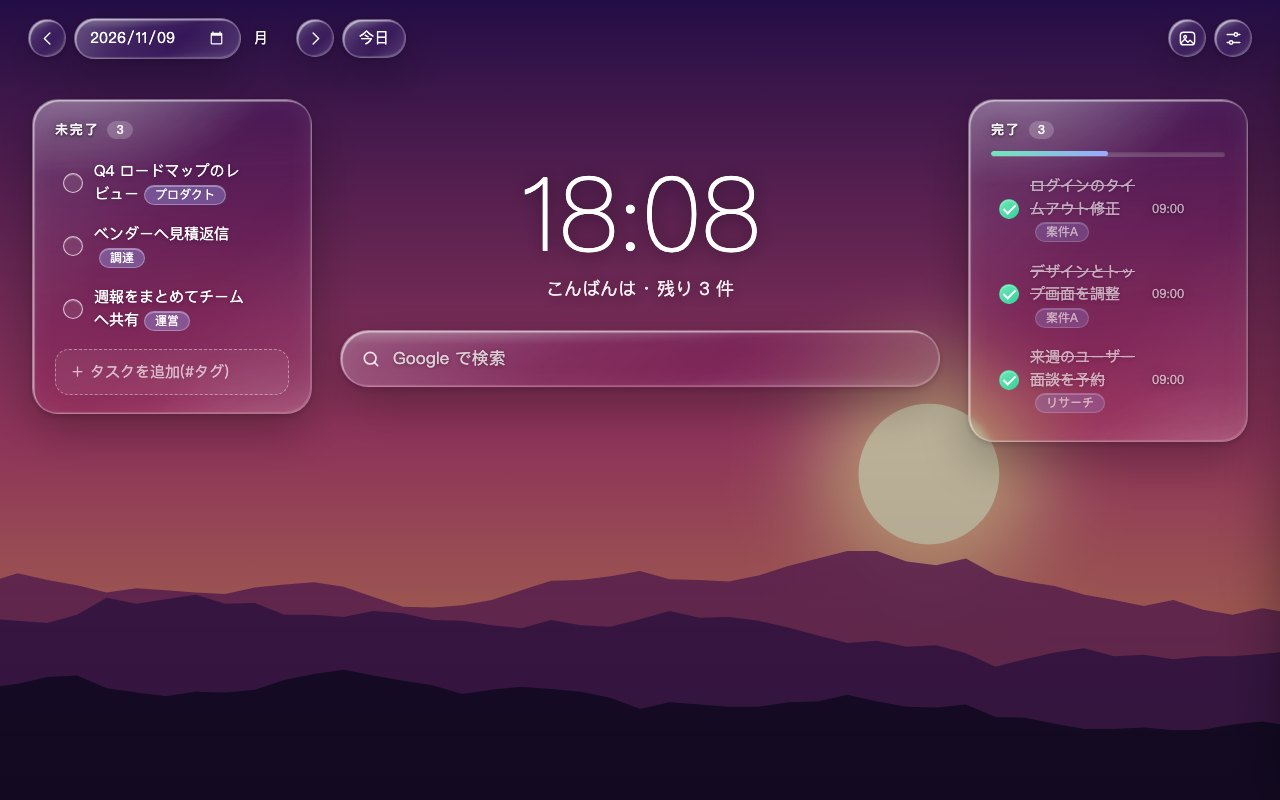
English, 简体中文, 日本語 — automatic or manual.English、简体中文、日本語,自动或手动切换。
Liquid-glass panels流体玻璃面板
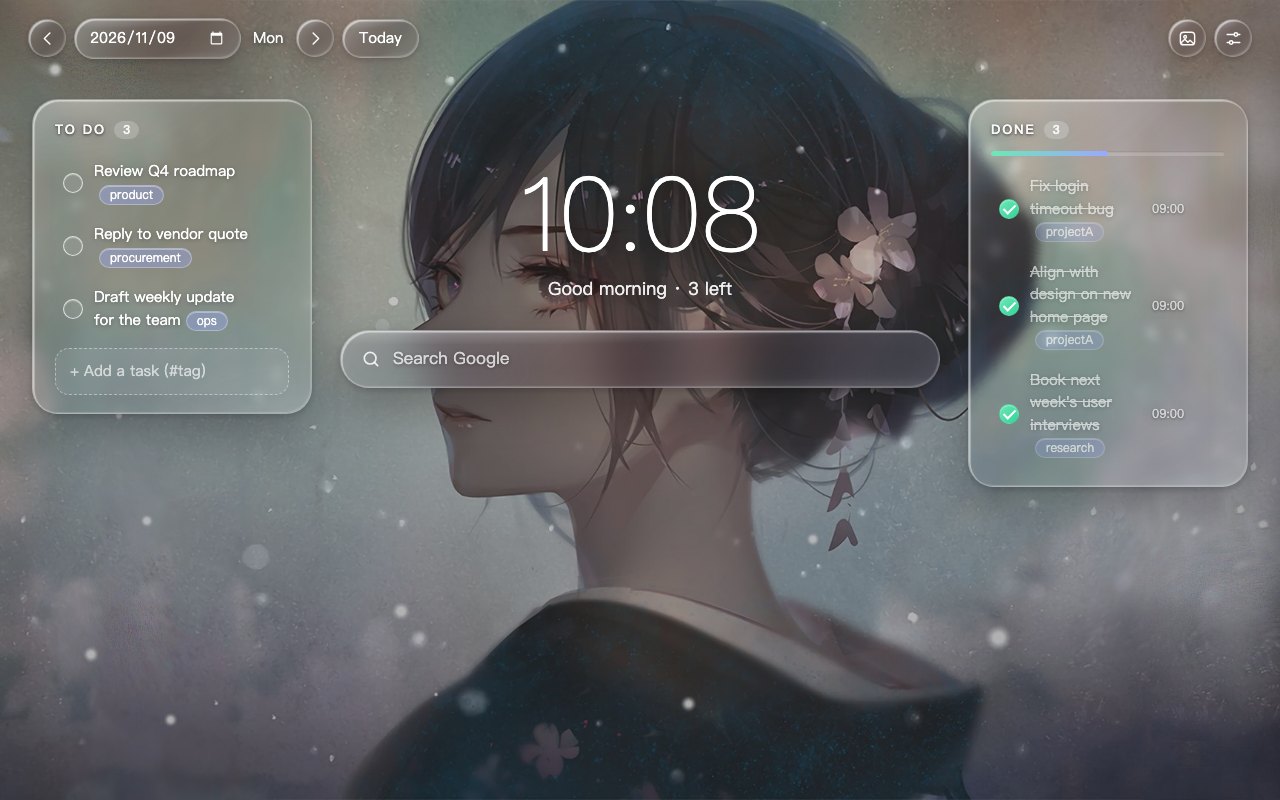
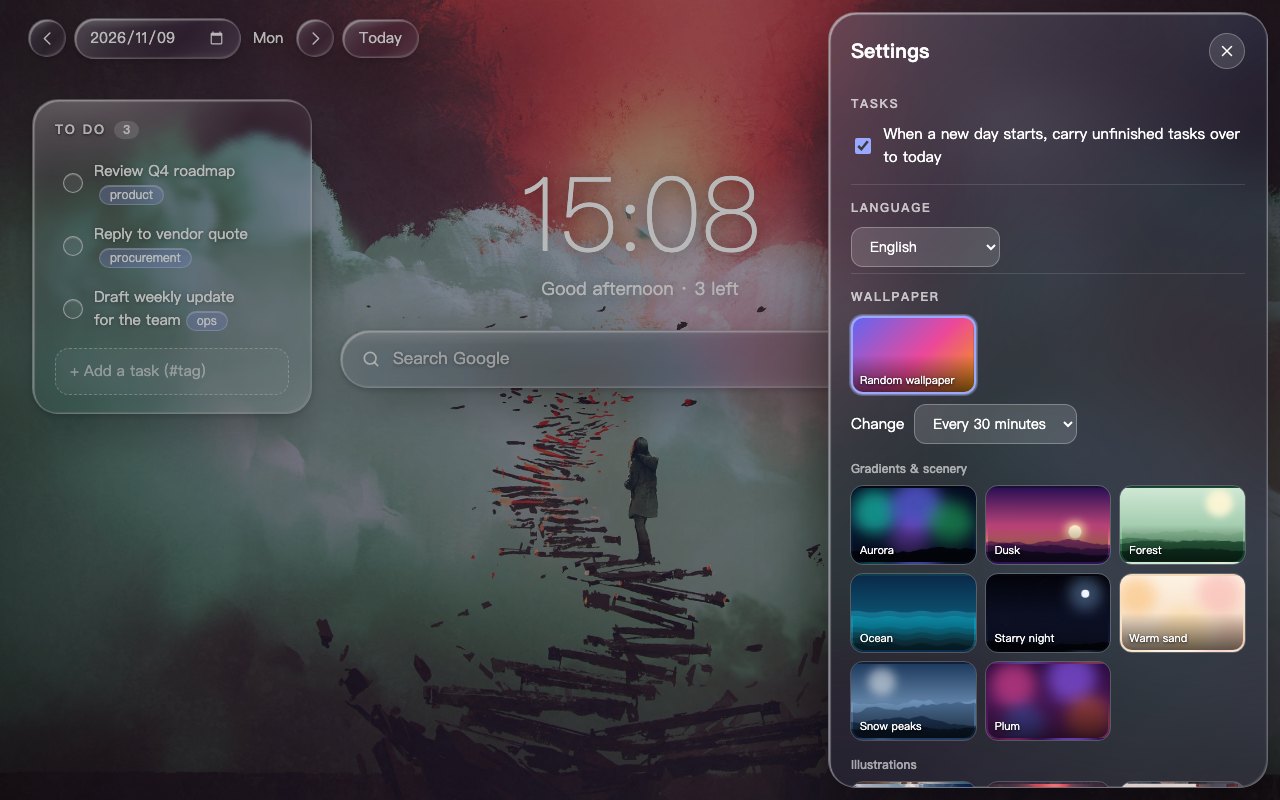
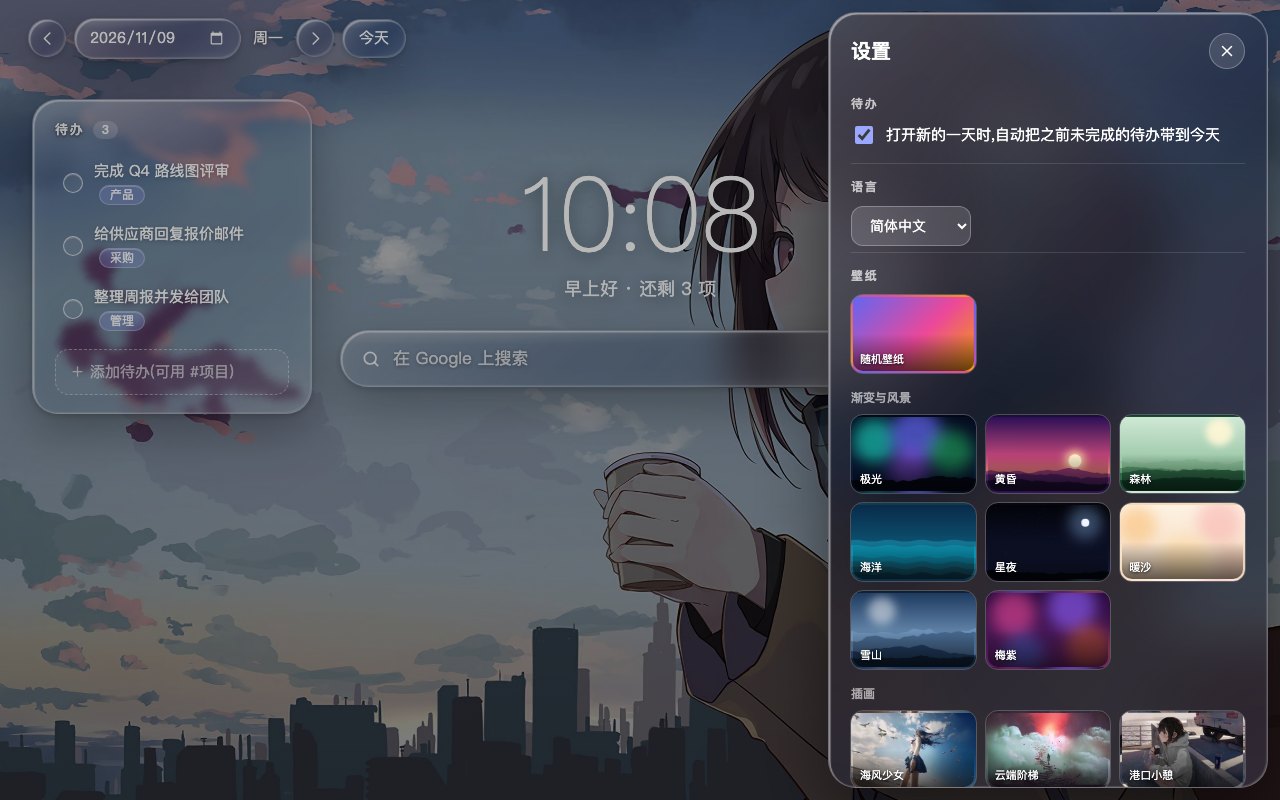
Nearly transparent, softly blurred, with a bright edge. Your wallpaper stays the star — text stays readable.近乎透明、轻微模糊、边缘高光。壁纸依旧是主角,文字依旧清晰。
Random wallpapers, on your schedule随机壁纸,按你的节奏
31 built-in wallpapers or your own. Change on every tab, every 15 / 30 / 60 / 180 minutes, or daily — with a smooth cross-fade. Settings slide in from the right, on the same page.内置 31 张壁纸,也可上传自己的。每次打开 / 15 / 30 / 60 / 180 分钟 / 每天更换,平滑淡入淡出。设置从同一页面右侧滑出。
Focus sounds, built in内置专注白噪音
White / pink / brown noise, rain, wind, ocean waves, campfire and thunder — mix them with per-sound volume from the glass rail on the left. Sounds are synthesized live in your browser (no audio files, no downloads) and play only while the new tab is open.白 / 粉红 / 棕色噪音、雨声、风声、海浪、篝火、雷声,在左侧玻璃竖栏自由混音、单独调音量。声音由浏览器实时合成(无音频文件、无需下载),仅在新标签页打开时播放。
Get started in 30 seconds30 秒上手
- Install the extension and open a new tab.
- Type a task in the left panel and press
Enter. - Tick the circle when done — it moves to the right.
- Open the sliders icon (top right) to pick a wallpaper or enable random.
- 安装扩展并打开新标签页。
- 在左侧输入任务,按
Enter。 - 完成后点圆圈,任务移到右侧。
- 点右上角设置图标,选择壁纸或开启随机。
Private by design隐私优先
Your data lives in your browser. No account, no servers, no tracking. Export a JSON backup any time. Read the privacy policy.数据只存在你的浏览器里。无账号、无服务器、无追踪,随时导出 JSON 备份。查看隐私政策。
Add to Chrome — it's free免费添加到 Chrome