

- 0 gespeichert
- 0 Aufrufe
- 0 Videos
- Einführung:
- No-code automation platform that connects 800+ apps with ready scenarios
- Hinzugefügt am:
- 2. Nov. 2026
- Website:
- albato.com
- Unternehmen:
- Albato Limited
Empfohlene Tools
Einführung
Beschreibung in der Originalsprache (English).
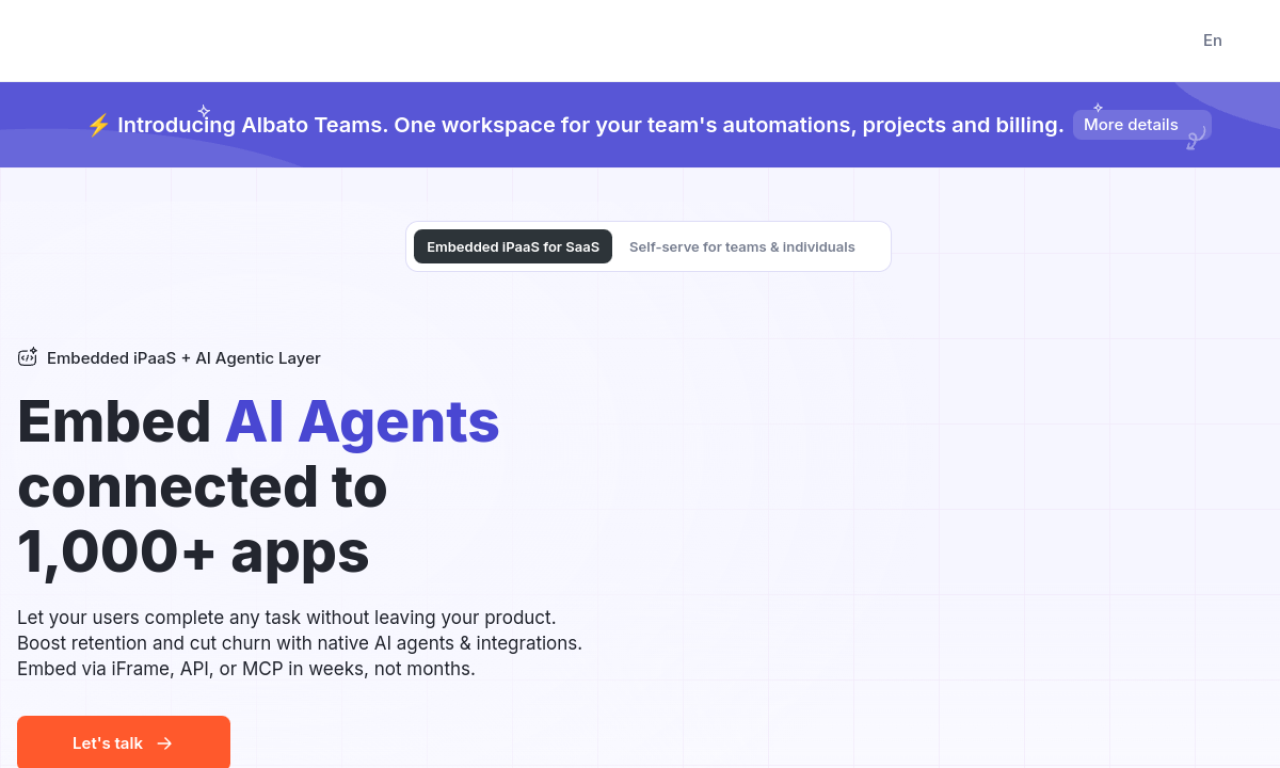
Albato is a no-code integration platform for automating workflows between apps. A step-by-step builder lets you set a trigger and actions, and the service lists over 800 supported apps and 170,000 automation scenarios.
- Hinzugefügt am
- 2. Nov. 2026
- Website
- albato.com
- Preismodell
- Freemium
- Unternehmen
- Albato Limited
Produktinformationen
Was ist Albato?
Albato is a no-code platform for linking applications and automating routine work without programming.
Kernfunktionen von Albato
- No-code integration platform
- 800+ supported apps
- 170,000+ automation scenarios
- App Integrator for custom apps
- 24/7 customer support
Anwendungsfälle für Albato
- 1Sending Facebook Ads leads to Google Sheets and Telegram
- 2Creating Pipedrive contacts and deals from Facebook Lead Ads
- 3Posting Slack notifications for new leads
Wie verwendet man Albato?
Connect your apps, choose a trigger event, pick the actions to run and start the integration. The Automation Builder walks you through each step.
Häufige Fragen zu Albato
What are transactions in Albato?+
Plans are chosen by monthly transactions and connected apps. Each automation uses one transaction fewer than its number of steps.
Does Albato offer a free trial?+
Yes. A 7-day free trial is offered for setting up integrations, and any remaining trial time is added to your plan if you subscribe.
Can I buy extra transactions?+
Yes. Use the Add button under your current plan in the Billing section.
In welcher Kategorie ist Albato?+
Albato ist unter KI-Workflow-Automatisierung aufgeführt.
Tags für Albato
workflow automationno-codeapp integrationlead captureGoodAI-Badge einbetten
Unterstütze Albato
Füge dieses Badge zu deiner Website hinzu, um zu zeigen, dass Albato auf Good AI Life vorgestellt wird. Wähle eine helle oder dunkle Variante und kopiere den Einbettungscode.
Weitere Badge-Optionen →