

- 0 gespeichert
- 0 Aufrufe
- 0 Videos
- Einführung:
- Browser-based animation and video maker with templates, characters and AI helpers
- Hinzugefügt am:
- 2. Nov. 2026
- Website:
- www.animaker.com
- Unternehmen:
- Animaker Inc
Empfohlene Tools
Einführung
Beschreibung in der Originalsprache (English).
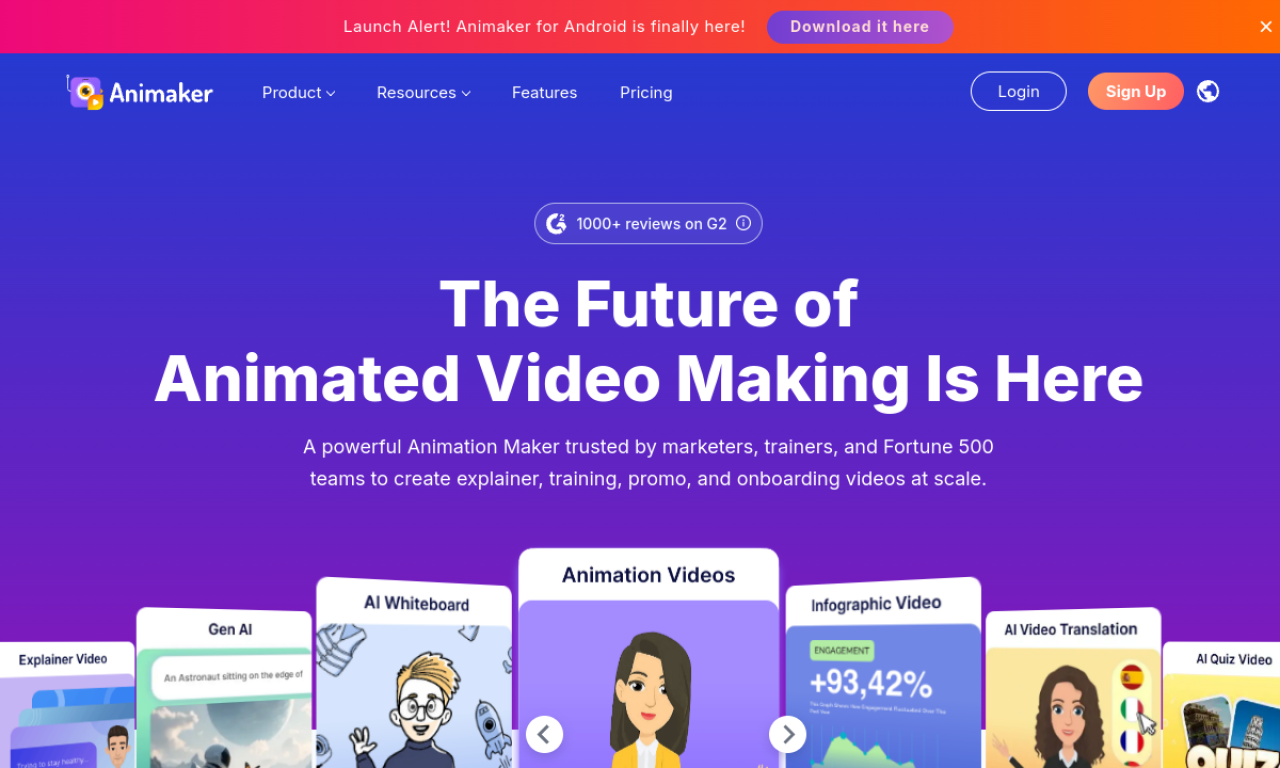
Animaker is an online tool for making animated and live-action videos without a production team. It offers templates, a character builder and a large asset library, plus related products for subtitles, voice and presentations.
- Hinzugefügt am
- 2. Nov. 2026
- Website
- www.animaker.com
- Preismodell
- Freemium
- Unternehmen
- Animaker Inc
Produktinformationen
Was ist Animaker?
Animaker is an online animation and video maker aimed at beginners and professionals alike. Its product family also covers Picmaker, Vmaker AI, Voice, Subtitle Generator, Steve.ai and Deck.
Kernfunktionen von Animaker
- AI video creation
- Character builder
- Asset and animation library
- Video templates
- Video editing tools
Anwendungsfälle für Animaker
- 1Marketing videos
- 2Training and onboarding videos
- 3Social media content
- 4Explainer videos
- 5Subtitle generation
Wie verwendet man Animaker?
Sign up for a free account on animaker.com, pick a template or start fresh, build your video with the asset library, then choose a plan if you need more features.
Häufige Fragen zu Animaker
What is Animaker?+
Animaker is an online platform for creating animated and live-action videos from templates and assets.
How do I start using Animaker?+
Create a free account on animaker.com and use the templates and tools; paid plans add more features.
Is there a free plan for Animaker?+
Yes, a free plan exists, with premium subscriptions for additional features.
In welcher Kategorie ist Animaker?+
Animaker ist unter KI-Videogenerator aufgeführt.
Tags für Animaker
animation makerai videotext to videosubtitle generatorvideo editorGoodAI-Badge einbetten
Unterstütze Animaker
Füge dieses Badge zu deiner Website hinzu, um zu zeigen, dass Animaker auf Good AI Life vorgestellt wird. Wähle eine helle oder dunkle Variante und kopiere den Einbettungscode.
Weitere Badge-Optionen →