

- 0 gespeichert
- 0 Aufrufe
- 0 Videos
- Einführung:
- Build customizable, animation-ready 3D avatars from a selfie, with an SDK for apps
- Hinzugefügt am:
- 2. Nov. 2026
- Website:
- avaturn.me
Empfohlene Tools
Einführung
Beschreibung in der Originalsprache (English).
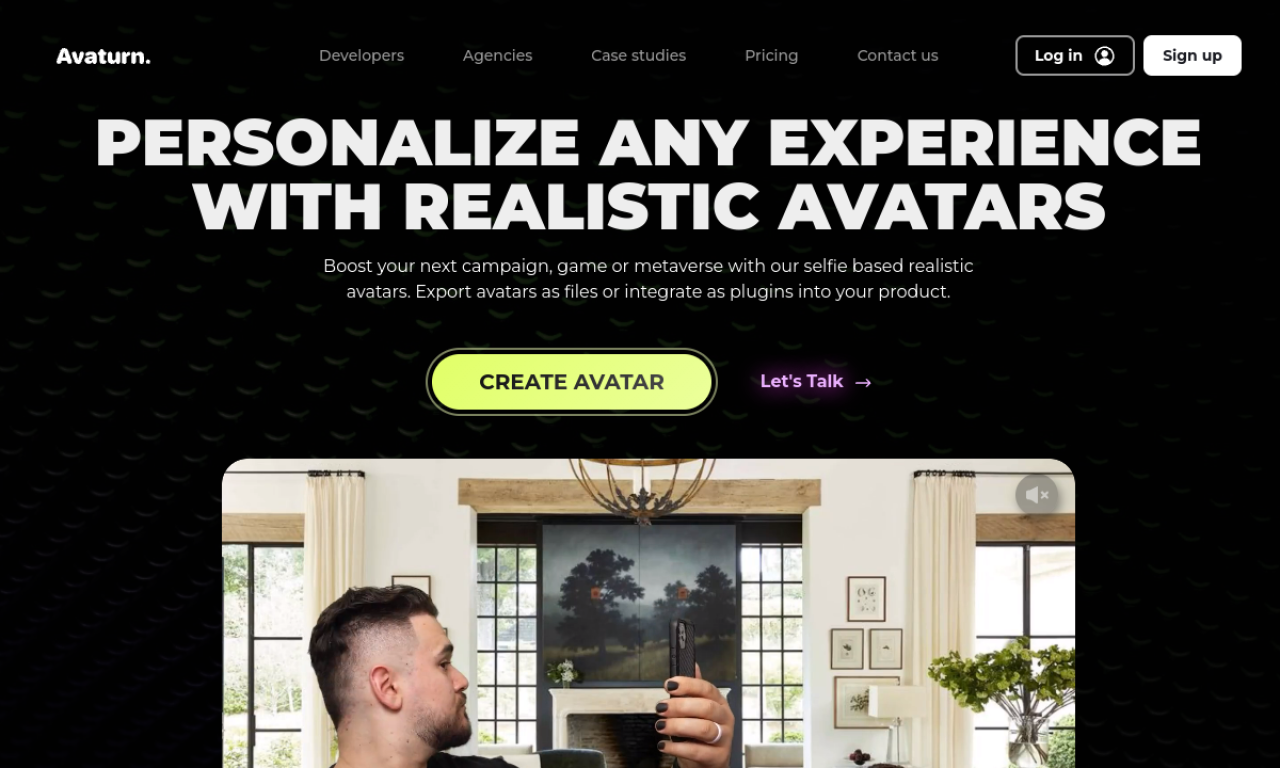
Avaturn uses AI to turn a 2D photo into a 3D avatar you can customize with body types, hairstyles and clothing. Avatars export as 3D models, and an SDK lets developers add avatar creation to games and apps.
- Hinzugefügt am
- 2. Nov. 2026
- Website
- avaturn.me
- Preismodell
- Freemium
Produktinformationen
Was ist Avaturn?
Avaturn is an avatar platform that converts 2D photos into realistic 3D avatars for games, metaverse spaces and apps. The avatars are animatable and fully customizable.
Kernfunktionen von Avaturn
- 2D photo to 3D avatar creation
- Customizable avatars
- Avatar SDK for apps and metaverses
- Export as 3D models
- Humanoid rig with ARKit blendshapes
Anwendungsfälle für Avaturn
- 1Personalized game avatars
- 2In-game characters that resemble real players
- 3Avatars for metaverse experiences
- 4Avatars for virtual meetings
Wie verwendet man Avaturn?
Upload a selfie to generate a 3D model, then customize body, hair, clothes and accessories. Developers can embed the Avaturn SDK so their users can create avatars in-app.
Häufige Fragen zu Avaturn
Where can I export Avaturn avatars?+
As 3D models that load in Blender, Unity, Unreal Engine, Maya, Cinema4D and other 3D environments.
Are Avaturn avatars ready for animation?+
Yes, they include a standard humanoid rig, ARKit blendshapes and visemes, compatible with Mixamo animations and VTubing software.
Can I customize my Avaturn avatar?+
Yes, including body types, hairstyles, clothes and accessories.
In welcher Kategorie ist Avaturn?+
Avaturn ist unter KI-3D-Generator aufgeführt.
Tags für Avaturn
ai avatar generator3d model generatoravatar sdkgame developmentvtubingGoodAI-Badge einbetten
Unterstütze Avaturn
Füge dieses Badge zu deiner Website hinzu, um zu zeigen, dass Avaturn auf Good AI Life vorgestellt wird. Wähle eine helle oder dunkle Variante und kopiere den Einbettungscode.
Weitere Badge-Optionen →