

- 0 Saved
- 0 Views
- 0 Videos
- Introduction:
- Job search platform that tailors resumes and applies to openings automatically.
- Added on:
- Nov 2, 2026
- Website:
- jobhire.ai
- Company:
- HGPUBLISHING LIMITED
Featured Tools
Introduction
Description shown in its original language (English).
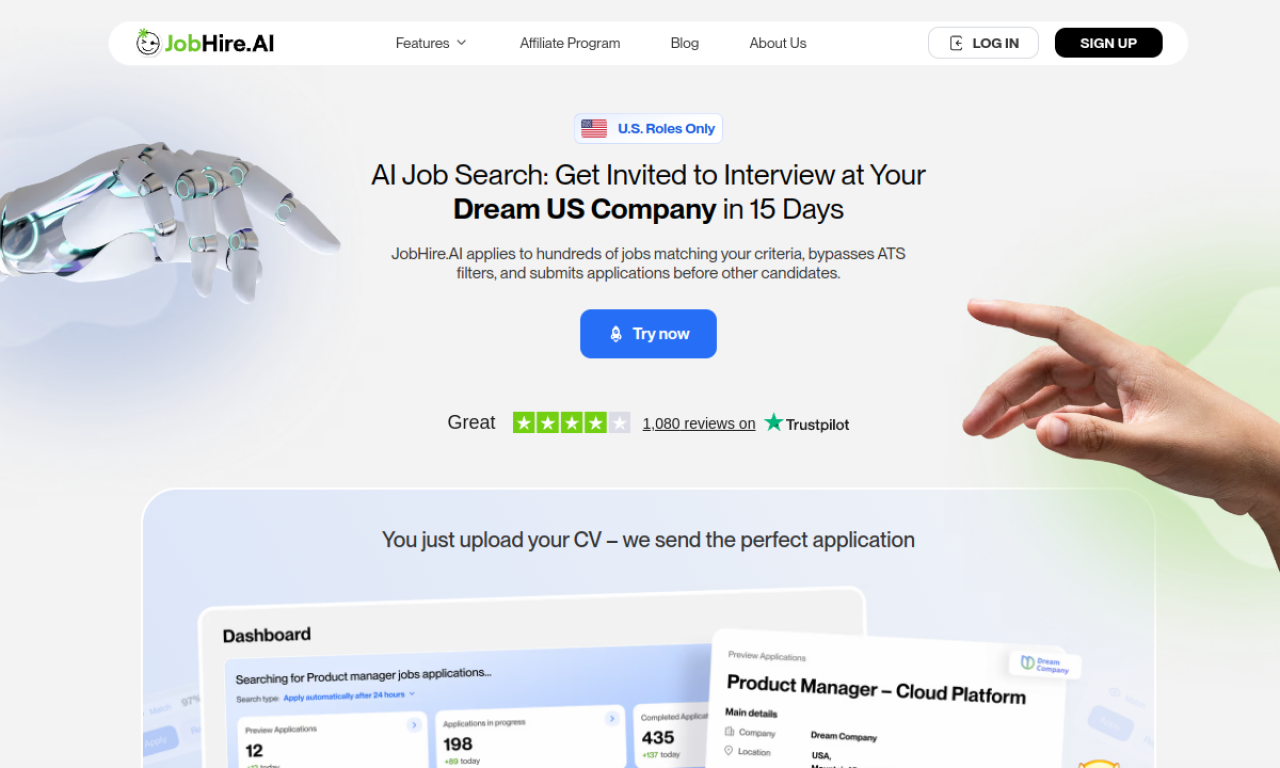
JobHire.AI streamlines the application process by tuning your resume for each role and applying to many openings for you. You set preferences like location, industry and salary, then track activity from a dashboard. It also writes cover letters, and refunds payment if no interview invitation arrives within 15 days.
- Added on
- Nov 2, 2026
- Website
- jobhire.ai
- Company
- HGPUBLISHING LIMITED
Product information
What is JobHire.AI?
JobHire.AI is a platform that automates and optimizes job applications, from resume tuning to auto-applying and tracking.
Core features of JobHire.AI
- AI resume customization
- Automated job applications
- Job search preference settings
- Application tracking dashboard
- AI-generated cover letters
Use cases of JobHire.AI
- 1Applying to many openings automatically
- 2Customizing a resume per application to get past ATS filters
- 3Generating personalized cover letters
How to use JobHire.AI?
Upload your resume, set job search preferences such as location, industry and salary, and let the AI optimize your resume. It then applies to matching jobs automatically, or you can pick jobs from a custom list and follow progress.
Frequently asked questions about JobHire.AI
How does JobHire.AI help me find a job?+
It matches you with openings, applies on your behalf and customizes your resume for each application.
What if I get no interview invitation?+
If none arrives within 15 days, JobHire.AI refunds your money.
Which category is JobHire.AI in?+
JobHire.AI is listed under AI Career Tools.
JobHire.AI tags
job searchresume builderauto applycover lettersai assistantGoodAI Badge Embed
Show your support for JobHire.AI
Add this badge to your website to show that JobHire.AI is featured on Good AI Life. Choose a light or dark version, then copy the embed code.
More badge options →