

- 0 gespeichert
- 0 Aufrufe
- 0 Videos
- Einführung:
- AI meeting assistant that records, transcribes and summarizes calls
- Hinzugefügt am:
- 2. Nov. 2026
- Website:
- meetgeek.ai
Empfohlene Tools
Einführung
Beschreibung in der Originalsprache (English).
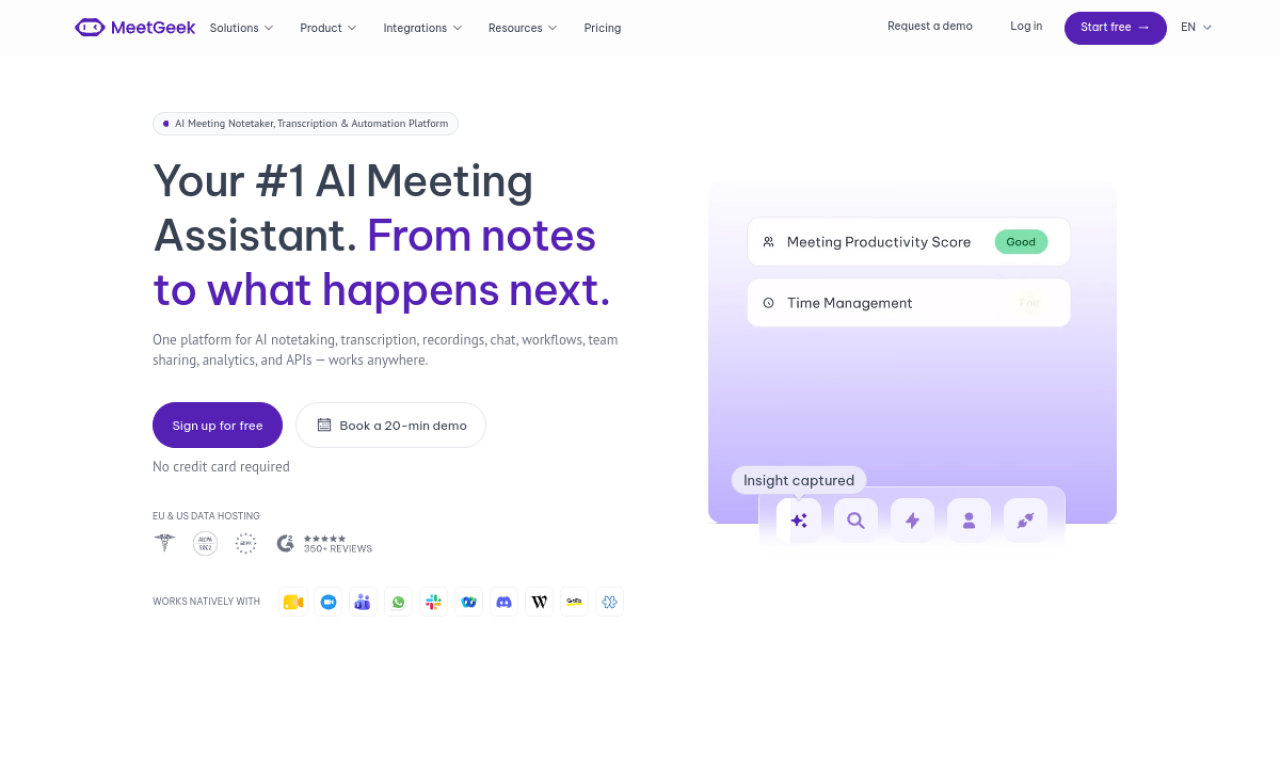
MeetGeek joins your scheduled meetings to record, transcribe and summarize them. It also detects action items and topics, supports team sharing, and works with Teams, Google Meet, Zoom and other platforms.
- Hinzugefügt am
- 2. Nov. 2026
- Website
- meetgeek.ai
- Preismodell
- Free Trial
Produktinformationen
Was ist MeetGeek?
MeetGeek is an AI meeting assistant that captures meeting details and delivers transcripts and insights right after the call.
Kernfunktionen von MeetGeek
- Auto-recording and transcription
- Automatic summaries
- Action item and topic detection
- Team collaboration
- Conversation intelligence
- Meeting automation
Anwendungsfälle für MeetGeek
- 1Improve customer calls and follow-ups
- 2Raise win rates in sales and discovery calls
- 3Build candidate profiles by transcribing interviews
- 4Learn from what customers say on calls
- 5Keep teams in sync with fewer meetings
Wie verwendet man MeetGeek?
Connect your calendar and the AI bot joins scheduled meetings automatically. Then open recordings, transcripts and summaries in the platform, share them, or send them to other tools.
Häufige Fragen zu MeetGeek
How many languages does MeetGeek support?+
High accuracy for 50+ languages, including English, Spanish and Portuguese.
Where are MeetGeek recordings stored?+
In a private AWS cloud environment with encryption at rest and in transit.
How do I use MeetGeek?+
Connect your calendar and the bot joins scheduled meetings.
In welcher Kategorie ist MeetGeek?+
MeetGeek ist unter KI-Zusammenfassung, KI-Transkription, KI-Meeting-Assistent aufgeführt.
Tags für MeetGeek
meeting assistantnote takersummarizertranscriptionmeeting automationGoodAI-Badge einbetten
Unterstütze MeetGeek
Füge dieses Badge zu deiner Website hinzu, um zu zeigen, dass MeetGeek auf Good AI Life vorgestellt wird. Wähle eine helle oder dunkle Variante und kopiere den Einbettungscode.
Weitere Badge-Optionen →