

- 0 gespeichert
- 0 Aufrufe
- 0 Videos
- Einführung:
- Japanese machine translation service for text, files, audio and video, with an API.
- Hinzugefügt am:
- 2. Nov. 2026
- Website:
- miraitranslate.com
Empfohlene Tools
Einführung
Beschreibung in der Originalsprache (English).
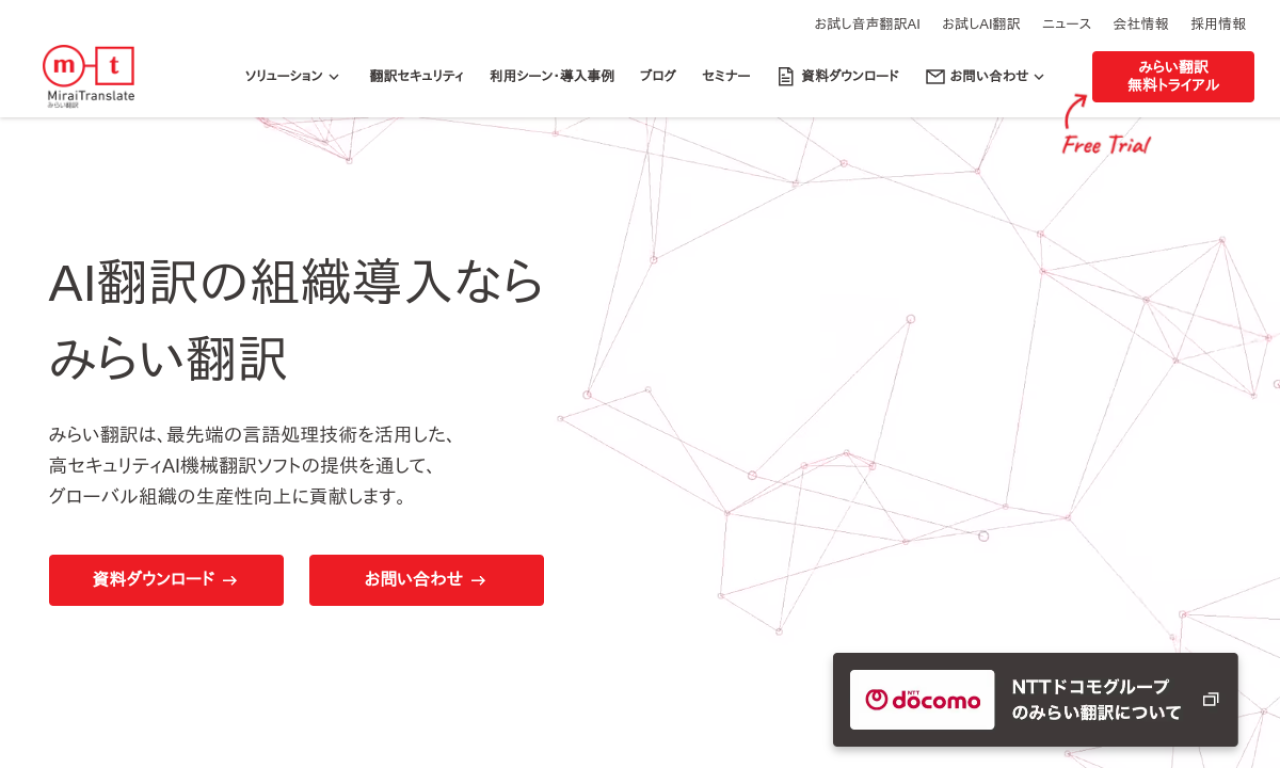
Mirai Translate is a cloud machine translation service that supports text and file translation as well as audio and video translation. It offers specialized models for legal, financial and patent documents and holds ISO 27001 and ISO 27017 certifications.
- Hinzugefügt am
- 2. Nov. 2026
- Website
- miraitranslate.com
- Preismodell
- Free Trial
Produktinformationen
Was ist Mirai Translate?
Mirai Translate is an AI machine translation service said to deliver accuracy comparable to a business person with a TOEIC score of 960.
Kernfunktionen von Mirai Translate
- AI automatic translation
- Machine translation software
- Video and audio translation
- Translation API
- Secure translation system
Anwendungsfälle für Mirai Translate
- 1Translating legal documents
- 2Giving overseas branch executives training texts in their native language
- 3Managing foreign-language tasks at energy companies with translation and generative AI
Wie verwendet man Mirai Translate?
Translate text and files on the site, use the video and audio translation options, or call the translation API. A free trial is available.
Häufige Fragen zu Mirai Translate
What translation accuracy does Mirai Translate offer?+
It states accuracy equivalent to a business person with a TOEIC score of 960.
What security certifications does it hold?+
ISO 27001 and ISO 27017.
Does it have specialized models?+
Yes, for legal, financial and patent documents.
In welcher Kategorie ist Mirai Translate?+
Mirai Translate ist unter KI-Übersetzer aufgeführt.
Tags für Mirai Translate
ai translateai apiai voice translatorai video translatorai pdfGoodAI-Badge einbetten
Unterstütze Mirai Translate
Füge dieses Badge zu deiner Website hinzu, um zu zeigen, dass Mirai Translate auf Good AI Life vorgestellt wird. Wähle eine helle oder dunkle Variante und kopiere den Einbettungscode.
Weitere Badge-Optionen →