

- 0 gespeichert
- 0 Aufrufe
- 0 Videos
- Einführung:
- Cloud Android phones for managing multiple accounts and automating marketing tasks.
- Hinzugefügt am:
- 2. Nov. 2026
- Website:
- www.moimobi.com
- Unternehmen:
- Moimobi
Empfohlene Tools
Einführung
Beschreibung in der Originalsprache (English).
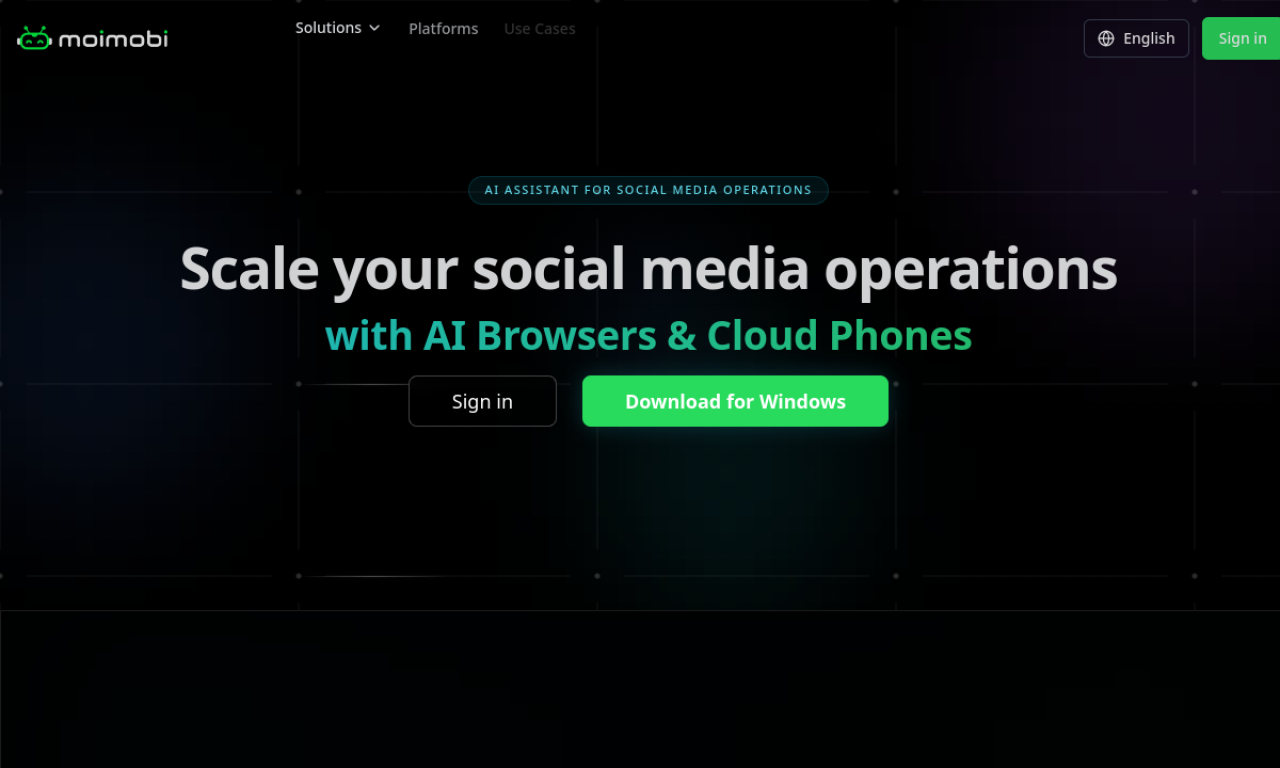
Moimobi runs real Android environments in the cloud, each with its own IP and device fingerprint, to help manage many social and e-commerce accounts. Tasks can be controlled from a dashboard or API and run around the clock.
- Hinzugefügt am
- 2. Nov. 2026
- Website
- www.moimobi.com
- Preismodell
- Paid
- Unternehmen
- Moimobi
Produktinformationen
Was ist Moimobi?
Moimobi offers cloud Android automation, a cloud phone service built for secure multi-account management and marketing.
Kernfunktionen von Moimobi
- Multi-account management
- Device fingerprint simulation
- Script and API automation
- 24/7 cloud operation
- Elastic scaling
- Social, e-commerce and ad platform support
Anwendungsfälle für Moimobi
- 1Social media matrix marketing
- 2E-commerce and livestream selling
- 3Ad verification
- 4App testing
- 5Cross-border account management
Wie verwendet man Moimobi?
Choose a plan, customize the cloud phone configuration including system version and apps, then control the phones through the dashboard or API.
Häufige Fragen zu Moimobi
What is Marketing Cloud Phone?+
A cloud-based virtual device for digital marketing that uses independent IPs and device fingerprints to manage multiple accounts and reduce account-correlation risk.
What are the benefits of Marketing Cloud Phone?+
It supports batch publishing, automated replies, data analysis and multi-account management, running 24/7 without physical devices.
In welcher Kategorie ist Moimobi?+
Moimobi ist unter KI-Social-Content aufgeführt.
Tags für Moimobi
cloud phonemulti-accountmarketing automationsocial mediaandroidGoodAI-Badge einbetten
Unterstütze Moimobi
Füge dieses Badge zu deiner Website hinzu, um zu zeigen, dass Moimobi auf Good AI Life vorgestellt wird. Wähle eine helle oder dunkle Variante und kopiere den Einbettungscode.
Weitere Badge-Optionen →