

- 0 Saved
- 0 Views
- 0 Videos
- Introduction:
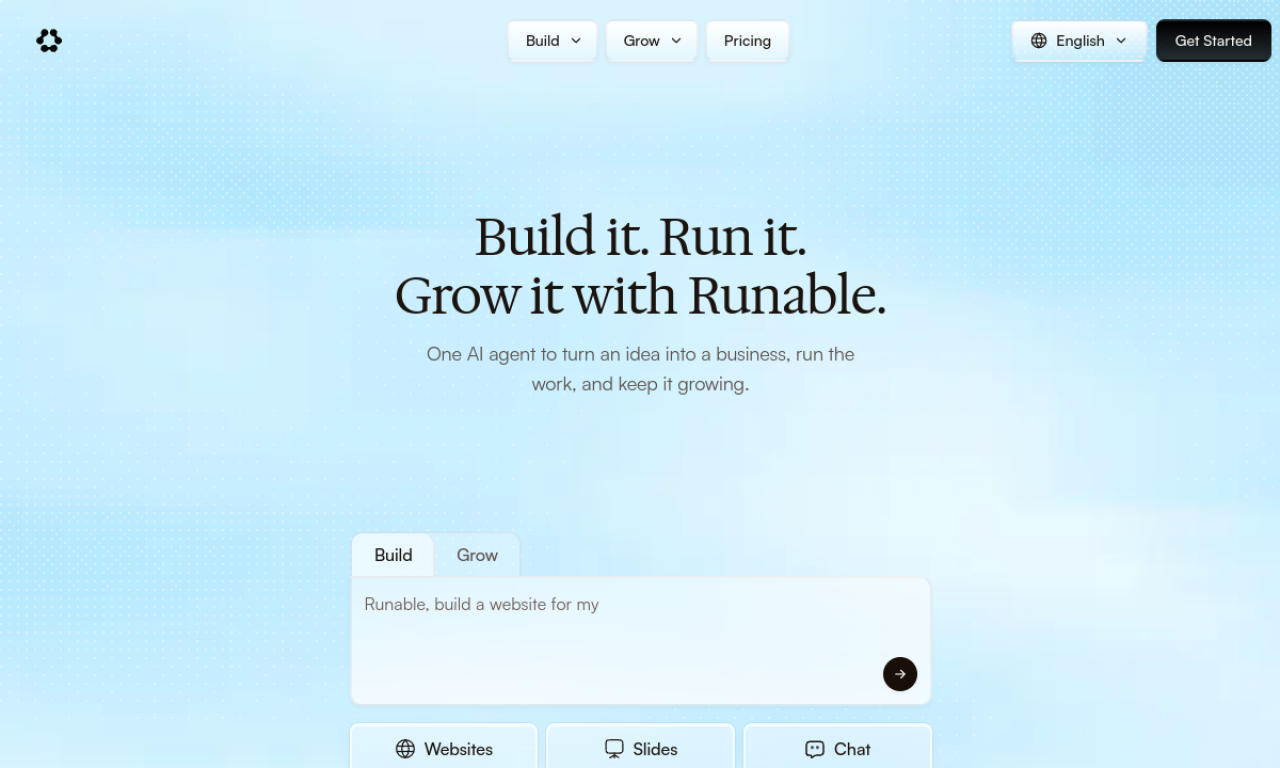
- General-purpose AI agent that builds websites, slides, reports, and media from plain-language requests.
- Added on:
- Nov 2, 2026
- Website:
- runable.com
- Company:
- Runable
Featured Tools
Introduction
Description shown in its original language (English).
Runable is an AI agent that takes natural-language requests and carries out multi-step work. It can produce web apps, slide decks, reports, documents, images, videos, and podcasts. It also connects to many third-party apps so routine tasks, such as sending weekly reports or sorting submissions into a spreadsheet, can run automatically.
- Added on
- Nov 2, 2026
- Website
- runable.com
- Pricing model
- Freemium
- Company
- Runable
Product information
What is Runable?
Runable is a general AI agent that can perform a wide range of digital tasks, from content creation to data work, across connected apps.
Core features of Runable
- Creates presentations, websites, reports, documents, images, videos, and podcasts
- Runs deep research on a topic
- Operates a virtual computer to browse the web
- Connects to more than 2,700 apps for automation
Use cases of Runable
- 1Drafting a landing page for an ebook launch
- 2Building a small web tool with a live preview
- 3Writing a beginner-friendly PDF cheatsheet
- 4Organizing form submissions into a spreadsheet
How to use Runable?
Chat with Runable and describe the result you want in plain language, for example a website, a data analysis, or a scheduled email report.
Frequently asked questions about Runable
How do I use Runable?+
Describe the task in natural language in the chat, such as building a website or analyzing a dataset.
Can Runable connect to other apps?+
Yes, the site states it can connect with more than 2,700 apps.
Which category is Runable in?+
Runable is listed under AI Agents.
Runable tags
ai agentai assistantai workflowai website builderGoodAI Badge Embed
Show your support for Runable
Add this badge to your website to show that Runable is featured on Good AI Life. Choose a light or dark version, then copy the embed code.
More badge options →