

- 0 gespeichert
- 0 Aufrufe
- 0 Videos
- Einführung:
- Transcribe audio and video, then turn it into concise AI summaries.
- Hinzugefügt am:
- 2. Nov. 2026
- Website:
- speaknotes.io
Empfohlene Tools
Einführung
Beschreibung in der Originalsprache (English).
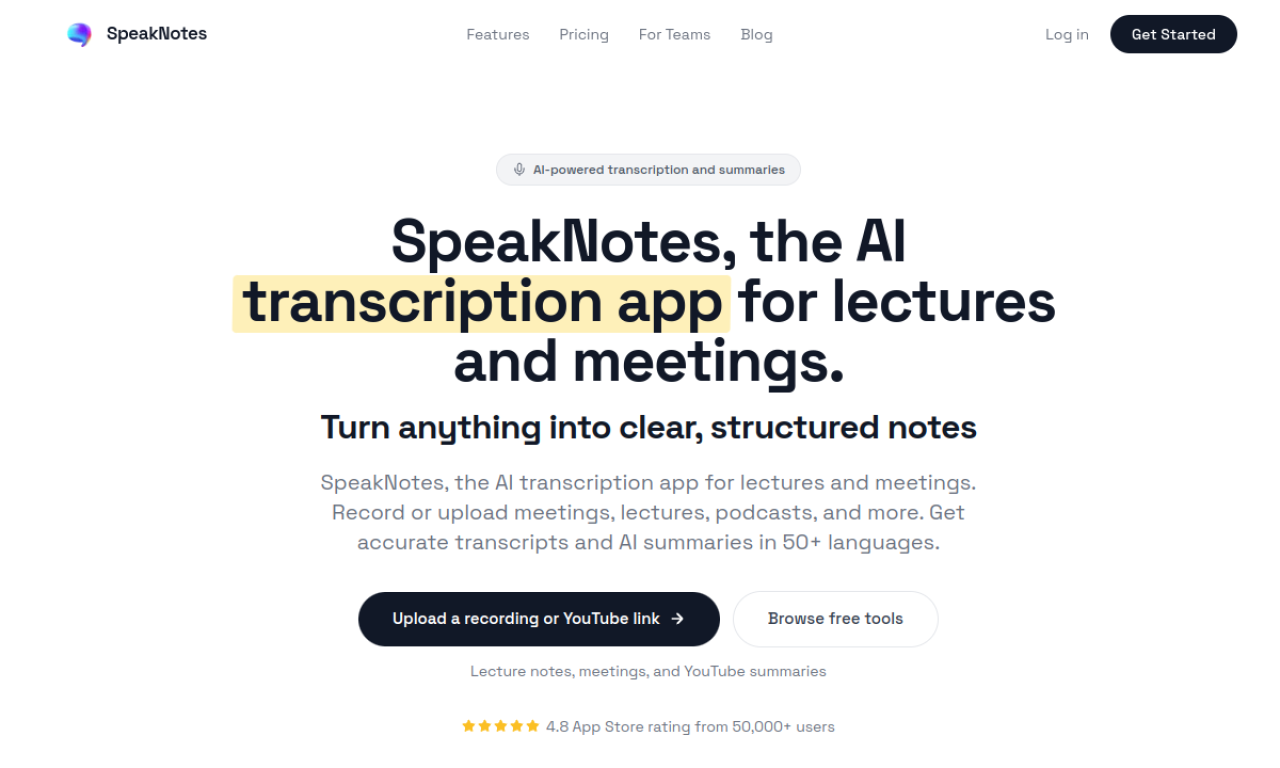
SpeakNotes is an app that transcribes voice notes, meetings, lectures, and podcasts and then summarizes them. It supports more than 50 languages and is available on iOS and Android. Users can record directly in the app or upload audio or video, and they can edit the summaries that are generated.
- Hinzugefügt am
- 2. Nov. 2026
- Website
- speaknotes.io
- Preismodell
- Freemium
Produktinformationen
Was ist SpeakNotes?
SpeakNotes is a mobile app that transcribes and summarizes audio and video content.
Kernfunktionen von SpeakNotes
- Audio transcription
- AI summarization
- Support for common audio and video files
- Multi-language support
- Custom output formats
Anwendungsfälle für SpeakNotes
- 1Summarizing lectures, meetings, and podcasts
- 2Turning recordings into notes or blog drafts
- 3Creating summaries of articles and books
Wie verwendet man SpeakNotes?
Record audio in the app or upload an audio or video file. The app transcribes the recording, then generates a summary that you can edit.
Häufige Fragen zu SpeakNotes
What is SpeakNotes?+
SpeakNotes is a mobile app that transcribes audio and video and produces short AI summaries.
Can SpeakNotes handle multiple languages?+
Yes. It can transcribe and summarize content in more than 50 languages.
Is there a limit on how much audio SpeakNotes can process?+
The free plan has a limit, while the Pro plan is described as offering unlimited length.
In welcher Kategorie ist SpeakNotes?+
SpeakNotes ist unter KI-Zusammenfassung, KI-Transkription aufgeführt.
Tags für SpeakNotes
ai summarizerai transcriptionaudio to text aiai video summarizerai meeting assistantGoodAI-Badge einbetten
Unterstütze SpeakNotes
Füge dieses Badge zu deiner Website hinzu, um zu zeigen, dass SpeakNotes auf Good AI Life vorgestellt wird. Wähle eine helle oder dunkle Variante und kopiere den Einbettungscode.
Weitere Badge-Optionen →