

- 0 gespeichert
- 0 Aufrufe
- 0 Videos
- Einführung:
- Real-time call coaching and post-call automation for sales teams.
- Hinzugefügt am:
- 2. Nov. 2026
- Website:
- trellus.ai
- Unternehmen:
- Trellus
Empfohlene Tools
Einführung
Beschreibung in der Originalsprache (English).
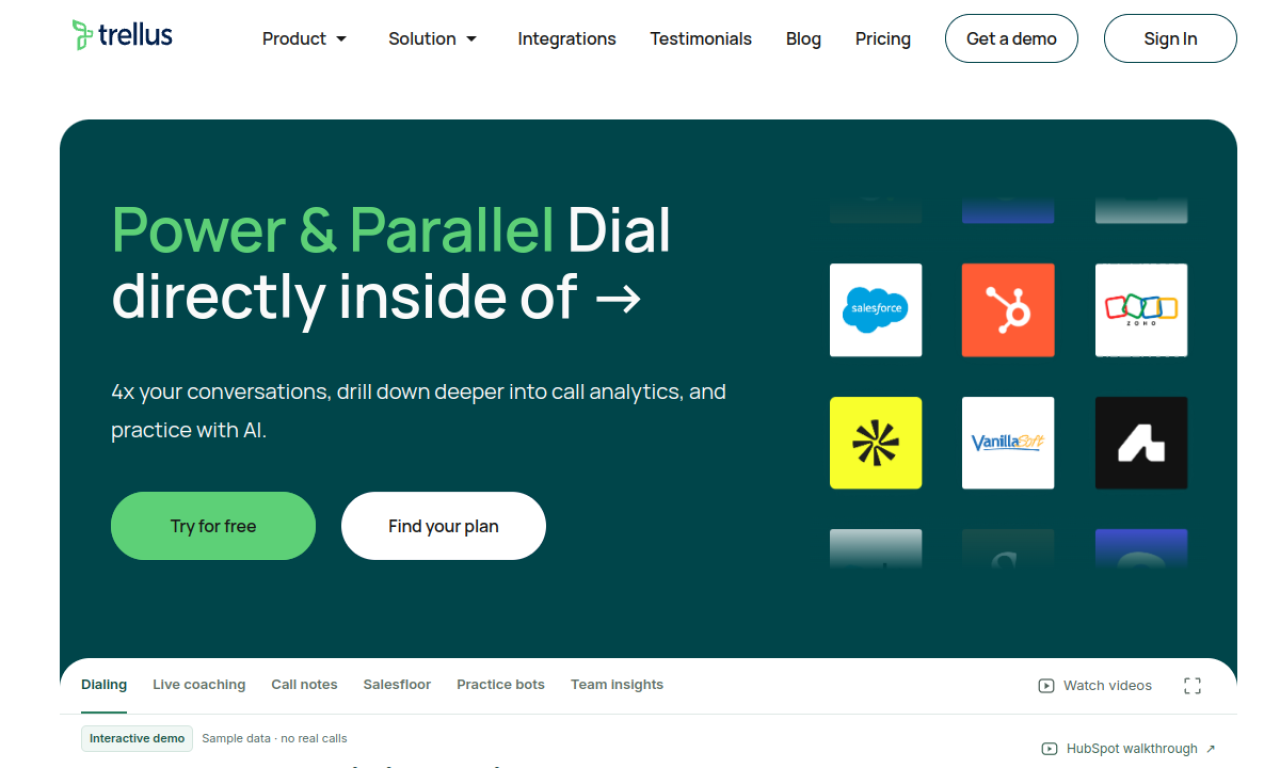
Trellus is an AI assistant for sales calls. It offers live suggestions during cold calls, automates post-call tasks and includes a parallel dialer. It connects with Salesloft, Outreach, HubSpot and Orum, and adds AI bots for inbound calls and sales practice, along with call analytics.
- Hinzugefügt am
- 2. Nov. 2026
- Website
- trellus.ai
- Preismodell
- Paid
- Unternehmen
- Trellus
Produktinformationen
Was ist Trellus?
An AI assistant that coaches reps during sales calls and automates follow-up work.
Kernfunktionen von Trellus
- Real-time AI call coaching
- Parallel dialer
- AI bots for inbound calls and practice
- Call analytics
- LinkedIn inbox management
Anwendungsfälle für Trellus
- 1Improving cold call results
- 2Automating post-call tasks
- 3Handling inbound calls with AI bots
- 4Practicing sales skills with AI agents
- 5Managing LinkedIn messages in one inbox
Wie verwendet man Trellus?
Install the Chrome extension to add Trellus to your sales platform. Use its live suggestions during calls, the parallel dialer for outreach, and AI bots for inbound calls and practice.
Häufige Fragen zu Trellus
Which platforms does Trellus connect with?+
It connects with Salesloft, Outreach, HubSpot and Orum.
What is the parallel dialer in Trellus?+
It dials several lines at once so reps can make more calls in the same time.
What do Trellus AI voice agents do?+
They support practice sessions, handle inbound calls and help with phone coverage.
In welcher Kategorie ist Trellus?+
Trellus ist unter KI-Vertriebsassistent aufgeführt.
Tags für Trellus
ai sales assistantai cold callingai coachingparallel dialerGoodAI-Badge einbetten
Unterstütze Trellus
Füge dieses Badge zu deiner Website hinzu, um zu zeigen, dass Trellus auf Good AI Life vorgestellt wird. Wähle eine helle oder dunkle Variante und kopiere den Einbettungscode.
Weitere Badge-Optionen →