

- 0 gespeichert
- 0 Aufrufe
- 0 Videos
- Einführung:
- AI video creation, screen recording, and team editing for business video
- Hinzugefügt am:
- 2. Nov. 2026
- Website:
- www.visla.us
- Unternehmen:
- Visla, Inc.
Empfohlene Tools
Einführung
Beschreibung in der Originalsprache (English).
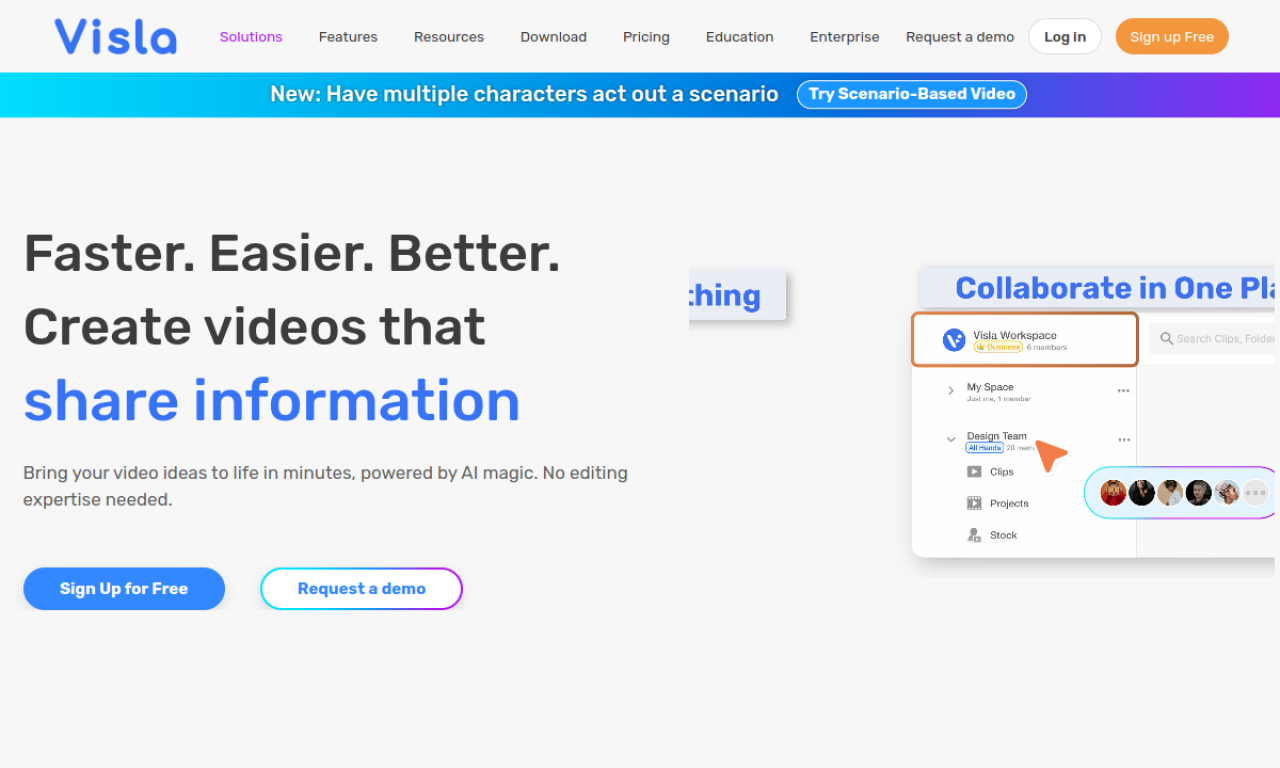
Visla is a browser-based tool for making business videos with AI generation, auto-transcription, screen and camera recording, and shared team editing. It covers marketing, sales, training, and product demo use. Usage is metered by a credit system, with base credits included in each plan and extra credits available to buy.
- Hinzugefügt am
- 2. Nov. 2026
- Website
- www.visla.us
- Preismodell
- Freemium
- Unternehmen
- Visla, Inc.
Produktinformationen
Was ist Visla?
Visla is an AI-powered video creation and editing tool for businesses and teams.
Kernfunktionen von Visla
- AI video generation
- AI video editing
- Screen and video recording
- Team collaboration
- Auto transcription
Anwendungsfälle für Visla
- 1Marketing videos
- 2Sales videos
- 3Training videos
- 4Support videos
- 5Product demos
Wie verwendet man Visla?
Generate a video from text, a script, or an idea, edit with AI features, record your screen or camera, and collaborate in shared workspaces. Subtitles, voice-overs, and branding can be added.
Häufige Fragen zu Visla
How does the Visla credit system work?+
Each plan includes base credits, and extra credits can be purchased. Cost depends on project type and video length.
What happens when Visla credits run out?+
The account is locked for resource-heavy tasks until you buy flexible credits or the base credits refresh.
Can Visla free-tier users buy extra credits?+
No. Free-tier users only get base credits, which reset monthly.
In welcher Kategorie ist Visla?+
Visla ist unter KI-Videoeditor aufgeführt.
Tags für Visla
ai video generatorai video editortext to videoai subtitle generatorscreen recordingGoodAI-Badge einbetten
Unterstütze Visla
Füge dieses Badge zu deiner Website hinzu, um zu zeigen, dass Visla auf Good AI Life vorgestellt wird. Wähle eine helle oder dunkle Variante und kopiere den Einbettungscode.
Weitere Badge-Optionen →