

- 0 Saved
- 0 Views
- 0 Videos
- Introduction:
- Free PDF and image tools that run privately in your browser
- Added on:
- Nov 2, 2026
- Website:
- doctoolspro.com
Featured Tools
Introduction
Description shown in its original language (English).
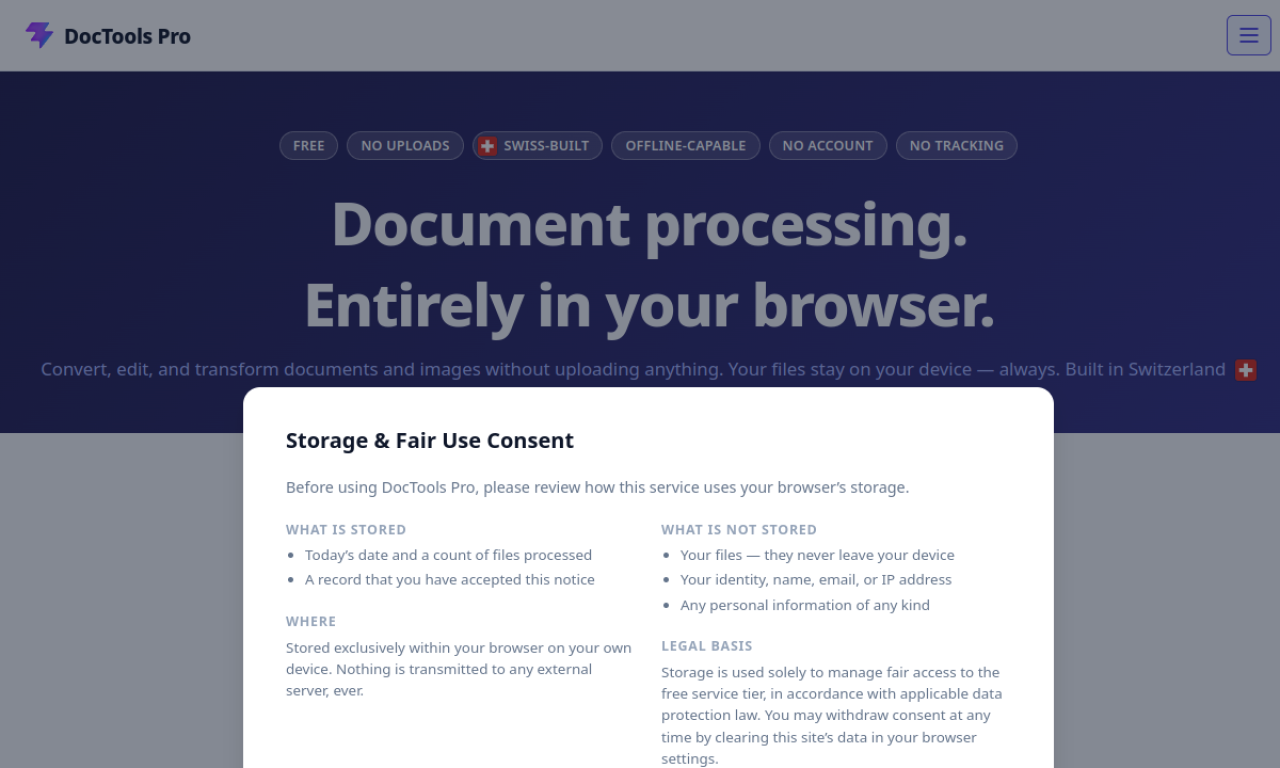
DocTools Pro bundles 55+ tools for PDF editing, image conversion, OCR, background removal and encryption. Everything runs locally in the browser, so files are never uploaded, and it works offline once loaded. No account or install is needed.
- Added on
- Nov 2, 2026
- Website
- doctoolspro.com
- Pricing model
- Free
Product information
What is DocTools Pro?
DocTools Pro is a free, browser-based workspace for document and image processing that keeps files on your device.
Core features of DocTools Pro
- Local browser-based processing
- 55+ free tools
- 20+ file format conversions
- Offline use after loading
- No file size limits or tracking
Use cases of DocTools Pro
- 1Merging, splitting, compressing or protecting PDFs
- 2Converting HEIC to JPG or Word to PDF locally
- 3Bulk resizing and background removal
- 4OCR on scanned documents
How to use DocTools Pro?
Drop files onto the page, pick an output format or settings, and the result is saved back to your device.
Frequently asked questions about DocTools Pro
Are my files uploaded to a server?+
No. Processing happens locally in your browser.
Is it really free?+
Yes, every tool is free with no account or subscription.
Which category is DocTools Pro in?+
DocTools Pro is listed under AI PDF Tools.
DocTools Pro tags
pdf toolsimage toolsocrbackground removerGoodAI Badge Embed
Show your support for DocTools Pro
Add this badge to your website to show that DocTools Pro is featured on Good AI Life. Choose a light or dark version, then copy the embed code.
More badge options →