

- 0 Saved
- 0 Views
- 0 Videos
- Introduction:
- AI video editor for YouTubers that cuts silences, bad takes and filler
- Added on:
- Nov 2, 2026
- Website:
- gling.ai
Featured Tools
Introduction
Description shown in its original language (English).
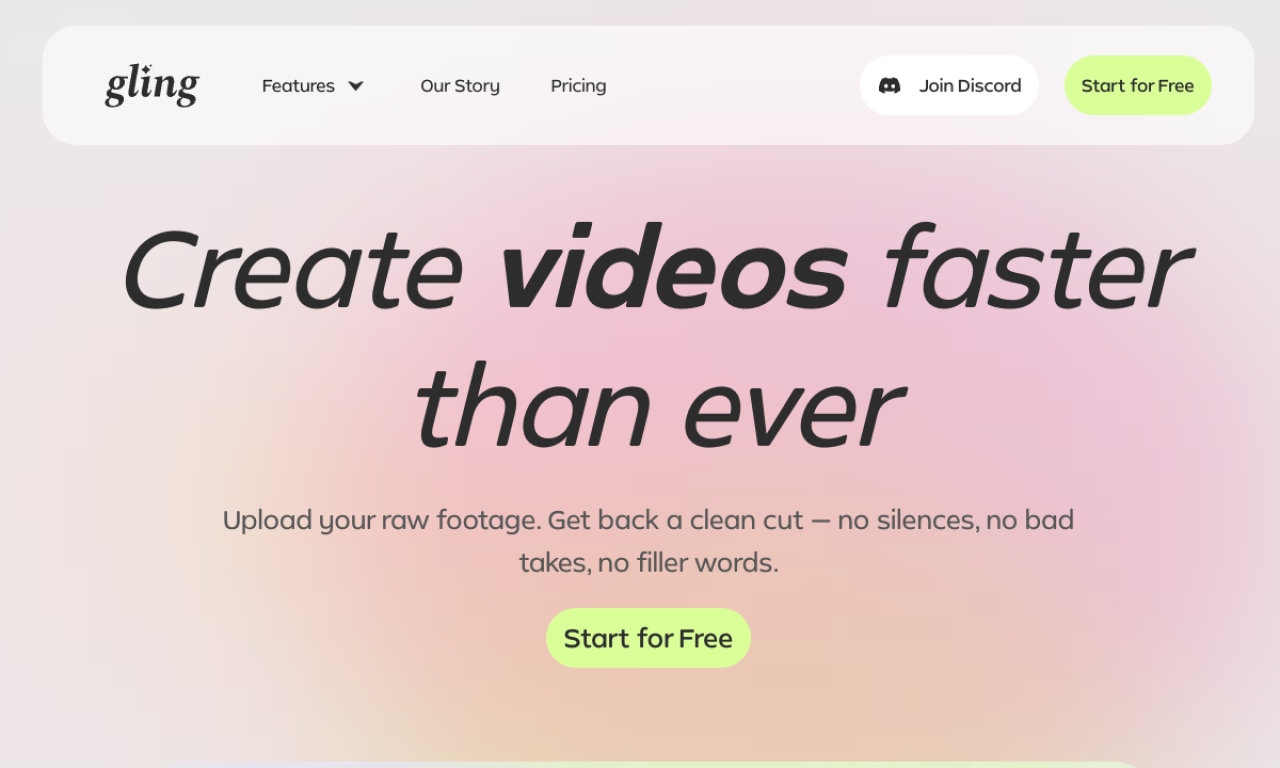
Gling edits raw YouTube recordings by transcribing them and removing bad takes, silences, filler words and background noise. It also adds captions, auto framing, title and chapter suggestions. Free use adds a watermark and blocks export to Premiere, Final Cut and Resolve, except for your first video.
- Added on
- Nov 2, 2026
- Website
- gling.ai
- Pricing model
- Freemium
Product information
What is Gling?
A video editing tool for YouTube creators that automates rough cuts using the transcript.
Core features of Gling
- Silence and bad take removal
- Text-based trimming
- Captions and subtitles
- Title and chapter generation
- Next video suggestions
- Noise removal and auto framing
Use cases of Gling
- 1Cutting silences and bad takes automatically
- 2Writing titles and chapters
- 3Adding captions for accessibility
- 4Improving audio and framing
How to use Gling?
Upload a raw recording, let the AI transcribe and trim it, review the edit, then download or export to an editor or MP4/MP3.
Frequently asked questions about Gling
What is Gling?+
It is AI video editing software built for YouTube creators.
Is Gling free to use?+
Yes, but free exports carry a watermark and cannot go to Premiere, Final Cut or Resolve; your first video has no such limits.
Which category is Gling in?+
Gling is listed under AI Video Editor.
Gling tags
ai video editoryoutubecaption generatorsubtitle generatornoise removalGoodAI Badge Embed
Show your support for Gling
Add this badge to your website to show that Gling is featured on Good AI Life. Choose a light or dark version, then copy the embed code.
More badge options →