

- 0 Saved
- 0 Views
- 0 Videos
- Introduction:
- Text and image to video, image enhancement up to 4K, and AI editing tools
- Added on:
- Nov 2, 2026
- Website:
- vivago.ai
- Company:
- VIVA
Featured Tools
Introduction
Description shown in its original language (English).
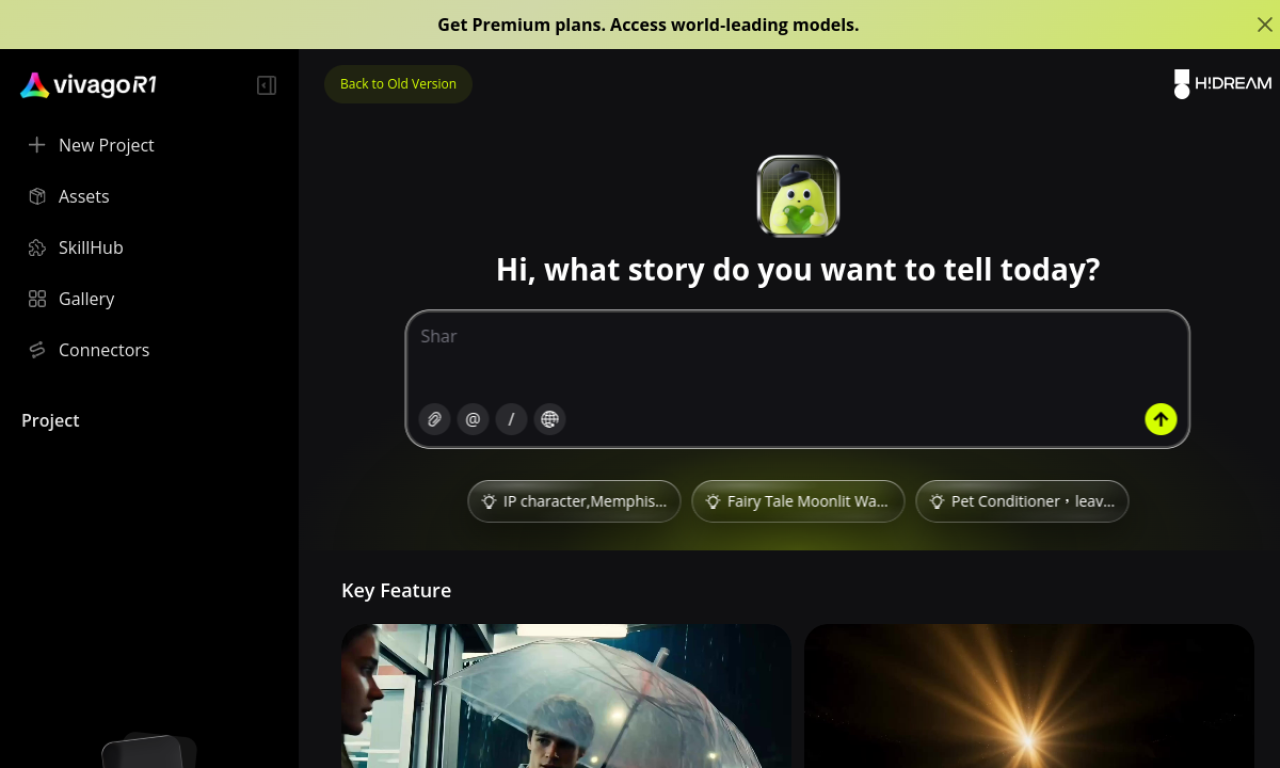
VIVAGO AI is a platform for creating videos and images from text or photos, with tools to enhance resolution up to 4K, expand images, erase objects, and animate selected areas. It includes a Magic Prompt helper for writing prompts. It supports vertical formats for social platforms. The source lists a free trial.
- Added on
- Nov 2, 2026
- Website
- vivago.ai
- Pricing model
- Free Trial
- Company
- VIVA
Product information
What is VIVAGO AI?
VIVAGO AI is a creative platform that generates and edits videos and images with AI tools.
Core features of VIVAGO AI
- Text-to-video and image-to-video
- Video and image enhancement up to 4K
- Text-to-image
- Magic Eraser and Magic Expand
- Text-to-3D
Use cases of VIVAGO AI
- 1Marketing or teaching videos from text
- 2Animating still images
- 3Upscaling videos and images to 4K
- 4Creating 3D models from prompts
- 5Animating selected parts of a picture
How to use VIVAGO AI?
Enter a text prompt or upload an image, optionally refine the prompt with Magic Prompt, then use the video, enhance, or editing tools to generate the result.
Frequently asked questions about VIVAGO AI
How can I create videos with VIVAGO AI?+
Use Text to Video or Image to Video, and refine the prompt with Magic Prompt if needed.
Does VIVAGO AI support vertical video?+
Yes, vertical formats are supported for Instagram and TikTok.
Can VIVAGO AI upscale images to 4K?+
Yes, the source says image upscaling to 4K is supported.
Which category is VIVAGO AI in?+
VIVAGO AI is listed under AI Image Generator, AI Video Generator.
VIVAGO AI tags
ai video generatorai image generatortext to videoimage to videoai image enhancerGoodAI Badge Embed
Show your support for VIVAGO AI
Add this badge to your website to show that VIVAGO AI is featured on Good AI Life. Choose a light or dark version, then copy the embed code.
More badge options →