

- 0 Saved
- 0 Views
- 0 Videos
- Introduction:
- Collaborative AI video editor for marketing and content teams
- Added on:
- Nov 2, 2026
- Website:
- capsule.video
- Company:
- Capsule.Video Inc.
Featured Tools
Introduction
Description shown in its original language (English).
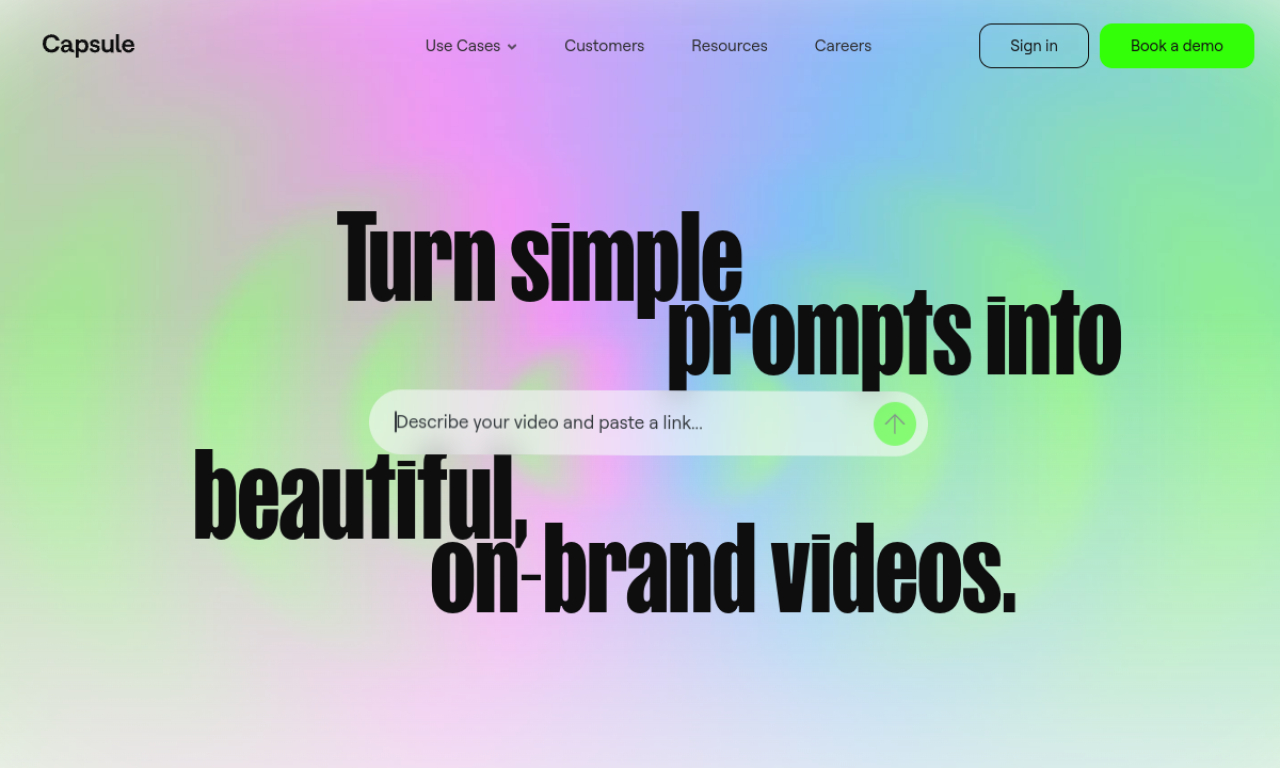
Capsule is a video editor built for content and marketing teams. It turns After Effects motion graphics into responsive templates and adds AI help for captions, titles and B-roll. Teams can review and work on videos together in real time.
- Added on
- Nov 2, 2026
- Website
- capsule.video
- Pricing model
- Contact for Pricing
- Company
- Capsule.Video Inc.
Product information
What is Capsule?
Capsule is an AI video editor aimed at teams that need on-brand videos quickly. Motion graphics made by a creative team can be reused by other employees.
Core features of Capsule
- CoProducer AI editing assistant
- VoiceMagic for studio-quality sound
- Auto Frame for responsive graphics
- AI captions and titles
- AI-generated B-roll
- Real-time collaboration
Use cases of Capsule
- 1Animated slides and social posts
- 2Paid media and branded UGC
- 3Long-form cutdowns
- 4Customer testimonials and product demos
How to use Capsule?
Convert After Effects files into responsive templates, add them to a video in one click and share a project link for feedback. AI tools help generate captions, titles and B-roll.
Frequently asked questions about Capsule
Who is Capsule suited for?+
It targets marketing teams, content creators, social media managers and other teams producing branded videos.
What are the key features of Capsule?+
Highlights include the AI CoProducer, VoiceMagic, Auto Frame, AI captions and titles, AI B-roll and real-time collaboration.
Which category is Capsule in?+
Capsule is listed under AI Video Editor.
Capsule tags
ai video editortext to videoai subtitle generatorai audio enhancerai title generatorGoodAI Badge Embed
Show your support for Capsule
Add this badge to your website to show that Capsule is featured on Good AI Life. Choose a light or dark version, then copy the embed code.
More badge options →