

- 0 Saved
- 0 Views
- 0 Videos
- Introduction:
- AI resume formatter for recruitment agencies, with branded templates, summaries and team collaboration.
- Added on:
- Nov 2, 2026
- Website:
- www.cvformatter.co
Featured Tools
Introduction
Description shown in its original language (English).
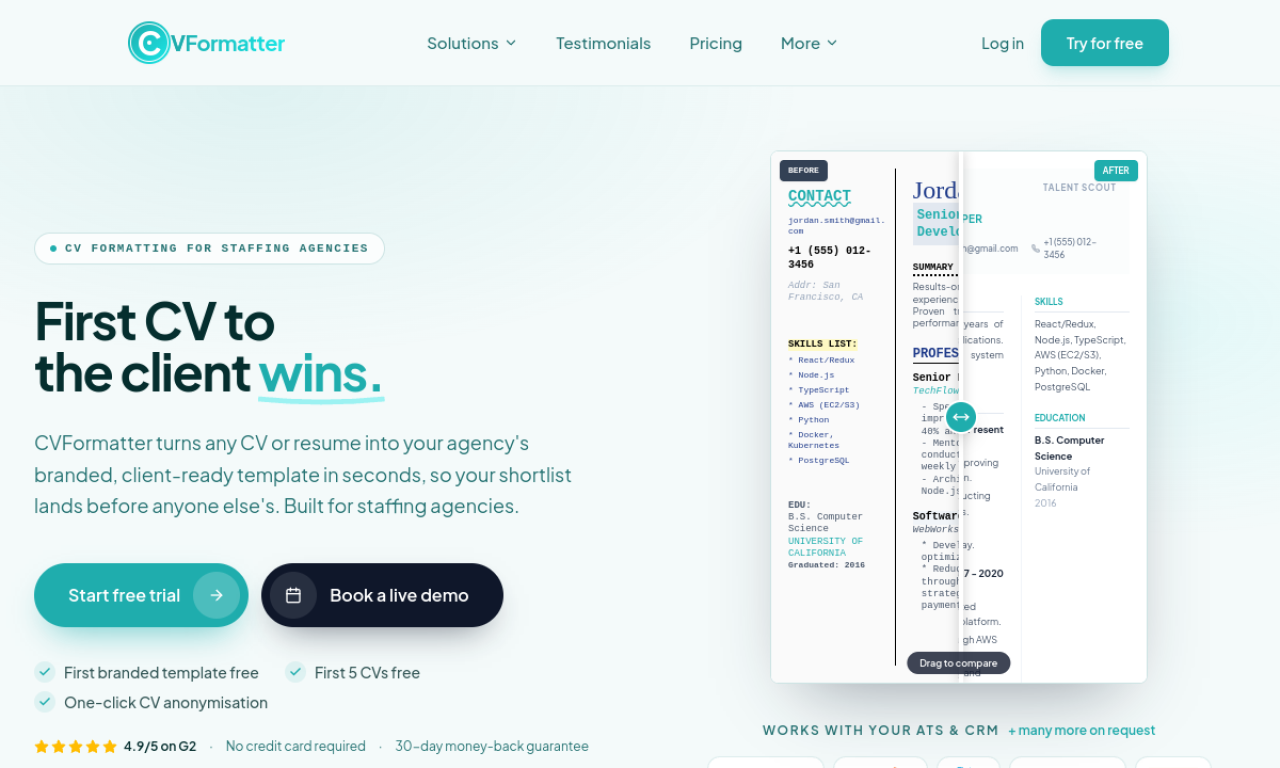
CVFormatter is a SaaS tool that converts candidate resumes into consistent, agency-branded templates. It reads Word, PDF and image files, can anonymize candidate details, and writes AI summaries. Teams can work together with role-based permissions and bulk formatting.
- Added on
- Nov 2, 2026
- Website
- www.cvformatter.co
- Pricing model
- Free Trial
Product information
What is CVFormatter?
CVFormatter is an AI-powered platform for recruitment agencies that automates reformatting resumes into standard layouts and summarizing them.
Core features of CVFormatter
- Automatic formatting to custom templates
- AI resume summaries
- Team collaboration with role-based permissions
- DOCX, PDF, JPG and PNG input
- Bulk formatting
- Customizable templates
Use cases of CVFormatter
- 1Keeping branding consistent across candidate resumes
- 2Formatting and submitting resumes to clients quickly
- 3Using AI summaries to assess candidates
How to use CVFormatter?
Upload resumes as Word, PDF, image or URL. CVFormatter parses them and applies your predefined template; you can add missing data, customize the template and generate summaries.
Frequently asked questions about CVFormatter
Which file formats does CVFormatter accept?+
It supports DOCX, PDF, JPG and PNG files.
Can CVFormatter anonymize resumes?+
Yes. It follows your template and can remove candidate details as you choose.
Who is CVFormatter for?+
It is aimed at recruitment agencies, headhunters and recruiters.
Which category is CVFormatter in?+
CVFormatter is listed under AI Career Tools.
CVFormatter tags
resume formattingrecruitmentai summariesbulk processingtemplatesGoodAI Badge Embed
Show your support for CVFormatter
Add this badge to your website to show that CVFormatter is featured on Good AI Life. Choose a light or dark version, then copy the embed code.
More badge options →