

- 0 Saved
- 0 Views
- 0 Videos
- Introduction:
- Bug reporting tool that captures debug data automatically
- Added on:
- Nov 2, 2026
- Website:
- jam.dev
Featured Tools
Introduction
Description shown in its original language (English).
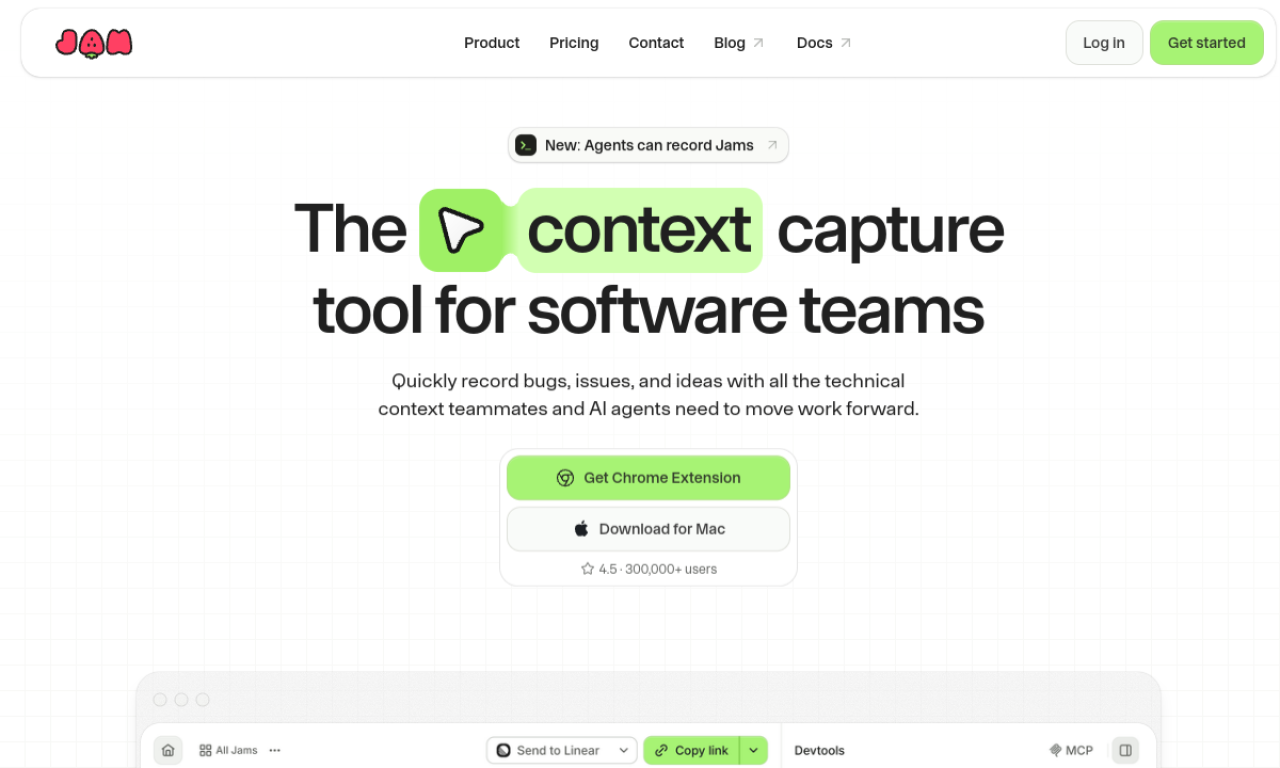
Jam lets you report a bug in seconds with a screenshot or video. It automatically attaches device and browser details, console and network logs, and repro steps. Reports can go to Notion, GitHub, Jira and Slack, and an AI debugger helps with diagnosis.
- Added on
- Nov 2, 2026
- Website
- jam.dev
- Pricing model
- Freemium
Product information
What is Jam?
Jam is a bug reporting tool that speeds up identifying, reporting and fixing bugs by capturing the context engineers need.
Core features of Jam
- Automatic device and browser capture
- Console and network logs
- Repro steps recording
- Backend tracing
- AI debugger
- Integrations with Notion, GitHub, Jira and Slack
Use cases of Jam
- 1Reporting bugs quickly
- 2Improving communication between QA and developers
- 3Capturing detailed debugging context
- 4Fitting bug reports into existing workflows
How to use Jam?
Take a screenshot or record a video of the bug. Jam gathers device info, logs and steps for you, then you share the report with your tracker or chat tool.
Frequently asked questions about Jam
What is Jam?+
A bug reporting tool that captures screenshots or video along with technical details.
How do I use Jam?+
Take a screenshot or record a video, and Jam attaches the information needed to debug.
Which category is Jam in?+
Jam is listed under AI Code Editor.
Jam tags
developer toolsbug reportingtestingproductivityworkflowGoodAI Badge Embed
Show your support for Jam
Add this badge to your website to show that Jam is featured on Good AI Life. Choose a light or dark version, then copy the embed code.
More badge options →
