

- 0 Saved
- 0 Views
- 0 Videos
- Introduction:
- Design agent that plans, picks tools and generates or edits images from your idea.
- Added on:
- Nov 2, 2026
- Website:
- kolors-ai.com
- Company:
- Kolors AI
Featured Tools
Introduction
Description shown in its original language (English).
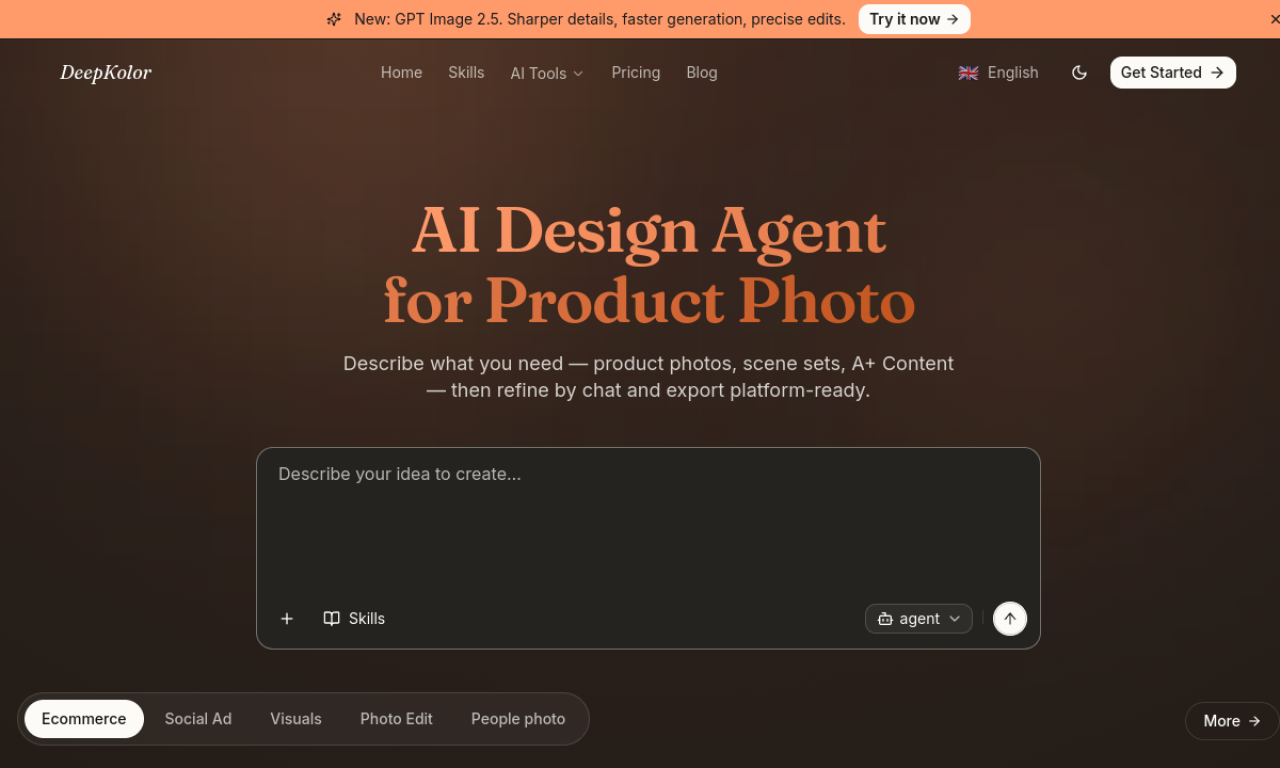
Kolors AI is a design agent for image generation and editing. Describe an idea or supply an image, and it analyzes the request, chooses a design approach and the suitable tools, and returns results in minutes. It handles text-to-image and image-to-image work.
- Added on
- Nov 2, 2026
- Website
- kolors-ai.com
- Pricing model
- Freemium
- Company
- Kolors AI
Product information
What is Kolors AI?
Kolors AI is an AI design agent that creates and edits images, deciding on a design strategy and tools for each task.
Core features of Kolors AI
- Image generation and editing
- Text to image
- Image to image
- Agent-planned design strategy
- Automatic tool selection
Use cases of Kolors AI
- 1Posters
- 2Website icons
- 3Emoji and stickers
- 4Comic art
- 5Logos
How to use Kolors AI?
Describe your idea or upload an existing image. The agent studies the requirements, selects tools and produces a complete design or edits the image.
Frequently asked questions about Kolors AI
What is Kolors AI?+
A design agent for image generation that creates images in your own style and content from your idea.
How do I use Kolors AI?+
Describe your idea or give it an image, and the agent picks the tools and delivers a design or edit.
What kinds of designs can Kolors AI make?+
Examples include posters, icons, logos, stickers, comics, portraits, fashion try-on images and product photos.
Which category is Kolors AI in?+
Kolors AI is listed under AI Design Tools.
Kolors AI tags
ai image generatorai design assistantai graphic designproduct photographytext to imageGoodAI Badge Embed
Show your support for Kolors AI
Add this badge to your website to show that Kolors AI is featured on Good AI Life. Choose a light or dark version, then copy the embed code.
More badge options →