

- 0 Saved
- 0 Views
- 0 Videos
- Introduction:
- AI sales dialer platform for B2B teams, with parallel dialing and cadences.
- Added on:
- Nov 2, 2026
- Website:
- koncert.com
- Company:
- Koncert
Featured Tools
Introduction
Description shown in its original language (English).
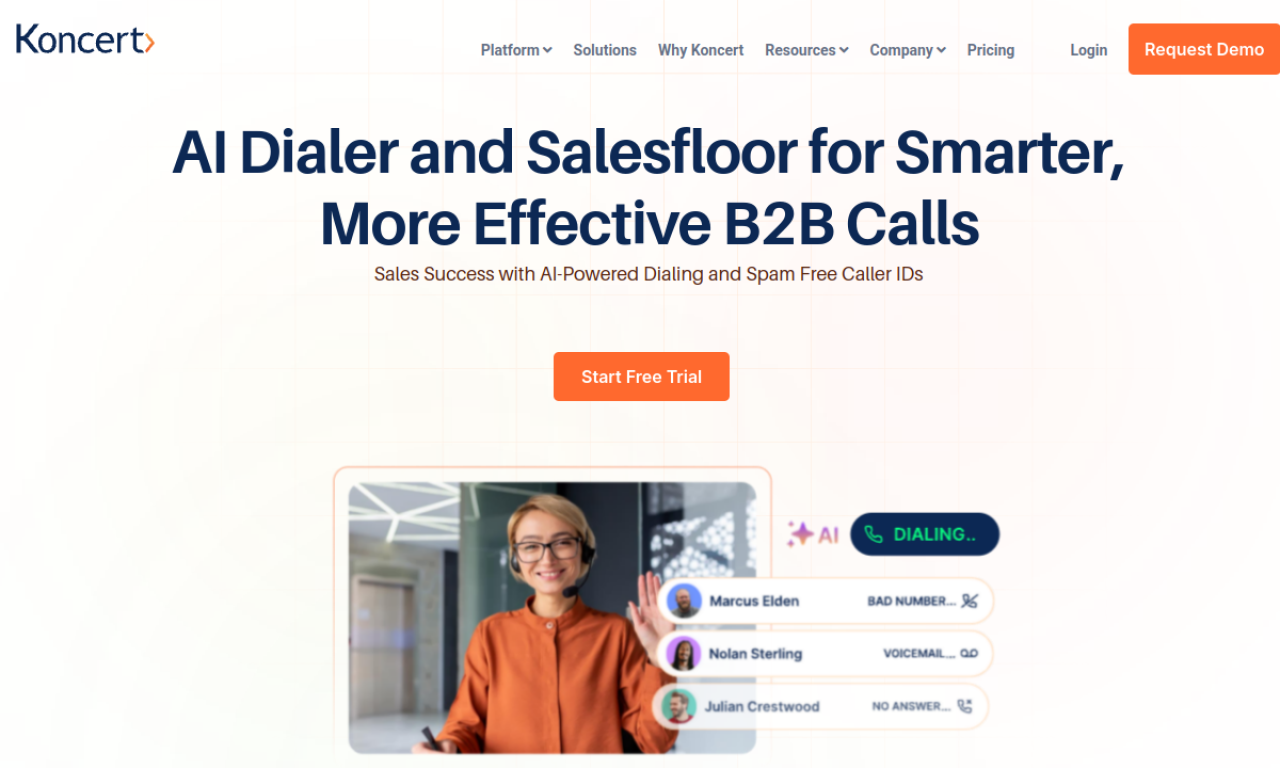
Koncert is a B2B sales dialer platform with AI parallel and power dialers, a multi-channel cadence sequencer, remote salesfloor and caller ID management. It filters out voicemails and phone trees to connect live calls and picks local caller IDs by prospect area code.
- Added on
- Nov 2, 2026
- Website
- koncert.com
- Pricing model
- Contact for Pricing
- Company
- Koncert
Product information
What is Koncert?
Koncert is an AI-assisted dialer and engagement platform that helps B2B sales teams hold more live conversations.
Core features of Koncert
- AI Parallel Dialer
- AI Power Dialer
- Cadence multi-channel sequencer
- Remote Salesfloor
- Caller ID management
- Lead scoring and prioritization
Use cases of Koncert
- 1Account executives covering their ideal customers by phone and email
- 2Managers coaching reps with dashboards and call recordings
- 3Raising MQL to SQL conversion
- 4Speeding up inbound lead response
- 5Outbound calling at scale
How to use Koncert?
Manage outbound numbers, connect your existing tools, prioritize leads with scoring, and coach reps in real time. Request a demo to get started.
Frequently asked questions about Koncert
What dialers does Koncert offer?+
AI Parallel, AI Flow, Agent-Assisted and Click to call dialers.
What is Koncert Cadence?+
A multi-channel sequencer covering phone, email, video and social outreach.
How do I get started with Koncert?+
Request a demo through the form on the site.
Which category is Koncert in?+
Koncert is listed under AI Sales Assistant.
Koncert tags
ai sales assistantai cold callingsales dialerlead generationsales productivityGoodAI Badge Embed
Show your support for Koncert
Add this badge to your website to show that Koncert is featured on Good AI Life. Choose a light or dark version, then copy the embed code.
More badge options →