

- 0 Saved
- 0 Views
- 0 Videos
- Introduction:
- Matches lip movements in video to any audio track, in many languages.
- Added on:
- Nov 2, 2026
- Website:
- www.lipsyncai.org
Featured Tools
Introduction
Description shown in its original language (English).
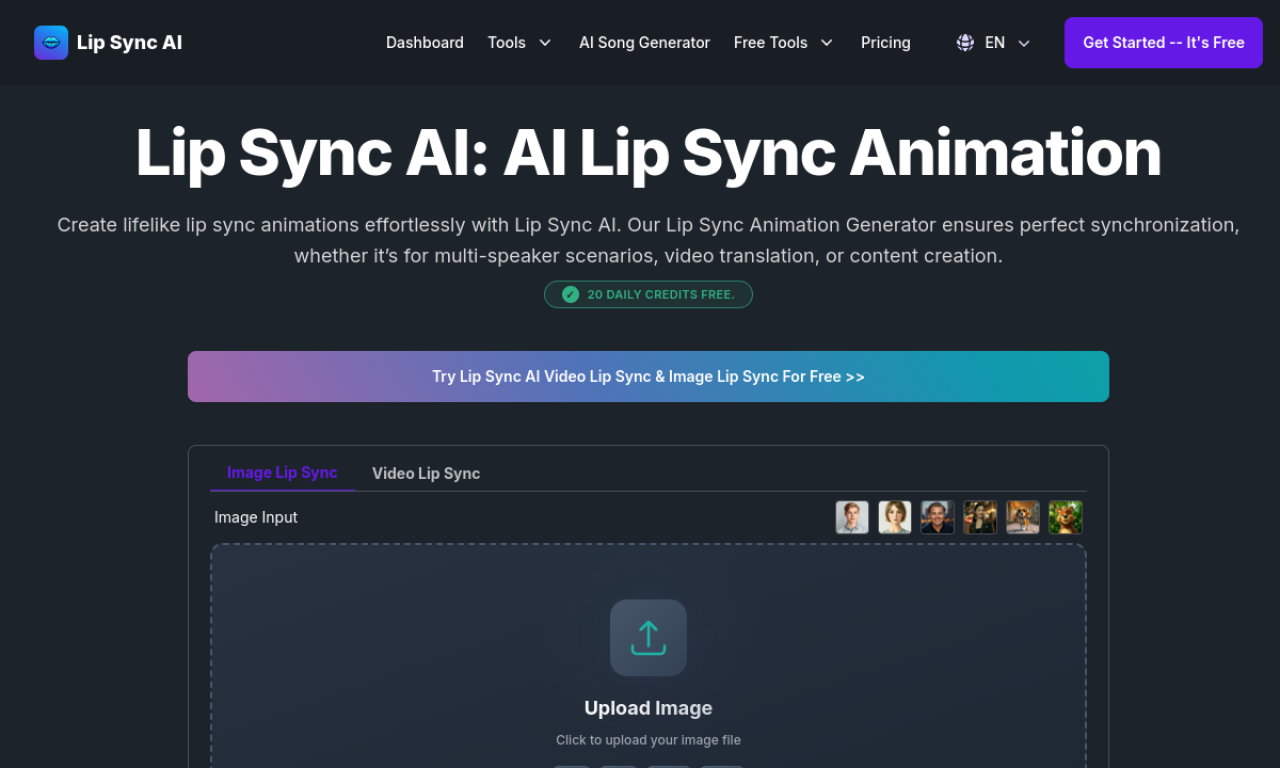
Lip Sync AI aligns lip movements in videos with any audio and works across head positions, facial movements and languages. It supports real faces and AI avatars, including scenes with up to 6 faces, for translation, social content and localization.
- Added on
- Nov 2, 2026
- Website
- www.lipsyncai.org
- Pricing model
- Freemium
Product information
What is Lip Sync AI?
Lip Sync AI is an AI technology that produces synchronized lip movements for videos to match an audio track. It handles both real people and AI-generated avatars.
Core features of Lip Sync AI
- Natural-looking lip sync animation
- Up to 6 faces in multi-speaker scenes
- Works across head positions and movements
- Any language or dialect
Use cases of Lip Sync AI
- 1Translating and localizing video
- 2Creating content for YouTube, TikTok and Instagram
- 3Producing music videos, including rap
- 4Redubbing product demos or presentations
- 5Corporate training and education
Frequently asked questions about Lip Sync AI
Is Lip Sync AI free to use?+
Not entirely. It has paid plans plus a limited free plan, with details such as 10 credits a month and a 10-second maximum video length.
Can I use Lip Sync AI commercially?+
Yes, it is designed for commercial uses such as marketing, product demos, training and video localization.
How do video credits work in Lip Sync AI?+
Credits are spent generating videos. Each plan includes a set amount, and you can buy more or upgrade when they run out.
Which category is Lip Sync AI in?+
Lip Sync AI is listed under AI Dubbing & Subtitles.
Lip Sync AI tags
ai lip syncai dubbingvideo translatorai animationvideo to videoGoodAI Badge Embed
Show your support for Lip Sync AI
Add this badge to your website to show that Lip Sync AI is featured on Good AI Life. Choose a light or dark version, then copy the embed code.
More badge options →