

- 0 Saved
- 0 Views
- 0 Videos
- Introduction:
- Documentation platform with AI features, codebase sync and a built-in API playground.
- Added on:
- Nov 2, 2026
- Website:
- mintlify.com
- Company:
- Mintlify, Inc.
Featured Tools
Introduction
Description shown in its original language (English).
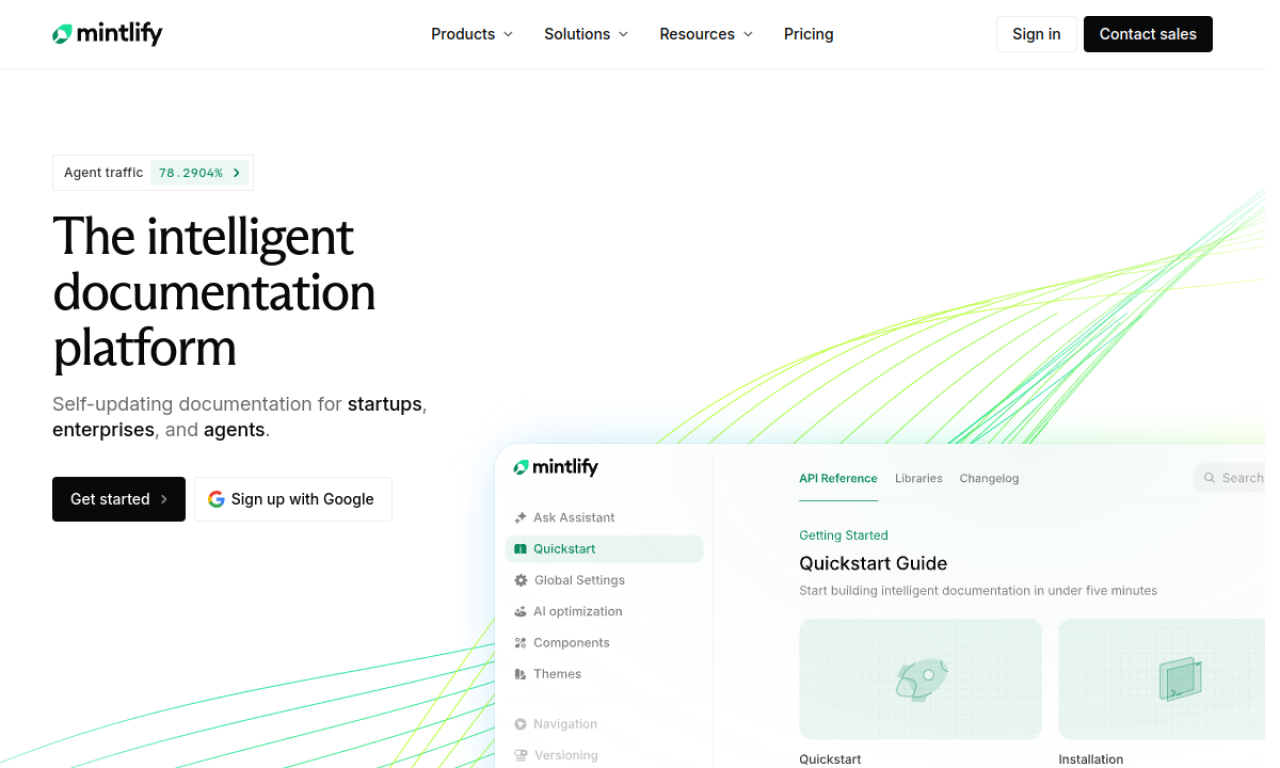
Mintlify helps teams publish and maintain developer documentation with a clean default design. You can edit on the web or sync with your codebase, and it adds an API playground, translations and visitor authentication.
- Added on
- Nov 2, 2026
- Website
- mintlify.com
- Pricing model
- Freemium
- Company
- Mintlify, Inc.
Product information
What is Mintlify?
Mintlify is a documentation platform for building and maintaining modern developer docs, with AI-native features and a polished design out of the box.
Core features of Mintlify
- AI documentation enhancements
- Codebase sync and web editor
- API playground
- Visitor authentication
- Automatic translations
- Integrations with popular tools
Use cases of Mintlify
- 1Public documentation for APIs and SDKs
- 2Internal knowledge bases
- 3Documentation that guides users to adoption
- 4Smoother documentation workflows for developers and non-developers
How to use Mintlify?
Create, edit and publish docs from a web editor or by syncing with your codebase. AI edit suggestions, automatic translations and an API playground help improve the result.
Frequently asked questions about Mintlify
What are Mintlify's key features?+
AI-powered enhancements, codebase syncing with a web editor, an API playground, visitor authentication, automatic translations and integrations.
How can I edit docs in Mintlify?+
Through the web editor or by syncing with your codebase.
Which category is Mintlify in?+
Mintlify is listed under AI Writing Assistant.
Mintlify tags
ai documents generatorai knowledge baseai writing assistantsai translateai developer toolsGoodAI Badge Embed
Show your support for Mintlify
Add this badge to your website to show that Mintlify is featured on Good AI Life. Choose a light or dark version, then copy the embed code.
More badge options →