

- 0 Saved
- 0 Views
- 0 Videos
- Introduction:
- Agentic coding platform with AI agents for multi-file software tasks
- Added on:
- Nov 2, 2026
- Website:
- qoder.com
- Company:
- Qoder
Featured Tools
Introduction
Description shown in its original language (English).
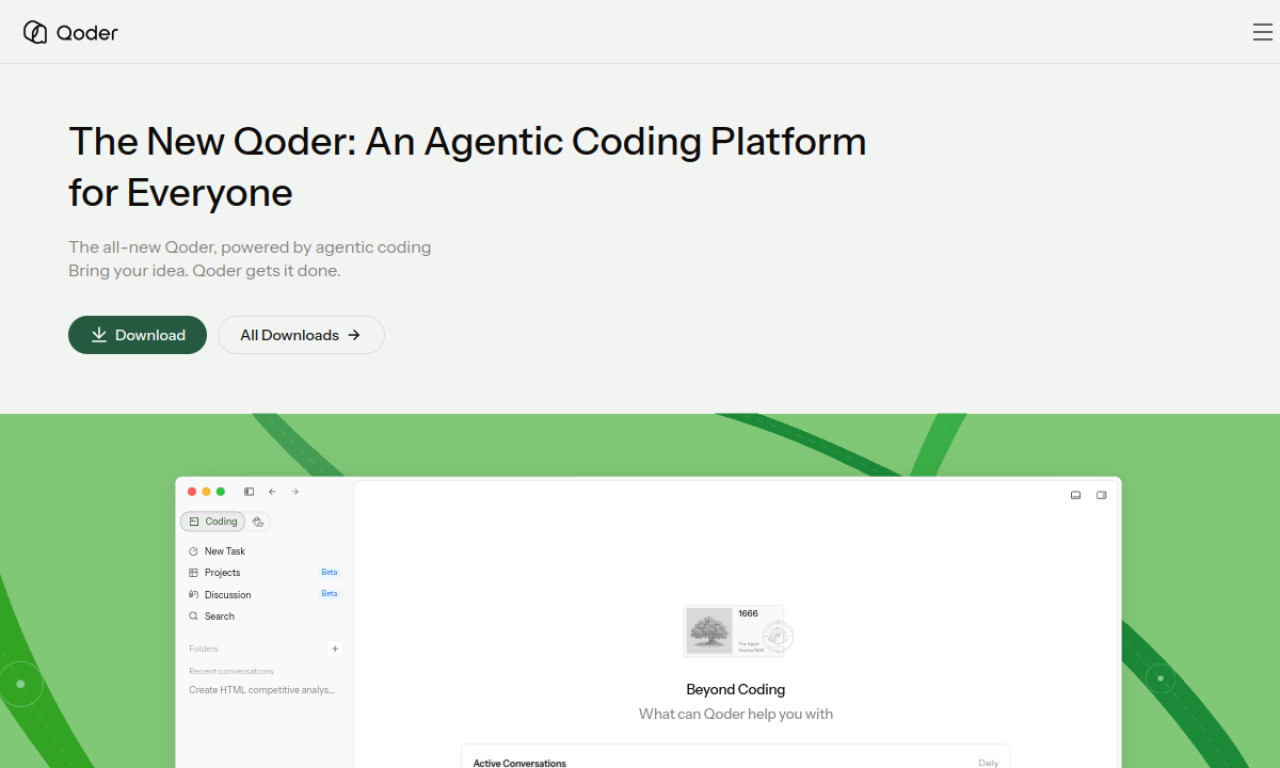
Qoder is an agentic coding platform that analyzes a project's architecture, dependencies, and history to support AI-driven development. Users can chat to make multi-file edits or hand tasks to agents that plan, code, and test. It supports models from several providers and is available for Windows and macOS.
- Added on
- Nov 2, 2026
- Website
- qoder.com
- Pricing model
- Free Trial
- Company
- Qoder
Product information
What is Qoder?
An AI coding environment that uses project context and agents to carry out software development tasks.
Core features of Qoder
- Deep codebase context engineering
- Agents for planning, coding, and testing
- Spec-driven development
- Codebase search and repository insight
- Context-aware completions and next-edit suggestions
- Support for Claude, GPT, and Gemini models
Use cases of Qoder
- 1Delegating larger development tasks to agents
- 2Making multi-file edits and refactors through chat
- 3Understanding an unfamiliar codebase
- 4Generating unit tests and explanations
How to use Qoder?
Download the app and start the free trial. Chat for multi-file edits, or describe a task with a spec in Quest Mode and let agents complete it.
Frequently asked questions about Qoder
What is Qoder?+
Qoder is an agentic coding platform that uses project context and AI agents for multi-file development tasks.
How long is the free trial?+
The Free plan includes a 2-week Pro trial.
Which AI models does Qoder use?+
It supports models such as Claude, GPT, and Gemini.
Which category is Qoder in?+
Qoder is listed under AI Agents, AI Code Editor, AI Code Assistant.
Qoder tags
ai coding agentcode assistantmulti-file editsspec-driven developmentGoodAI Badge Embed
Show your support for Qoder
Add this badge to your website to show that Qoder is featured on Good AI Life. Choose a light or dark version, then copy the embed code.
More badge options →