

- 0 Saved
- 0 Views
- 0 Videos
- Introduction:
- AI video platform for personalized and conversational video experiences.
- Added on:
- Nov 1, 2026
- Website:
- www.tavus.io
- Company:
- Tavus
Featured Tools
Introduction
Description shown in its original language (English).
AI video platform for personalized and conversational video experiences.
- Added on
- Nov 1, 2026
- Website
- www.tavus.io
- Pricing model
- Paid
- Company
- Tavus
Product information
What is Tavus?
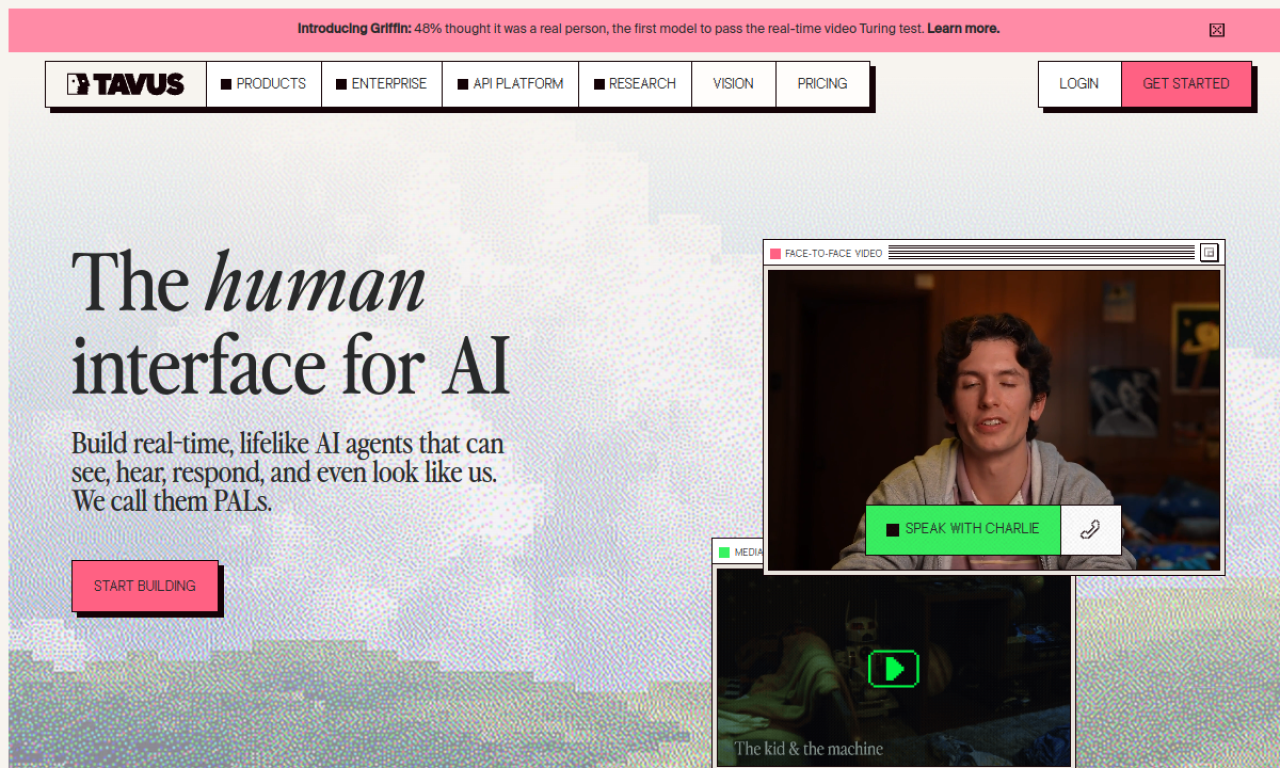
Tavus is an AI video research company offering a platform for personalized and conversational video experiences, built for product, marketing, and sales teams.
Core features of Tavus
- Conversational Video Interface (CVI)
- Video generation
- Lip sync
- Digital twin creation
- AI-powered personalization
Use cases of Tavus
- 1Patient intake assistants for healthcare
- 2Tutors offering lessons in many languages
- 3AI interviewers for screening candidates
- 4Executive coaching delivered at scale
How to use Tavus?
Record a video once and let the platform generate personalized versions. Developers can connect the APIs to existing systems, or use the no-code portal.
Frequently asked questions about Tavus
What is the difference between stock and custom replicas in Tavus?+
Stock replicas are curated by the Tavus team, while custom replicas are digital twins of you or your users.
How are Tavus minutes billed?+
Minutes are billed only after a video or conversation is generated. Usage is rounded up to roughly 6-second increments, with a 30-second minimum per generation to cover GPU start-up.
What does white-labeled mean for Tavus?+
The APIs can be embedded without Tavus branding. The exception is a consent script that mentions Tavus when a custom replica is created, which enterprise users can also white-label.
Which category is Tavus in?+
Tavus is listed under Video, AI Avatar Video.
Tavus tags
avatarvideoGoodAI Badge Embed
Show your support for Tavus
Add this badge to your website to show that Tavus is featured on Good AI Life. Choose a light or dark version, then copy the embed code.
More badge options →