

- 0 Saved
- 0 Views
- 0 Videos
- Introduction:
- Business video platform for sales teams, with AI avatars and a video sales agent
- Added on:
- Nov 2, 2026
- Website:
- vidyard.com
- Company:
- Buildscale, Inc d/b/a Vidyard
Featured Tools
Introduction
Description shown in its original language (English).
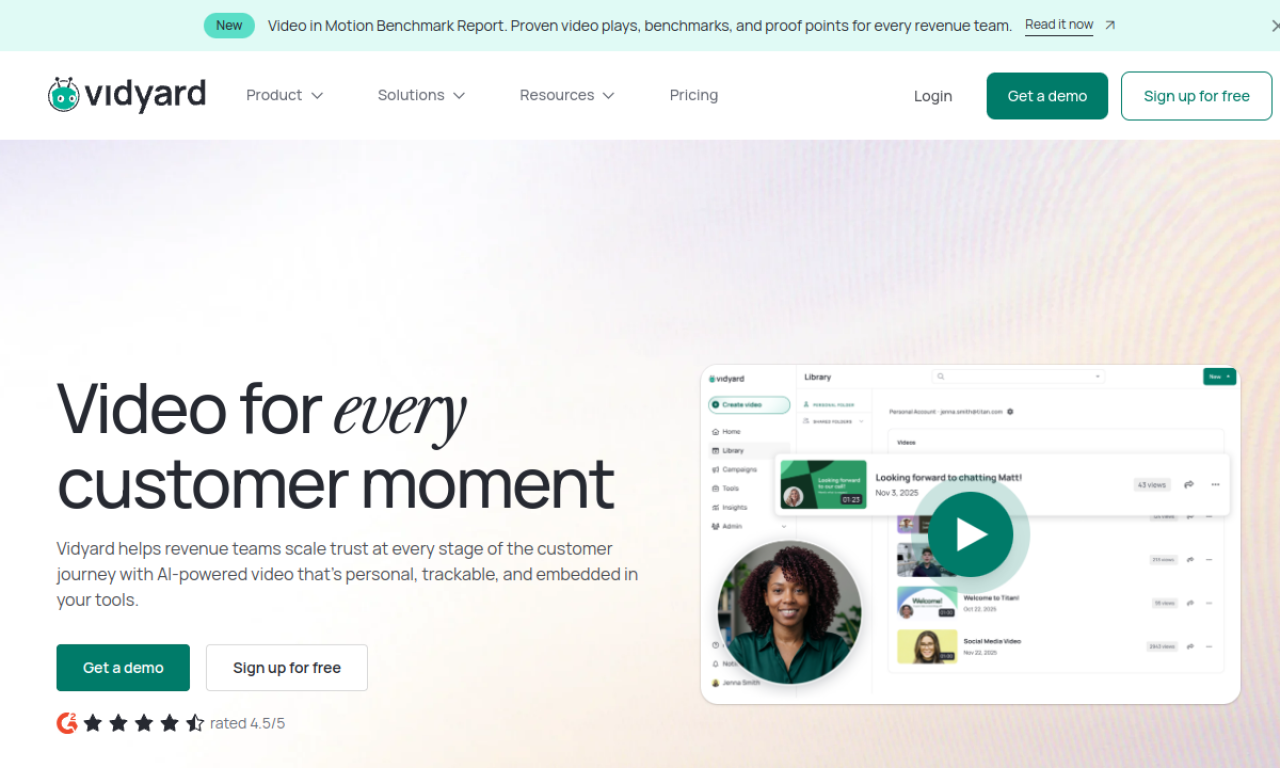
Vidyard is a video platform for sales and marketing teams. It covers personalized video messages, video hosting, and AI-generated avatar videos made at scale. It connects with tools such as LinkedIn, Salesforce, and SalesLoft. A newer Video Sales Agent feature sends personalized videos using AI avatars.
- Added on
- Nov 2, 2026
- Website
- vidyard.com
- Pricing model
- Freemium
- Company
- Buildscale, Inc d/b/a Vidyard
Product information
What is Vidyard?
Vidyard is a business video platform used for sales outreach, video hosting, and personalized AI video.
Core features of Vidyard
- Video messaging
- Video hosting
- AI avatars
- Integrations with sales and marketing tools
- Video Sales Agent
Use cases of Vidyard
- 1Prospecting and introductions
- 2Sales pipeline outreach
- 3Hosting marketing videos
- 4Internal communications
How to use Vidyard?
Record or generate personalized video messages, host and manage video content, and connect the platform to existing sales and marketing tools.
Frequently asked questions about Vidyard
What integrations does Vidyard offer?+
The source lists LinkedIn, SalesLoft, Salesforce, Gong, and Outreach, among others.
What is the Vidyard Video Sales Agent?+
It is a feature that automatically sends personalized videos featuring agentic AI avatars.
How can Vidyard help sales teams?+
By using personalized video and AI video to support pipeline and deal activity.
Which category is Vidyard in?+
Vidyard is listed under AI Agents, AI Video Generator, AI Avatar Video.
Vidyard tags
ai avatar videoai sales toolsvideo messagingai video generatorGoodAI Badge Embed
Show your support for Vidyard
Add this badge to your website to show that Vidyard is featured on Good AI Life. Choose a light or dark version, then copy the embed code.
More badge options →