

- 0 Saved
- 0 Views
- 0 Videos
- Introduction:
- Legal research platform with AI insights and sourced answers across many jurisdictions
- Added on:
- Nov 2, 2026
- Website:
- vlex.com.mx
- Company:
- vLex, LLC
Featured Tools
Introduction
Description shown in its original language (English).
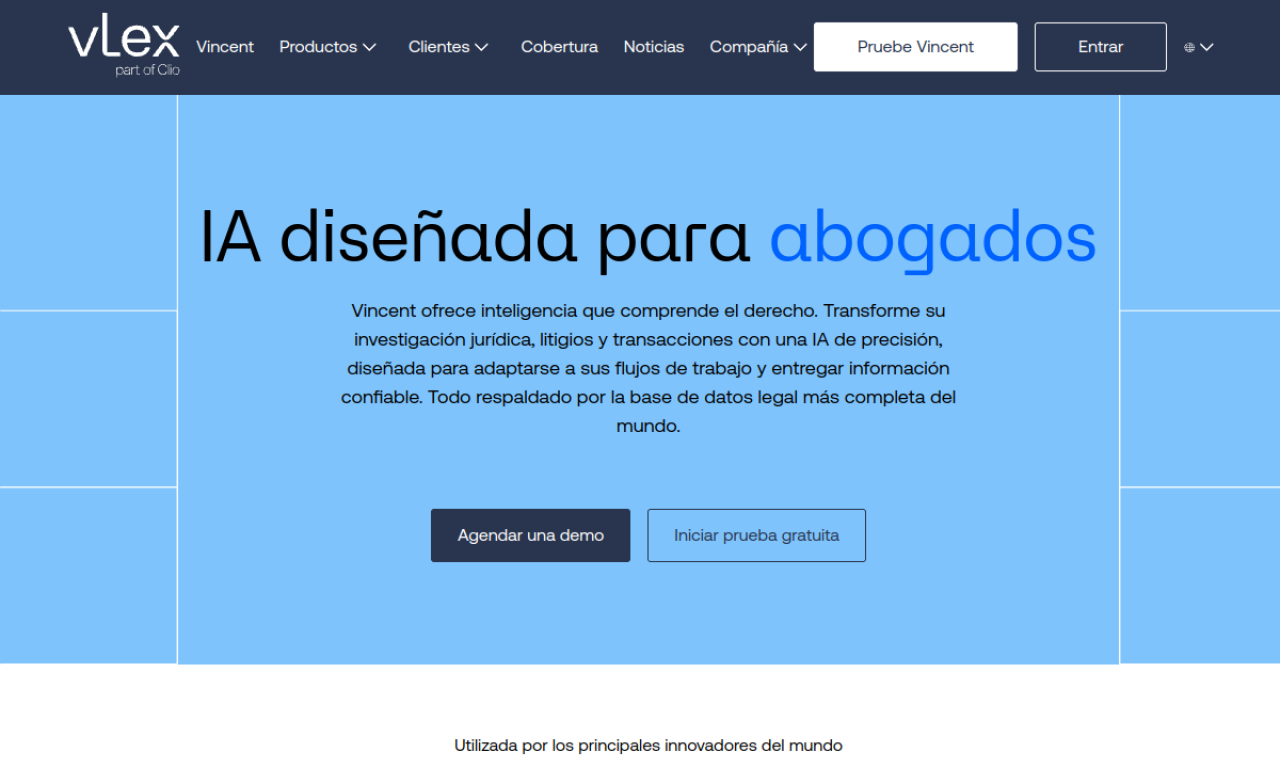
vLex is a legal research platform with a large database of legislation and case law across many countries and states. Its Vincent AI feature gives answers with references to legal sources. It integrates with tools such as Microsoft Word and Chrome to support legal professionals' workflows. The source offers a free trial and lists ISO 27001 certification.
- Added on
- Nov 2, 2026
- Website
- vlex.com.mx
- Pricing model
- Free Trial
- Company
- vLex, LLC
Product information
What is vLex?
vLex is a legal intelligence platform for research, legal workflows, and jurisdictional analysis.
Core features of vLex
- AI-powered legal research
- Automated legal workflows
- Large legal database
- Coverage across several countries
- Integrations with common work tools
Use cases of vLex
- 1Legal research and analysis
- 2Drafting legal documents
- 3Managing legal practice
- 4Tracking current legal developments
How to use vLex?
Start a free trial, search or ask Vincent AI for insights on current legislation and case law, and use the integrations with Word or Chrome in daily work.
Frequently asked questions about vLex
What legal content does vLex provide?+
Legislation, case law, books, journals, and news from many countries.
How does vLex improve productivity?+
It integrates with Word, Chrome, SharePoint, and Dropbox, so you keep your existing workflow.
What is Vincent AI in vLex?+
An AI tool inside vLex that gives insights with references to legal sources.
Which category is vLex in?+
vLex is listed under AI Research Assistant.
vLex tags
ai legal assistantai research toollegal researchai summarizerGoodAI Badge Embed
Show your support for vLex
Add this badge to your website to show that vLex is featured on Good AI Life. Choose a light or dark version, then copy the embed code.
More badge options →