

- 0 gespeichert
- 0 Aufrufe
- 0 Videos
- Einführung:
- No-code app builder with an AI assistant for data analysis, research, and workflows.
- Hinzugefügt am:
- 2. Nov. 2026
- Website:
- airtable.com
- Unternehmen:
- Airtable
Empfohlene Tools
Einführung
Beschreibung in der Originalsprache (English).
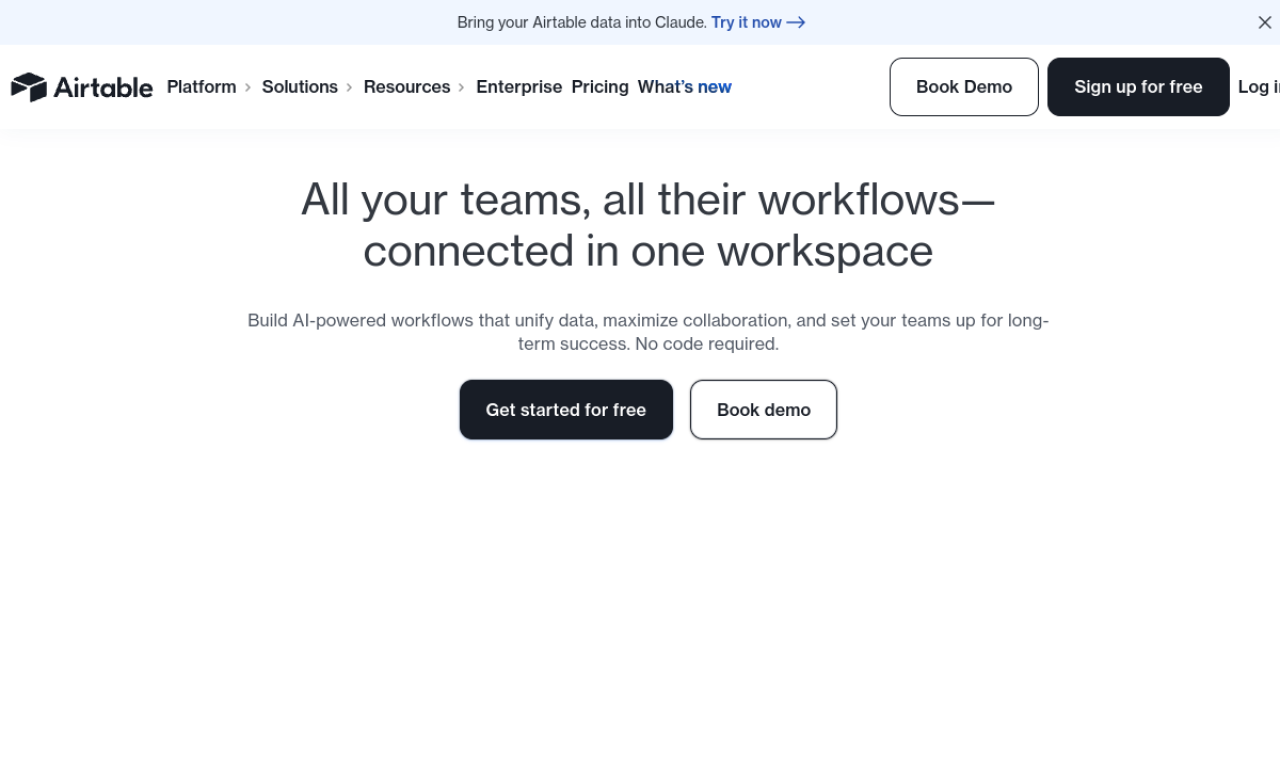
Airtable lets teams build custom business apps from bases, tables, interfaces, and automations without writing code. Its AI assistant can analyze data, do web research, and pull information from documents, and it connects with tools such as Slack, Google Drive, and Salesforce.
- Hinzugefügt am
- 2. Nov. 2026
- Website
- airtable.com
- Preismodell
- Freemium
- Unternehmen
- Airtable
Produktinformationen
Was ist Airtable?
Airtable is an app-building platform that combines database-style data with interfaces, automations, and AI features.
Kernfunktionen von Airtable
- No-code app building
- AI data analysis and automation
- Integrations with popular tools
- Custom interfaces and views
- Team collaboration
Anwendungsfälle für Airtable
- 1Managing product development cycles
- 2Tracking marketing campaigns
- 3Organizing operations data
- 4Project management across departments
- 5HR and sales workflows
Wie verwendet man Airtable?
Create bases and tables, design interfaces, set up automations, and connect other tools. Use the assistant for data analysis, web research, and extracting details from documents.
Häufige Fragen zu Airtable
What is Airtable?+
It is a no-code platform for building business apps, with AI features through Airtable Assistant.
How do I start using Airtable AI?+
Paid self-serve plans include a limited number of monthly AI credits, and an AI add-on is available for more.
In welcher Kategorie ist Airtable?+
Airtable ist unter KI-Assistenten, KI-App-Builder aufgeführt.
Tags für Airtable
no-codeapp builderai assistantworkflow automationdata analysisGoodAI-Badge einbetten
Unterstütze Airtable
Füge dieses Badge zu deiner Website hinzu, um zu zeigen, dass Airtable auf Good AI Life vorgestellt wird. Wähle eine helle oder dunkle Variante und kopiere den Einbettungscode.
Weitere Badge-Optionen →