

- 0 gespeichert
- 0 Aufrufe
- 0 Videos
- Einführung:
- Describe an app in chat and a team of AI agents builds it
- Hinzugefügt am:
- 2. Nov. 2026
- Website:
- atoms.dev
- Unternehmen:
- Atoms
Empfohlene Tools
Einführung
Beschreibung in der Originalsprache (English).
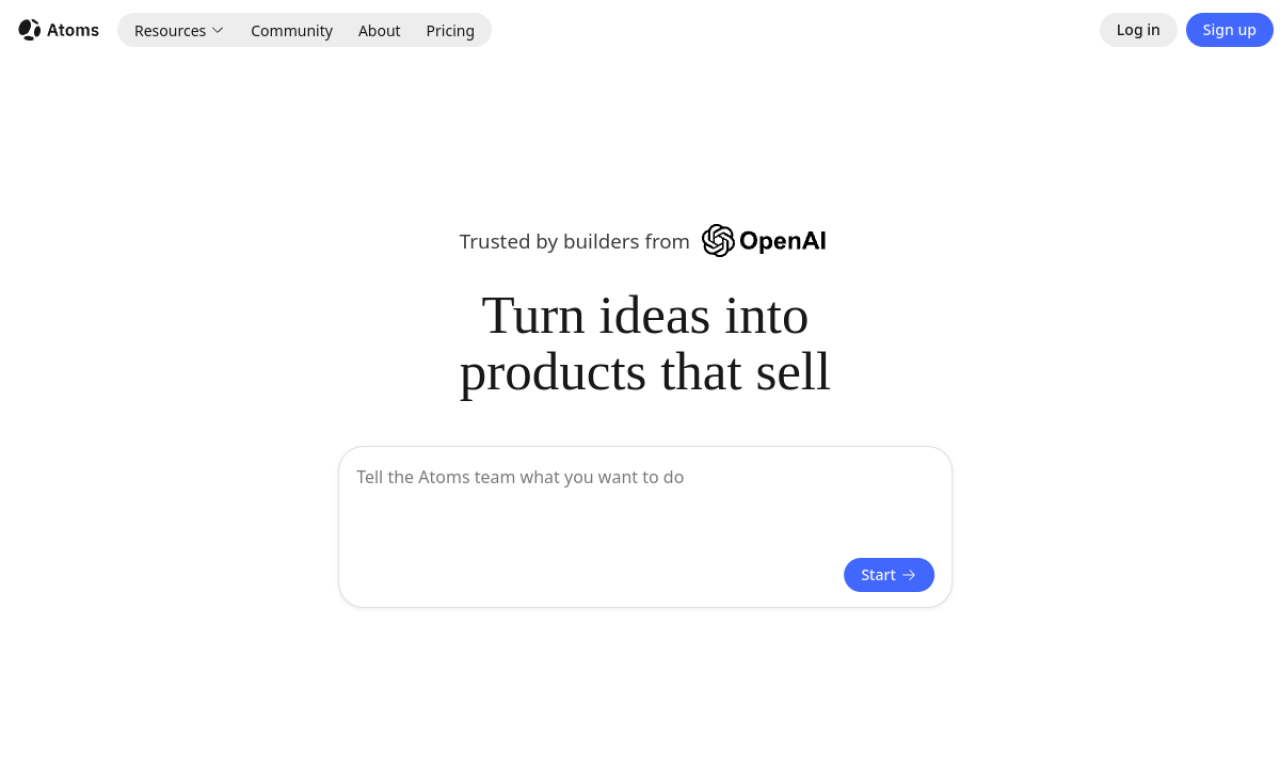
Atoms is a no-code platform where specialized AI agents (product manager, architect, engineer, SEO) plan and build full-stack sites and apps from a chat prompt. You can tweak designs visually, deploy in one click and export code to GitHub.
- Hinzugefügt am
- 2. Nov. 2026
- Website
- atoms.dev
- Preismodell
- Freemium
- Unternehmen
- Atoms
Produktinformationen
Was ist Atoms?
Atoms builds websites and applications from natural language, with a managed cloud backend covering authentication, database storage, integrations and hosting.
Kernfunktionen von Atoms
- Multi-agent workflow
- Login, database and Stripe payments
- Visual editor
- Code export and GitHub sync
- Race Mode to compare versions
- One-click deployment
Anwendungsfälle für Atoms
- 1Building SaaS with subscriptions
- 2Internal tools and dashboards
- 3E-commerce sites with payments
- 4Prototyping MVPs
- 5SEO optimization for web projects
Wie verwendet man Atoms?
Describe your project in the chat. The agents research, draft a blueprint and generate a working app, which you can adjust in the visual editor, connect to AI models, and deploy to a live URL.
Häufige Fragen zu Atoms
Do I need coding skills to use Atoms?+
No. You build with natural language, though a code editor is available for advanced users.
Do I own what I build with Atoms?+
Yes. You can export the code or sync to GitHub and host it yourself.
What does the Atoms backend include?+
User authentication, database storage, third-party integrations and scalable hosting.
In welcher Kategorie ist Atoms?+
Atoms ist unter KI-App-Builder aufgeführt.
Tags für Atoms
app builderwebsite builderno-codeai agentscode generatorGoodAI-Badge einbetten
Unterstütze Atoms
Füge dieses Badge zu deiner Website hinzu, um zu zeigen, dass Atoms auf Good AI Life vorgestellt wird. Wähle eine helle oder dunkle Variante und kopiere den Einbettungscode.
Weitere Badge-Optionen →