

- 0 gespeichert
- 0 Aufrufe
- 0 Videos
- Einführung:
- AI music studio that builds songs from text, lyrics, images or voice
- Hinzugefügt am:
- 2. Nov. 2026
- Website:
- www.musicart.ai
- Unternehmen:
- MusicArt.ai
Empfohlene Tools
Einführung
Beschreibung in der Originalsprache (English).
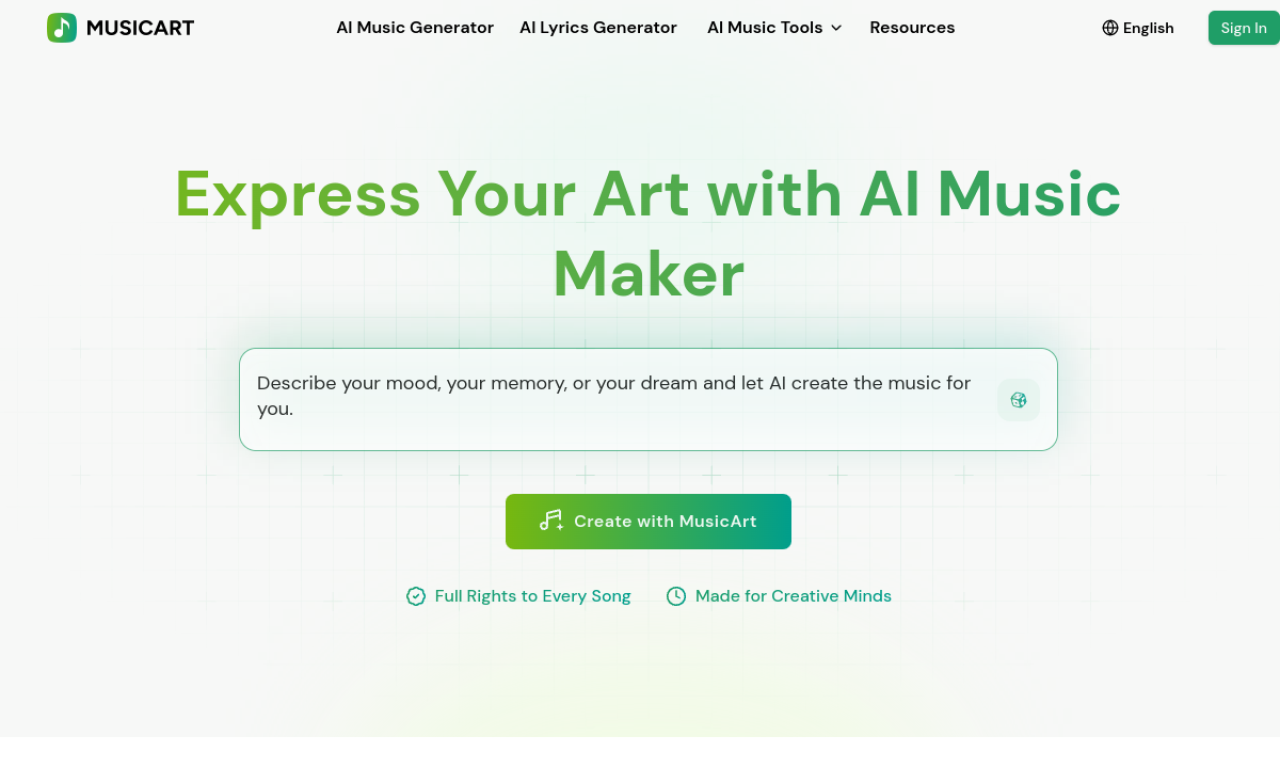
MusicArt AI generates full songs from text, lyrics, images, rhythm or voice, then lets you rework vocals, tempo and melodies. It also includes stem splitting, vocal removal, MIDI conversion and mastering.
- Hinzugefügt am
- 2. Nov. 2026
- Website
- www.musicart.ai
- Preismodell
- Free
- Unternehmen
- MusicArt.ai
Produktinformationen
Was ist MusicArt AI?
MusicArt AI is a music creation platform for generating, editing and refining royalty-free songs. Inputs can be text, lyrics, images, rhythm or voice.
Kernfunktionen von MusicArt AI
- Text-to-music
- Lyrics-to-music
- Image-to-music
- AI lyrics generation
- AI singing voice
- Song covers
Anwendungsfälle für MusicArt AI
- 1Original songs from prompts or lyrics
- 2Music for YouTube and social media
- 3Cinematic soundtracks
- 4Podcast intros and ambient sound
- 5Jingles for ads
Wie verwendet man MusicArt AI?
Pick a tool such as Text to Music, Lyrics to Music or Image to Music, describe mood, genre, instruments or lyrics, and generate. Then adjust vocals, tempo, layers and melodies.
Häufige Fragen zu MusicArt AI
Do I need musical experience to use MusicArt AI?+
No, it is built for people without instruments, theory or production background.
Can MusicArt AI make songs from lyrics?+
Yes, it turns lyrics into melodies, harmonies, vocals and arrangements.
Can I edit generated songs?+
Yes. You can remix layers, change tempo, regenerate vocals and edit melodies.
In welcher Kategorie ist MusicArt AI?+
MusicArt AI ist unter KI-Musikgenerator aufgeführt.
Tags für MusicArt AI
music generatortext to musiclyrics generatorsinging generatorstem splitterGoodAI-Badge einbetten
Unterstütze MusicArt AI
Füge dieses Badge zu deiner Website hinzu, um zu zeigen, dass MusicArt AI auf Good AI Life vorgestellt wird. Wähle eine helle oder dunkle Variante und kopiere den Einbettungscode.
Weitere Badge-Optionen →