

- 0 gespeichert
- 0 Aufrufe
- 0 Videos
- Einführung:
- AI audio platform for music, sound effects and stem editing
- Hinzugefügt am:
- 2. Nov. 2026
- Website:
- musicgpt.com
- Unternehmen:
- MusicGPT
Empfohlene Tools
Einführung
Beschreibung in der Originalsprache (English).
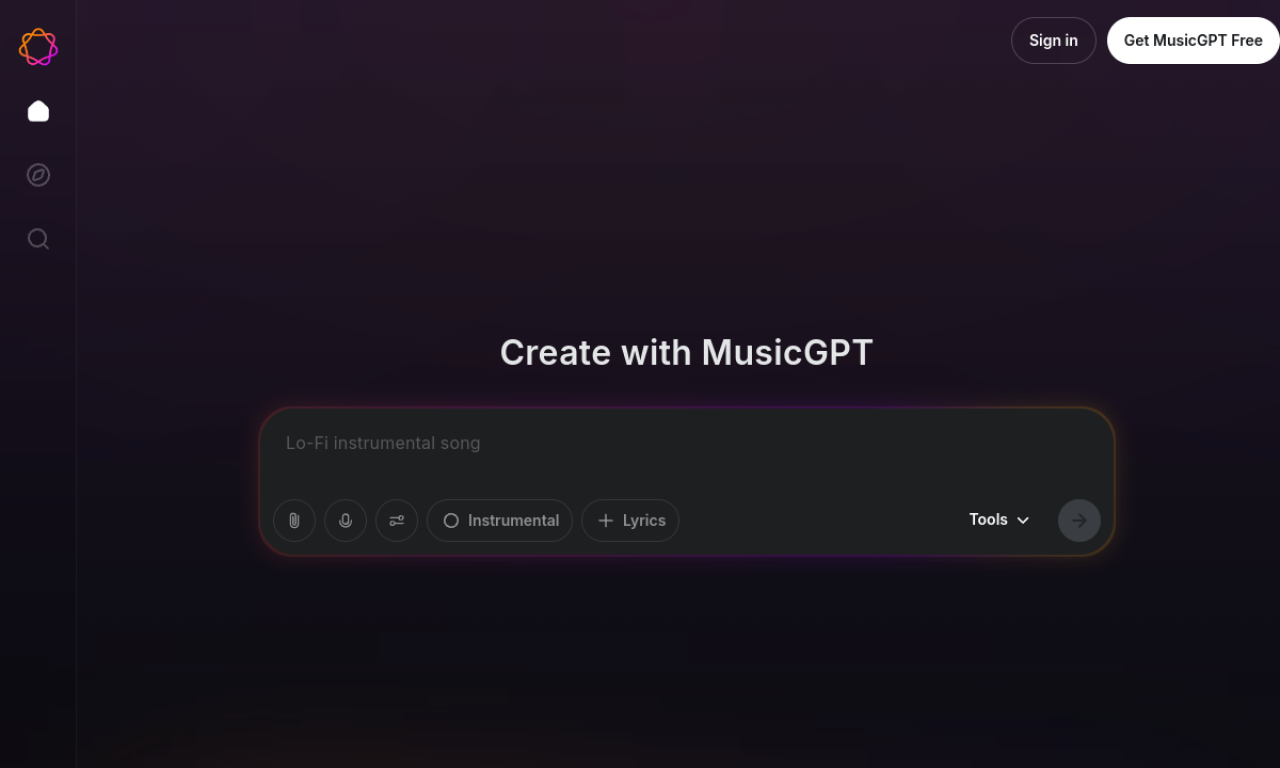
MusicGPT generates songs, instrumentals, beats and sound effects from text prompts. Its editor can split stems and remix uploaded audio, and it includes text-to-speech and voice cloning.
- Hinzugefügt am
- 2. Nov. 2026
- Website
- musicgpt.com
- Preismodell
- Freemium
- Unternehmen
- MusicGPT
Produktinformationen
Was ist MusicGPT?
MusicGPT is an AI audio platform that makes music, instrumentals, beats and soundscapes from text prompts. It uses proprietary models, including v6 Pro, for tasks like stem splitting and voice work.
Kernfunktionen von MusicGPT
- Song and instrumental generation
- Stem splitter and audio editor
- Text-to-speech and voice cloning
- Sound effects creator
- Royalty-free music library
- Audio enhancements
Anwendungsfälle für MusicGPT
- 1Background tracks for videos and social posts
- 2Sound effects for games or films
- 3Extracting vocals or instruments from songs
- 4Voice cloning for narration
Wie verwendet man MusicGPT?
Type a descriptive prompt in the creation box, or upload audio to use Edit Audio for remixing or stem extraction. Pick a model version and generate.
Häufige Fragen zu MusicGPT
Is MusicGPT free?+
Yes, a Free Forever plan gives 500 credits per month for personal use.
Can I use MusicGPT commercially?+
Commercial use is available on the Plus, Pro and Ultra paid plans.
What happens when MusicGPT credits run out?+
Free plan credits reset monthly; paid users can upgrade or wait for the next billing cycle.
In welcher Kategorie ist MusicGPT?+
MusicGPT ist unter KI-Musikgenerator aufgeführt.
Tags für MusicGPT
music generatoraudio editingtext to speechsound effectsbeat generatorGoodAI-Badge einbetten
Unterstütze MusicGPT
Füge dieses Badge zu deiner Website hinzu, um zu zeigen, dass MusicGPT auf Good AI Life vorgestellt wird. Wähle eine helle oder dunkle Variante und kopiere den Einbettungscode.
Weitere Badge-Optionen →