

- 0 gespeichert
- 0 Aufrufe
- 0 Videos
- Einführung:
- Free 3D home design tool that converts 2D floor plans into 3D models with AI
- Hinzugefügt am:
- 2. Nov. 2026
- Website:
- planner5d.com
Empfohlene Tools
Einführung
Beschreibung in der Originalsprache (English).
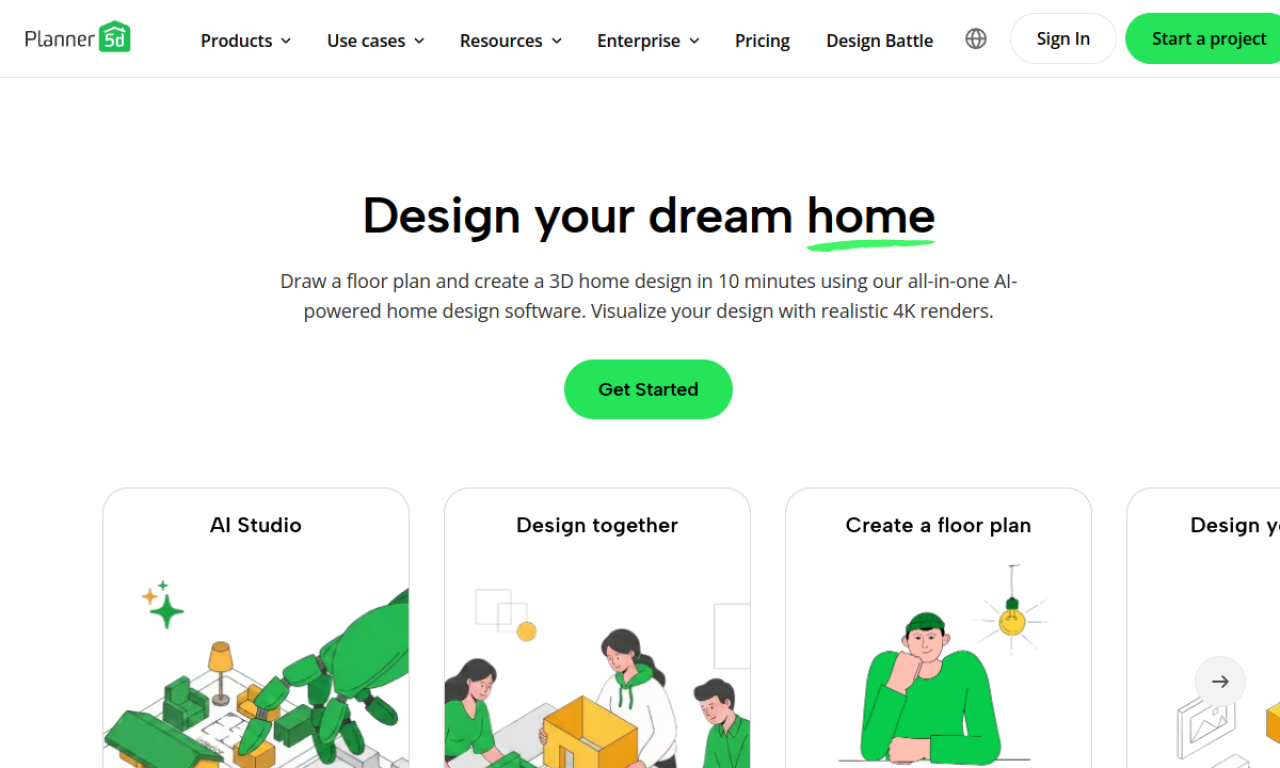
Planner 5D is a 3D home design tool that uses AI plan recognition to convert 2D floor plans, including images and PDFs, into 3D house models. It supports interior design, remodeling, and kitchen and bathroom planning. A free plan is available, with Premium and Professional tiers for more advanced projects.
- Hinzugefügt am
- 2. Nov. 2026
- Website
- planner5d.com
- Preismodell
- Freemium
Produktinformationen
Was ist Planner 5D?
Planner 5D is a 3D home design tool that uses AI plan recognition to turn 2D floor plans into 3D house models.
Kernfunktionen von Planner 5D
- AI plan recognition
- 2D to 3D floor plan conversion
- Interior design tools
- 3D modeling
- Floor plan creator
Anwendungsfälle für Planner 5D
- 1Home design and remodeling
- 2Kitchen and bathroom planning
- 3Office and landscape design
Wie verwendet man Planner 5D?
Upload a floor plan as a JPEG, PNG, or PDF. The plan is recognized and rendered automatically, and you receive an email when it is ready to edit as a regular project.
Häufige Fragen zu Planner 5D
How do I get started with Planner 5D?+
After registration, you are placed on the Free plan, which suits basic layouts. Premium and Professional plans add advanced design tools.
Does Planner 5D offer education discounts?+
Yes, there is a free version with extended privacy settings for educational institutions.
In welcher Kategorie ist Planner 5D?+
Planner 5D ist unter KI-3D-Generator aufgeführt.
Tags für Planner 5D
ai floor plan generator2d to 3d floor planai 3d model generatorinterior designhome remodelingGoodAI-Badge einbetten
Unterstütze Planner 5D
Füge dieses Badge zu deiner Website hinzu, um zu zeigen, dass Planner 5D auf Good AI Life vorgestellt wird. Wähle eine helle oder dunkle Variante und kopiere den Einbettungscode.
Weitere Badge-Optionen →