

- 0 gespeichert
- 0 Aufrufe
- 0 Videos
- Einführung:
- Automated LinkedIn and email outreach campaigns with AI-written messages and follow-ups.
- Hinzugefügt am:
- 2. Nov. 2026
- Website:
- salesrobot.co
Empfohlene Tools
Einführung
Beschreibung in der Originalsprache (English).
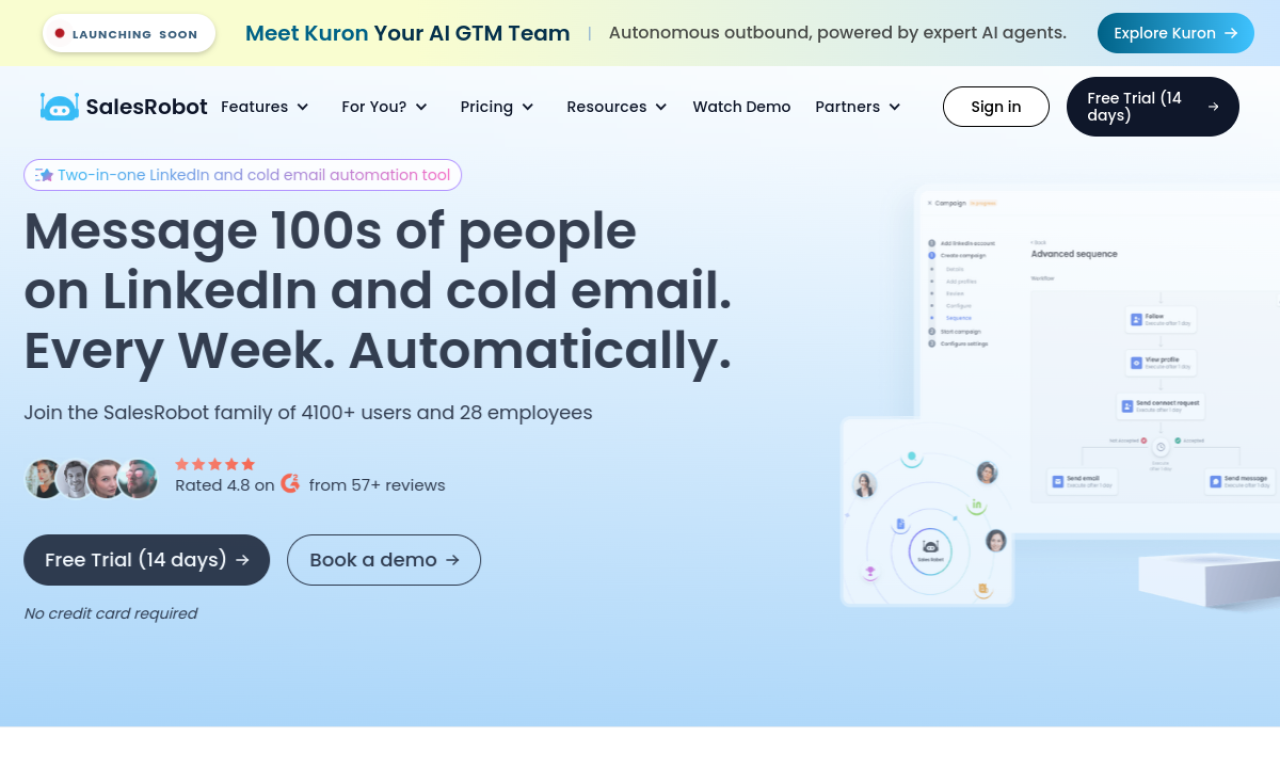
SalesRobot is a sales engagement tool for running automated outreach campaigns on LinkedIn and email. It uses AI to write messages, pulls prospects from several sources, and follows up until a prospect replies. It includes a small CRM for conversations and integrates with webhooks and Zapier.
- Hinzugefügt am
- 2. Nov. 2026
- Website
- salesrobot.co
Produktinformationen
Was ist SalesRobot?
SalesRobot is a sales outreach platform that automates personalized campaigns on LinkedIn and email.
Kernfunktionen von SalesRobot
- Automated personalized outreach
- LinkedIn and email campaigns
- AI-powered message writing
- Mini CRM for conversations
- Smart reply detection
- A/B testing and Webhook or Zapier integration
Anwendungsfälle für SalesRobot
- 1Running cold outreach on LinkedIn and email
- 2Growing a LinkedIn network and lead list
- 3Following up until prospects respond
- 4Tracking leads in a built-in CRM
Wie verwendet man SalesRobot?
Create an account, connect your LinkedIn or email account, use the AI to write messages, and start a campaign with prospects from LinkedIn, CSV files, or lookalike searches.
Häufige Fragen zu SalesRobot
How do I get started with SalesRobot?+
Connect a LinkedIn account and set up a campaign, which the site says takes a few minutes.
Is a card needed for the free trial?+
No, the site says no card is taken for the trial, so you are not charged automatically when it ends.
In welcher Kategorie ist SalesRobot?+
SalesRobot ist unter KI-Vertriebsassistent aufgeführt.
Tags für SalesRobot
ai salesai lead generationai email generatorai marketingsales automationGoodAI-Badge einbetten
Unterstütze SalesRobot
Füge dieses Badge zu deiner Website hinzu, um zu zeigen, dass SalesRobot auf Good AI Life vorgestellt wird. Wähle eine helle oder dunkle Variante und kopiere den Einbettungscode.
Weitere Badge-Optionen →