

- 0 enregistrés
- 0 vues
- 0 vidéos
- Présentation:
- Automated LinkedIn and email outreach campaigns with AI-written messages and follow-ups.
- Ajouté le:
- 2 nov. 2026
- Site web:
- salesrobot.co
Outils à la une
Présentation
Description affichée dans sa langue d’origine (English).
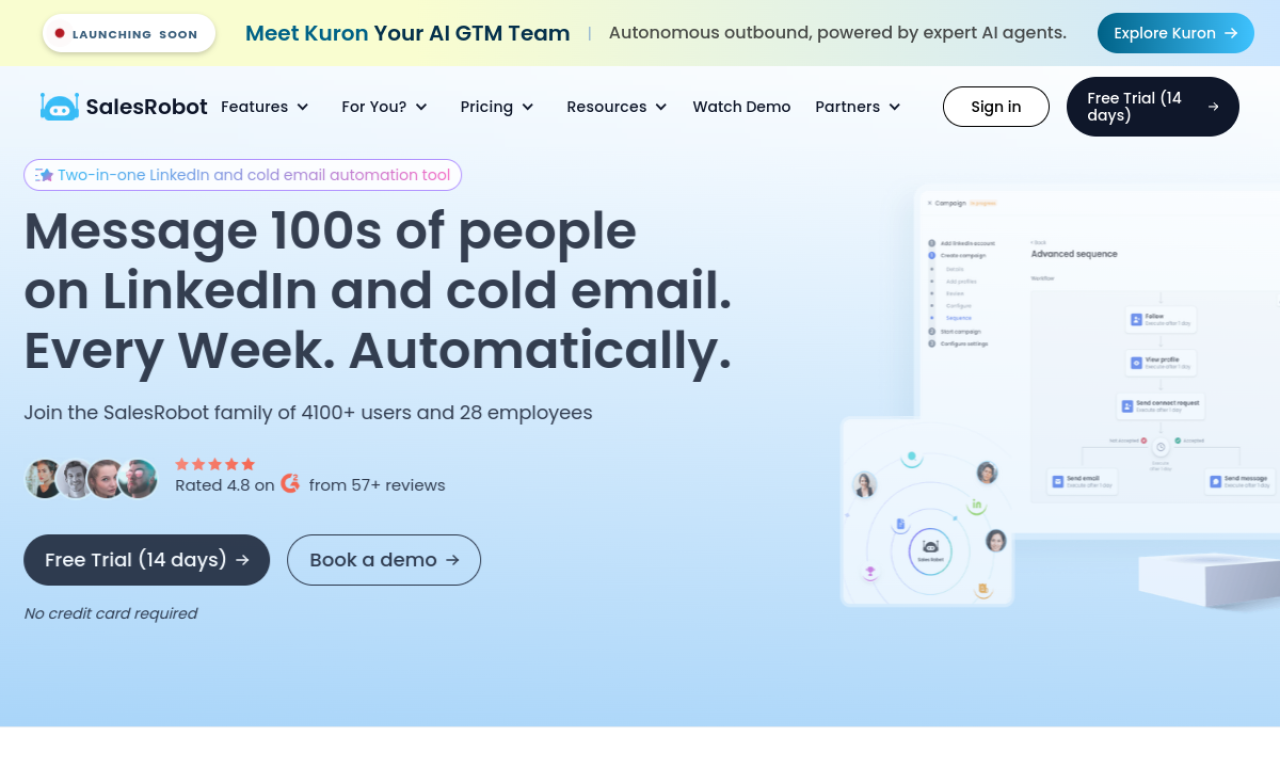
SalesRobot is a sales engagement tool for running automated outreach campaigns on LinkedIn and email. It uses AI to write messages, pulls prospects from several sources, and follows up until a prospect replies. It includes a small CRM for conversations and integrates with webhooks and Zapier.
- Ajouté le
- 2 nov. 2026
- Site web
- salesrobot.co
Informations produit
Qu’est-ce que SalesRobot ?
SalesRobot is a sales outreach platform that automates personalized campaigns on LinkedIn and email.
Fonctionnalités principales de SalesRobot
- Automated personalized outreach
- LinkedIn and email campaigns
- AI-powered message writing
- Mini CRM for conversations
- Smart reply detection
- A/B testing and Webhook or Zapier integration
Cas d’usage de SalesRobot
- 1Running cold outreach on LinkedIn and email
- 2Growing a LinkedIn network and lead list
- 3Following up until prospects respond
- 4Tracking leads in a built-in CRM
Comment utiliser SalesRobot ?
Create an account, connect your LinkedIn or email account, use the AI to write messages, and start a campaign with prospects from LinkedIn, CSV files, or lookalike searches.
Questions fréquentes sur SalesRobot
How do I get started with SalesRobot?+
Connect a LinkedIn account and set up a campaign, which the site says takes a few minutes.
Is a card needed for the free trial?+
No, the site says no card is taken for the trial, so you are not charged automatically when it ends.
Dans quelle catégorie se trouve SalesRobot ?+
SalesRobot est répertorié dans Assistant commercial IA.
Tags de SalesRobot
ai salesai lead generationai email generatorai marketingsales automationIntégration du badge GoodAI
Soutenez SalesRobot
Ajoutez ce badge à votre site pour montrer que SalesRobot est présenté sur Good AI Life. Choisissez une version claire ou sombre, puis copiez le code d’intégration.
Autres badges →