

- 0 gespeichert
- 0 Aufrufe
- 0 Videos
- Einführung:
- Create AI song covers and text-to-speech audio with a library of AI voices
- Hinzugefügt am:
- 2. Nov. 2026
- Website:
- www.vocalize.fm
- Unternehmen:
- Guava LLC
Empfohlene Tools
Einführung
Beschreibung in der Originalsprache (English).
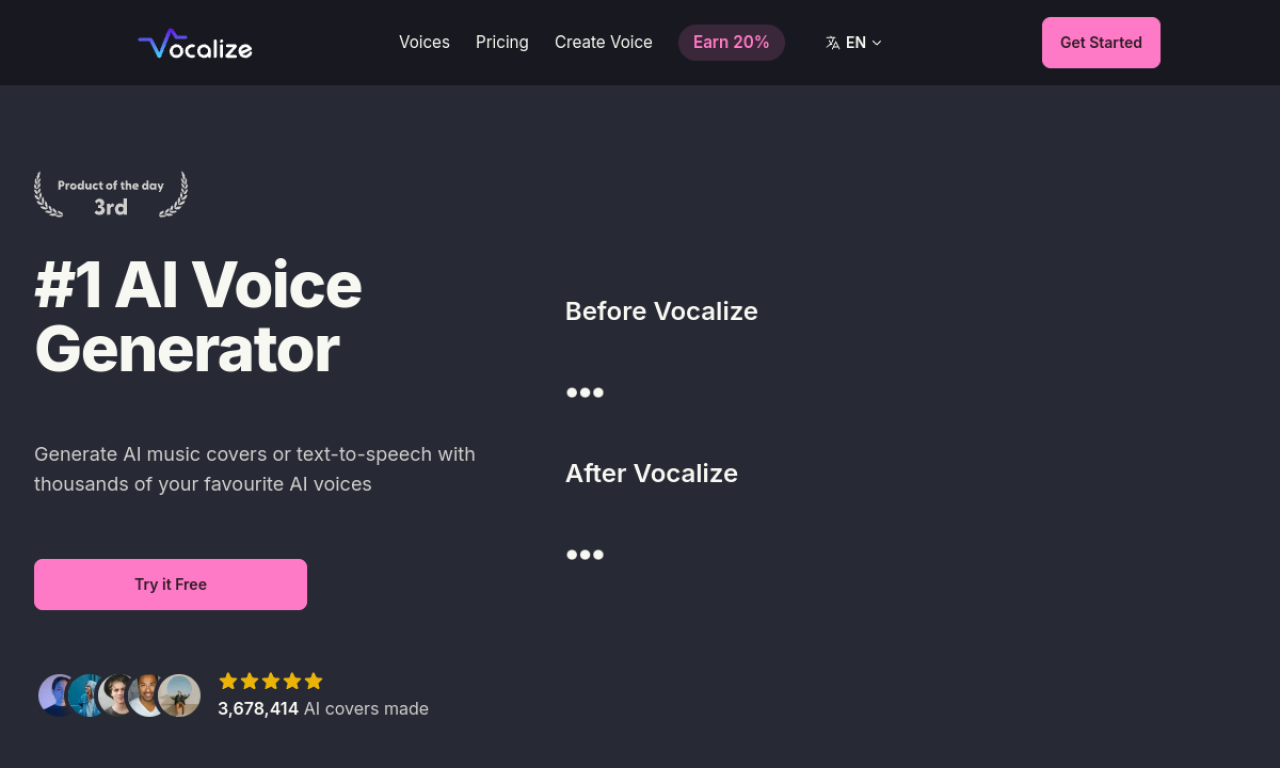
Vocalize lets you make AI music covers and text-to-speech audio using a library of community voices. You can also clone your own voice and use it to sing songs. New sign-ups get free generation credits, and paid plans get faster processing.
- Hinzugefügt am
- 2. Nov. 2026
- Website
- www.vocalize.fm
- Preismodell
- Free Trial
- Unternehmen
- Guava LLC
Produktinformationen
Was ist Vocalize?
Vocalize is an AI cover generator for songs and speech, built around a large library of AI voices and optional voice cloning.
Kernfunktionen von Vocalize
- AI music cover generation
- Text-to-speech
- AI voice library
- AI voice cloning
Anwendungsfälle für Vocalize
- 1Making song covers with character voices
- 2Creating vocals without hiring a singer
- 3Voice acting for games
Wie verwendet man Vocalize?
Pick a voice from the library or clone your own, then provide a song or text. The service returns an AI cover or narration in the chosen voice.
Häufige Fragen zu Vocalize
What is Vocalize?+
Vocalize is an AI cover and text-to-speech tool that uses a library of AI voices plus optional voice cloning.
Can I try Vocalize for free?+
Yes. New sign-ups receive 3 free voice generation credits, and no credit card is required.
How long do Vocalize generations take?+
Generations usually take 10 to 60 seconds, depending on demand and song length. Subscribers get priority processing.
In welcher Kategorie ist Vocalize?+
Vocalize ist unter KI-Musikgenerator aufgeführt.
Tags für Vocalize
ai cover generatorai text-to-speechai music generatorai voice generatorai voice cloningGoodAI-Badge einbetten
Unterstütze Vocalize
Füge dieses Badge zu deiner Website hinzu, um zu zeigen, dass Vocalize auf Good AI Life vorgestellt wird. Wähle eine helle oder dunkle Variante und kopiere den Einbettungscode.
Weitere Badge-Optionen →