

- 0 enregistrés
- 0 vues
- 0 vidéos
- Présentation:
- Create AI song covers and text-to-speech audio with a library of AI voices
- Ajouté le:
- 2 nov. 2026
- Site web:
- www.vocalize.fm
- Entreprise:
- Guava LLC
Outils à la une
Présentation
Description affichée dans sa langue d’origine (English).
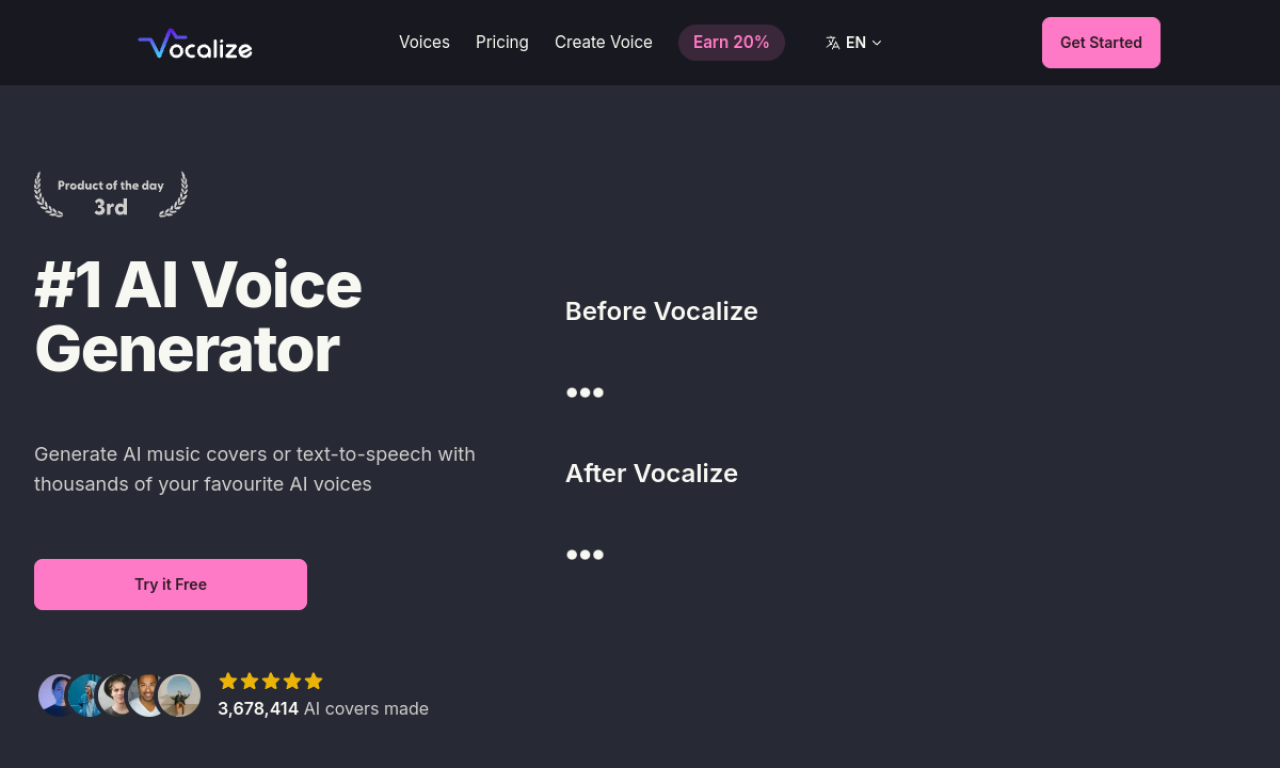
Vocalize lets you make AI music covers and text-to-speech audio using a library of community voices. You can also clone your own voice and use it to sing songs. New sign-ups get free generation credits, and paid plans get faster processing.
- Ajouté le
- 2 nov. 2026
- Site web
- www.vocalize.fm
- Modèle tarifaire
- Free Trial
- Entreprise
- Guava LLC
Informations produit
Qu’est-ce que Vocalize ?
Vocalize is an AI cover generator for songs and speech, built around a large library of AI voices and optional voice cloning.
Fonctionnalités principales de Vocalize
- AI music cover generation
- Text-to-speech
- AI voice library
- AI voice cloning
Cas d’usage de Vocalize
- 1Making song covers with character voices
- 2Creating vocals without hiring a singer
- 3Voice acting for games
Comment utiliser Vocalize ?
Pick a voice from the library or clone your own, then provide a song or text. The service returns an AI cover or narration in the chosen voice.
Questions fréquentes sur Vocalize
What is Vocalize?+
Vocalize is an AI cover and text-to-speech tool that uses a library of AI voices plus optional voice cloning.
Can I try Vocalize for free?+
Yes. New sign-ups receive 3 free voice generation credits, and no credit card is required.
How long do Vocalize generations take?+
Generations usually take 10 to 60 seconds, depending on demand and song length. Subscribers get priority processing.
Dans quelle catégorie se trouve Vocalize ?+
Vocalize est répertorié dans Générateur de musique IA.
Tags de Vocalize
ai cover generatorai text-to-speechai music generatorai voice generatorai voice cloningIntégration du badge GoodAI
Soutenez Vocalize
Ajoutez ce badge à votre site pour montrer que Vocalize est présenté sur Good AI Life. Choisissez une version claire ou sombre, puis copiez le code d’intégration.
Autres badges →