

- 0 Saved
- 0 Views
- 0 Videos
- Introduction:
- Legal Q&A, document drafting, summarizing and comparison in plain language
- Added on:
- Nov 2, 2026
- Website:
- ailawyer.pro
- Company:
- AILawtech Sp Z O O
Featured Tools
Introduction
Description shown in its original language (English).
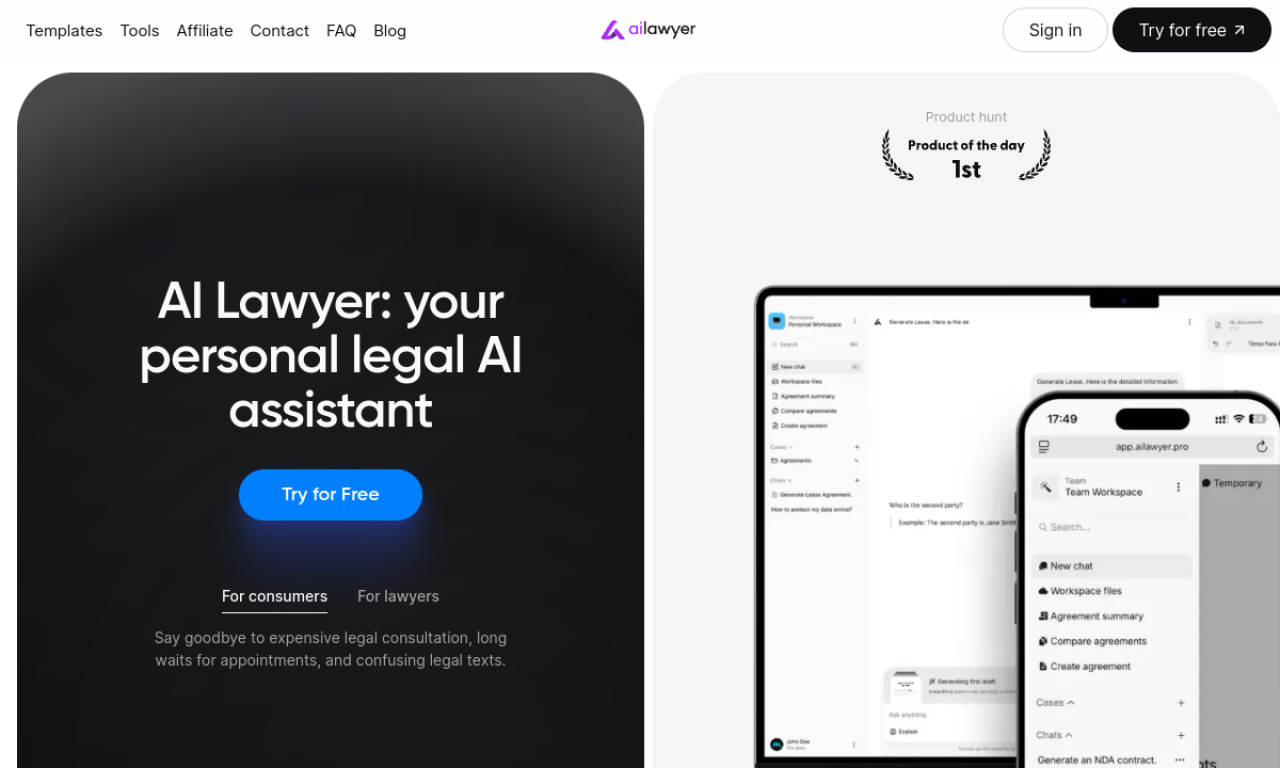
AI Lawyer is a legal assistant for consumers, lawyers, law firms and law students. It answers legal questions in plain language, drafts and summarizes documents, compares versions and supports legal research. It works on the web, iOS and Android, and is meant to assist professionals rather than replace them.
- Added on
- Nov 2, 2026
- Website
- ailawyer.pro
- Pricing model
- Free Trial
- Company
- AILawtech Sp Z O O
Product information
What is AI Lawyer?
AI Lawyer is an AI platform that automates legal research, simplifies complex terms and handles documents, aiming to make legal help more accessible and affordable.
Core features of AI Lawyer
- AI legal advice
- Document creation and automation
- Document summarizing and comparison
- Legal research
- Clause generation
- Case law finder
Use cases of AI Lawyer
- 1Drafting consumer complaint letters
- 2Clarifying legal clauses
- 3Writing termination letters
- 4Creating and amending contract clauses
- 5Case briefs for law students
How to use AI Lawyer?
Open the web, iOS or Android app, pick a question from the Prompts library or write your own, and optionally add context from earlier chats. Use it for summarizing, comparing and researching documents.
Frequently asked questions about AI Lawyer
Who is AI Lawyer for?+
It is designed for legal consumers, lawyers, law firms and law students.
Will AI Lawyer replace lawyers?+
No. It assists lawyers and consumers but does not replace them.
Which category is AI Lawyer in?+
AI Lawyer is listed under AI Summarizer, AI Research Assistant.
AI Lawyer tags
ai legal assistantdocument generatorlegal researchai summarizerGoodAI Badge Embed
Show your support for AI Lawyer
Add this badge to your website to show that AI Lawyer is featured on Good AI Life. Choose a light or dark version, then copy the embed code.
More badge options →