

- 0 enregistrés
- 0 vues
- 0 vidéos
- Présentation:
- Free PDF editor, converter and compressor with no watermark
- Ajouté le:
- 2 nov. 2026
- Site web:
- www.pdfgear.com
- Entreprise:
- PDFgear
Outils à la une
Présentation
Description affichée dans sa langue d’origine (English).
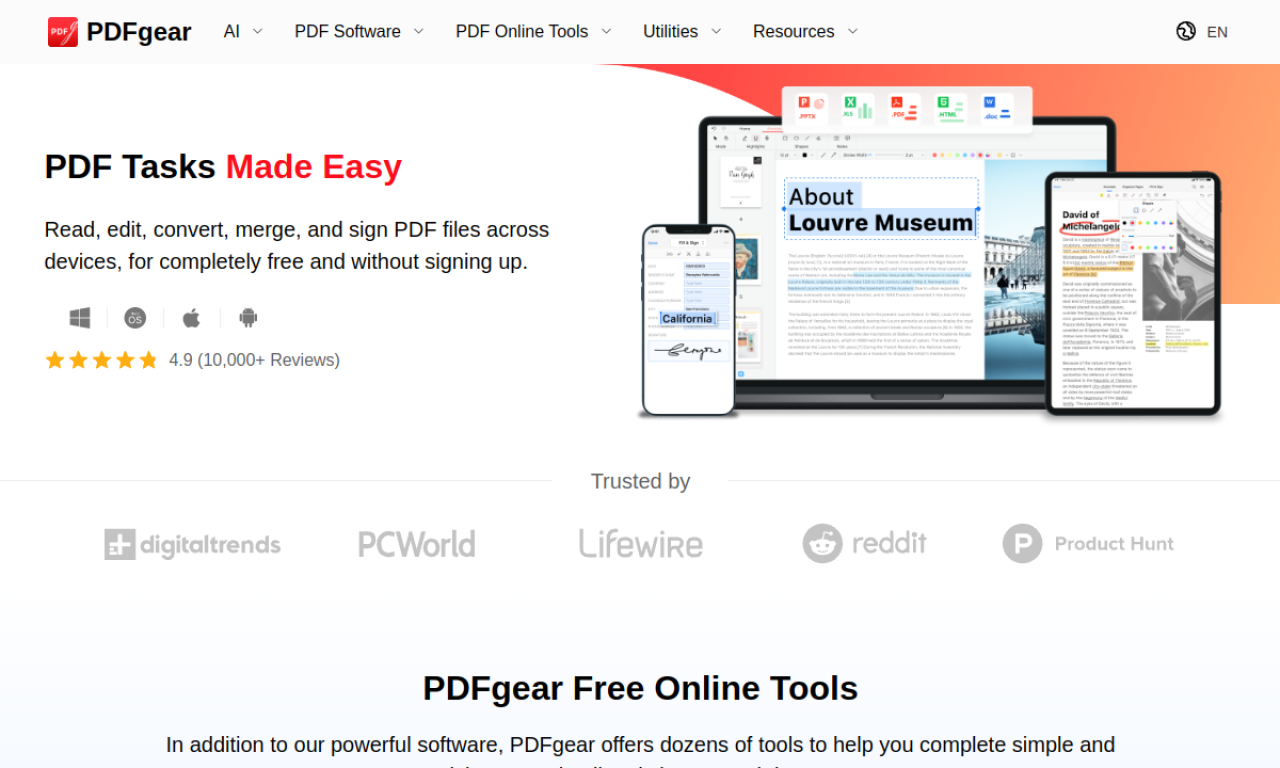
PDFgear is free PDF software with no watermark and no sign-up. It edits, converts, merges, compresses, signs and fills PDFs, and its OCR extracts text from scanned files. Apps exist for Windows, macOS, iOS and Android, along with online tools in the browser.
- Ajouté le
- 2 nov. 2026
- Site web
- www.pdfgear.com
- Modèle tarifaire
- Free
- Entreprise
- PDFgear
Informations produit
Qu’est-ce que PDFgear ?
PDFgear is a completely free PDF toolkit that needs no account and leaves no watermark. It can unlock, view, edit, fill, convert and compress PDFs. You can use downloadable apps or online tools.
Fonctionnalités principales de PDFgear
- PDF editing
- PDF conversion
- PDF management
- OCR
- PDF compression
- PDF signing
Cas d’usage de PDFgear
- 1Editing a PDF like a Word file
- 2Converting PDFs to Word, Excel or images
- 3Merging several PDFs into one
- 4Shrinking large PDFs
- 5Pulling text from scanned PDFs with OCR
Comment utiliser PDFgear ?
Install the app for Windows, macOS, iOS or Android, or open the online tools in a browser. Choose a function such as editing, converting or merging and load your PDF.
Questions fréquentes sur PDFgear
What is PDFgear?+
PDFgear is free PDF software with no watermark and no sign-up required.
Is PDFgear really free?+
Yes, it is completely free, with no watermarks and no registration.
What platforms does PDFgear support?+
Software for Windows, macOS, iOS and Android, plus online tools in a web browser.
Dans quelle catégorie se trouve PDFgear ?+
PDFgear est répertorié dans Outils PDF IA.
Tags de PDFgear
pdf editorpdf converterocrpdf summarizerproductivityIntégration du badge GoodAI
Soutenez PDFgear
Ajoutez ce badge à votre site pour montrer que PDFgear est présenté sur Good AI Life. Choisissez une version claire ou sombre, puis copiez le code d’intégration.
Autres badges →