

- 0 enregistrés
- 0 vues
- 0 vidéos
- Présentation:
- Terminal-based AI pair programmer that edits code in your local git repository.
- Ajouté le:
- 2 nov. 2026
- Site web:
- aider.chat
- Entreprise:
- Aider AI
Outils à la une
Présentation
Description affichée dans sa langue d’origine (English).
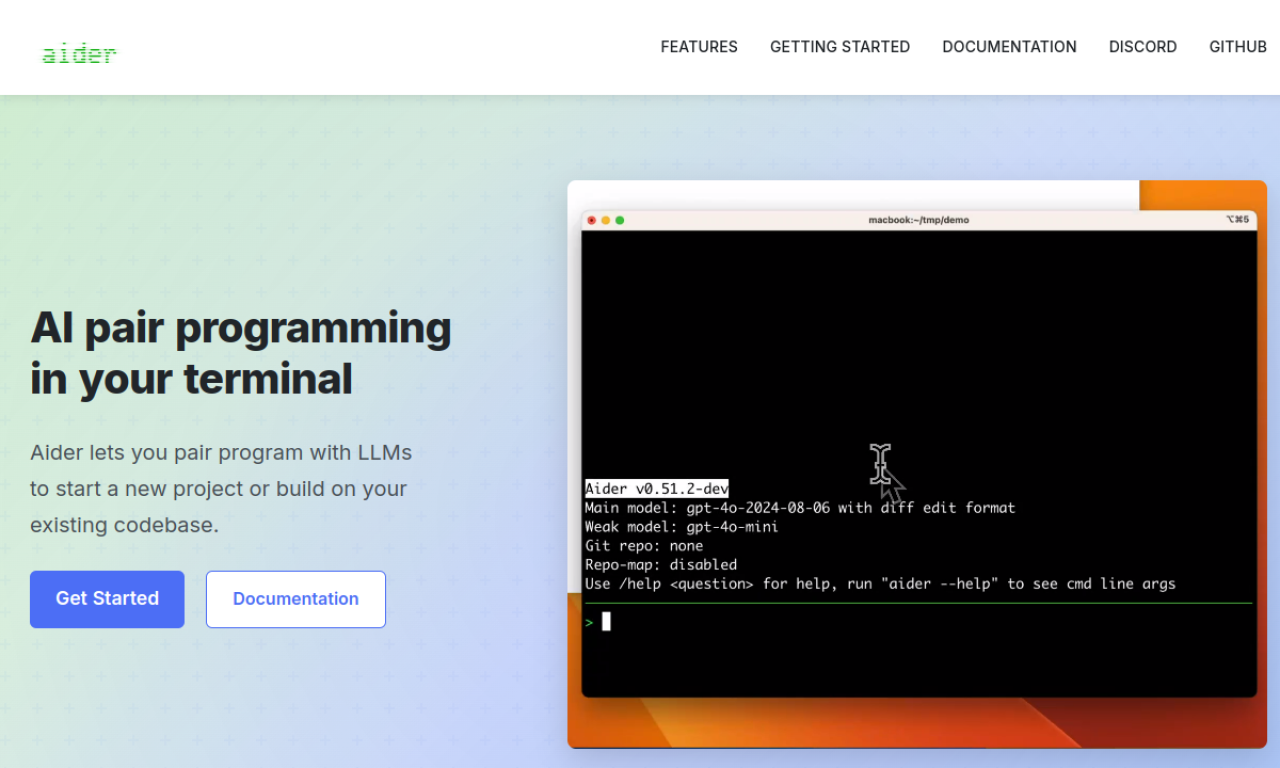
Aider is a command-line pair programmer that edits files in your local git repo. It works with many LLMs, including Claude, DeepSeek, GPT-4o and local models, and fits alongside your editor. Changes are committed automatically with sensible messages.
- Ajouté le
- 2 nov. 2026
- Site web
- aider.chat
- Entreprise
- Aider AI
Informations produit
Qu’est-ce que Aider ?
Aider lets you pair program with LLMs from the terminal, either to start a new project or to extend an existing codebase. It supports many programming languages.
Fonctionnalités principales de Aider
- Terminal pair programming
- Cloud and local LLM support
- Codebase mapping
- Git integration
- IDE integration
- Voice-to-code
Cas d’usage de Aider
- 1Starting a new project with AI help
- 2Extending an existing codebase
- 3Debugging code
- 4Implementing new features
- 5Refactoring code
Comment utiliser Aider ?
Install it with pip using aider-install, change into your project directory and launch aider with your chosen model and API key.
Questions fréquentes sur Aider
Which LLMs does Aider support?+
It works best with Claude, DeepSeek and OpenAI models, and can connect to almost any LLM, including local ones.
Does Aider integrate with Git?+
Yes, it commits changes automatically so you can diff and undo them with normal git tools.
Can I use Aider inside my IDE?+
Yes, you can ask for changes by adding comments in your code while using your usual editor.
Dans quelle catégorie se trouve Aider ?+
Aider est répertorié dans Assistant de programmation IA.
Tags de Aider
ai copilotcode assistantterminalllmgitIntégration du badge GoodAI
Soutenez Aider
Ajoutez ce badge à votre site pour montrer que Aider est présenté sur Good AI Life. Choisissez une version claire ou sombre, puis copiez le code d’intégration.
Autres badges →