

- 0 enregistrés
- 0 vues
- 0 vidéos
- Présentation:
- Describe an idea and get a playable mini-game or interactive tool, no coding needed.
- Ajouté le:
- 2 nov. 2026
- Site web:
- aippy.ai
- Entreprise:
- Aippy
Outils à la une
Présentation
Description affichée dans sa langue d’origine (English).
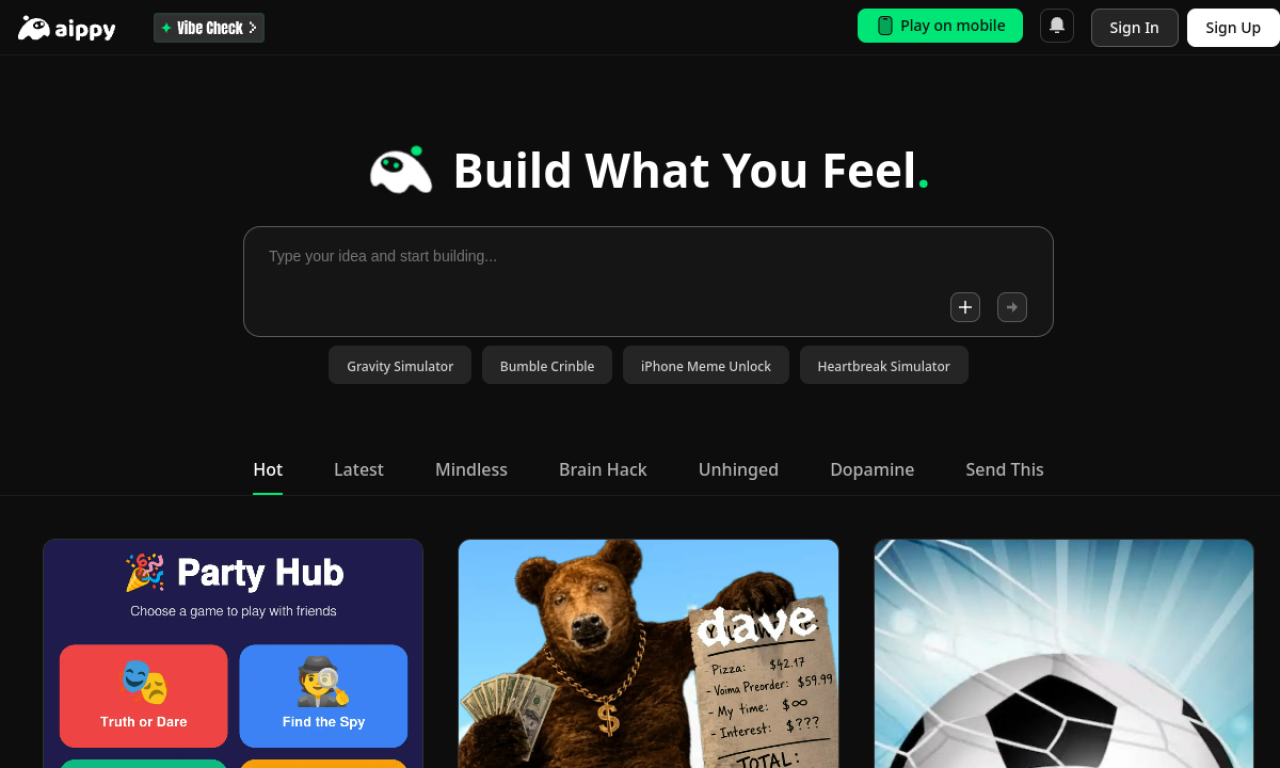
Aippy is a creative app where plain-language descriptions become interactive projects such as mini-games, digital toys, and soundboards. Results can be played in a browser or on mobile, shared, or remixed by others in the community.
- Ajouté le
- 2 nov. 2026
- Site web
- aippy.ai
- Modèle tarifaire
- Free
- Entreprise
- Aippy
Informations produit
Qu’est-ce que Aippy ?
Aippy is a no-code playground and mobile app for building and sharing interactive content from natural language prompts.
Fonctionnalités principales de Aippy
- Natural language to interactive content
- No-code creative playground
- Touch-based interface
- Community for sharing projects
- Vibe coding for quick prototypes
- Browser and mobile access
Cas d’usage de Aippy
- 1Making small games such as plinko or dice rollers
- 2Building physics simulators and digital toys
- 3Creating meme soundboards and music players
- 4Prototyping visual design ideas
Comment utiliser Aippy ?
Write what you want to build, let the AI generate it, then play, share, or remix it. You can also browse and play projects from other creators on the home feed.
Questions fréquentes sur Aippy
What is Aippy?+
It is an AI creative platform and mobile app for building interactive games and tools without coding.
Do I need to know how to code to use Aippy?+
No. You describe your idea in plain language and the AI builds it.
Can I play Aippy creations on my phone?+
Yes, Aippy supports playing on mobile devices.
Dans quelle catégorie se trouve Aippy ?+
Aippy est répertorié dans Jeux IA.
Tags de Aippy
ai game makerno-codevibe codinginteractive artcreator communityIntégration du badge GoodAI
Soutenez Aippy
Ajoutez ce badge à votre site pour montrer que Aippy est présenté sur Good AI Life. Choisissez une version claire ou sombre, puis copiez le code d’intégration.
Autres badges →