

- 0 enregistrés
- 0 vues
- 0 vidéos
- Présentation:
- AI finance assistant that automates invoice scanning and bookkeeping
- Ajouté le:
- 2 nov. 2026
- Site web:
- www.ccmonet.ai
- Entreprise:
- PlatoX
Outils à la une
Présentation
Description affichée dans sa langue d’origine (English).
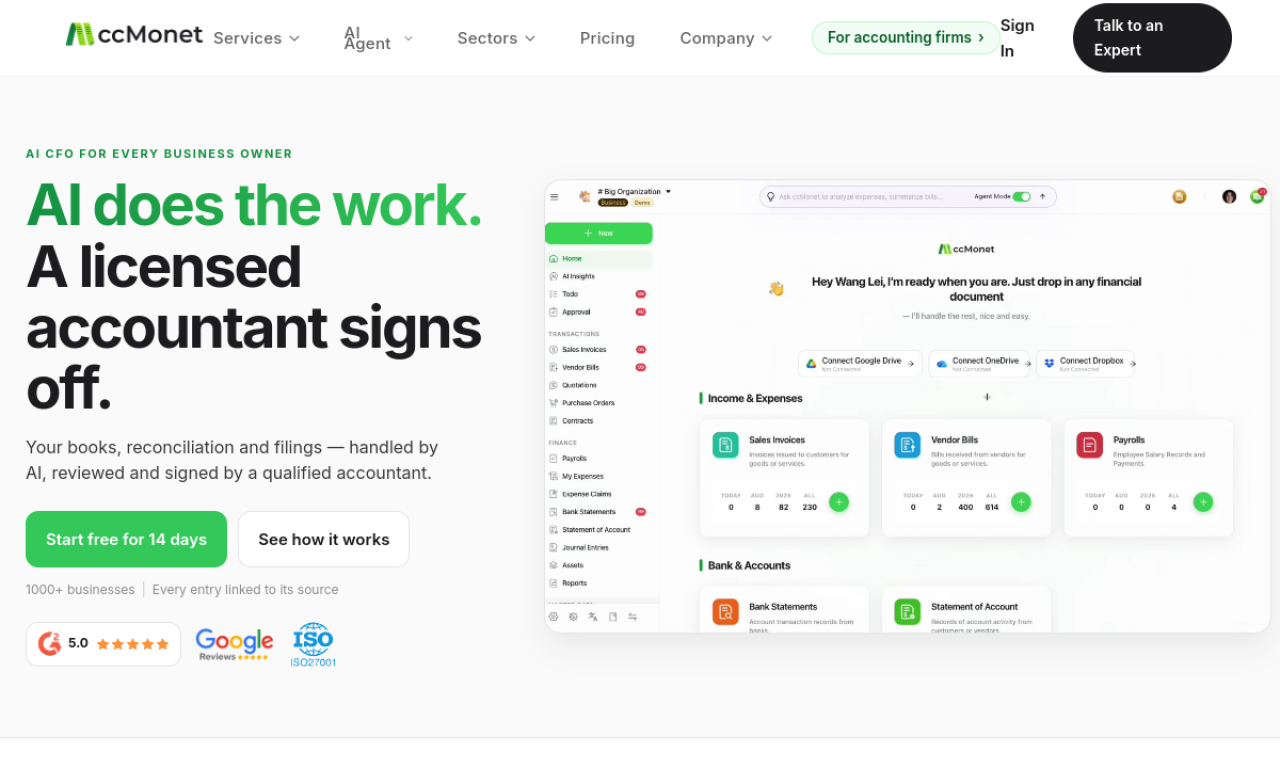
cc:Monet scans invoices and receipts, categorizes expenses and handles employee claims with approval workflows. It integrates with accounting software and supports multiple languages and currencies. An AI assistant answers financial questions.
- Ajouté le
- 2 nov. 2026
- Site web
- www.ccmonet.ai
- Modèle tarifaire
- Contact for Pricing
- Entreprise
- PlatoX
Informations produit
Qu’est-ce que cc:Monet ?
cc:Monet is an AI finance assistant that automates bookkeeping and accounting steps for accountants, business owners and e-commerce sellers.
Fonctionnalités principales de cc:Monet
- AI bookkeeping automation
- AI invoice and receipt scanning
- AI expense management
- AI financial analysis
- Multi-language and multi-currency support
- Smart AI assistant
Cas d’usage de cc:Monet
- 1Streamlining bookkeeping for accountants
- 2Simplifying finances for business owners
- 3Managing finances for global e-commerce
Comment utiliser cc:Monet ?
Scan invoices and receipts, categorize expenses, submit employee claims and connect your existing accounting software. The cc:Monet AI app is available for download.
Questions fréquentes sur cc:Monet
How does cc:Monet work?+
It covers invoice scanning, smart categorization, employee claim submission, approval workflows and accounting software integration.
What are the benefits of cc:Monet?+
It aims to save time, reduce errors and offer AI-driven business insights through a simple interface.
Dans quelle catégorie se trouve cc:Monet ?+
cc:Monet est répertorié dans Comptabilité IA.
Tags de cc:Monet
ai for financeai accountingai assistantIntégration du badge GoodAI
Soutenez cc:Monet
Ajoutez ce badge à votre site pour montrer que cc:Monet est présenté sur Good AI Life. Choisissez une version claire ou sombre, puis copiez le code d’intégration.
Autres badges →