

- 0 enregistrés
- 0 vues
- 0 vidéos
- Présentation:
- AI visual search and analysis for images and video, built for teams
- Ajouté le:
- 2 nov. 2026
- Site web:
- coreviz.io
- Entreprise:
- CoreViz
Outils à la une
Présentation
Description affichée dans sa langue d’origine (English).
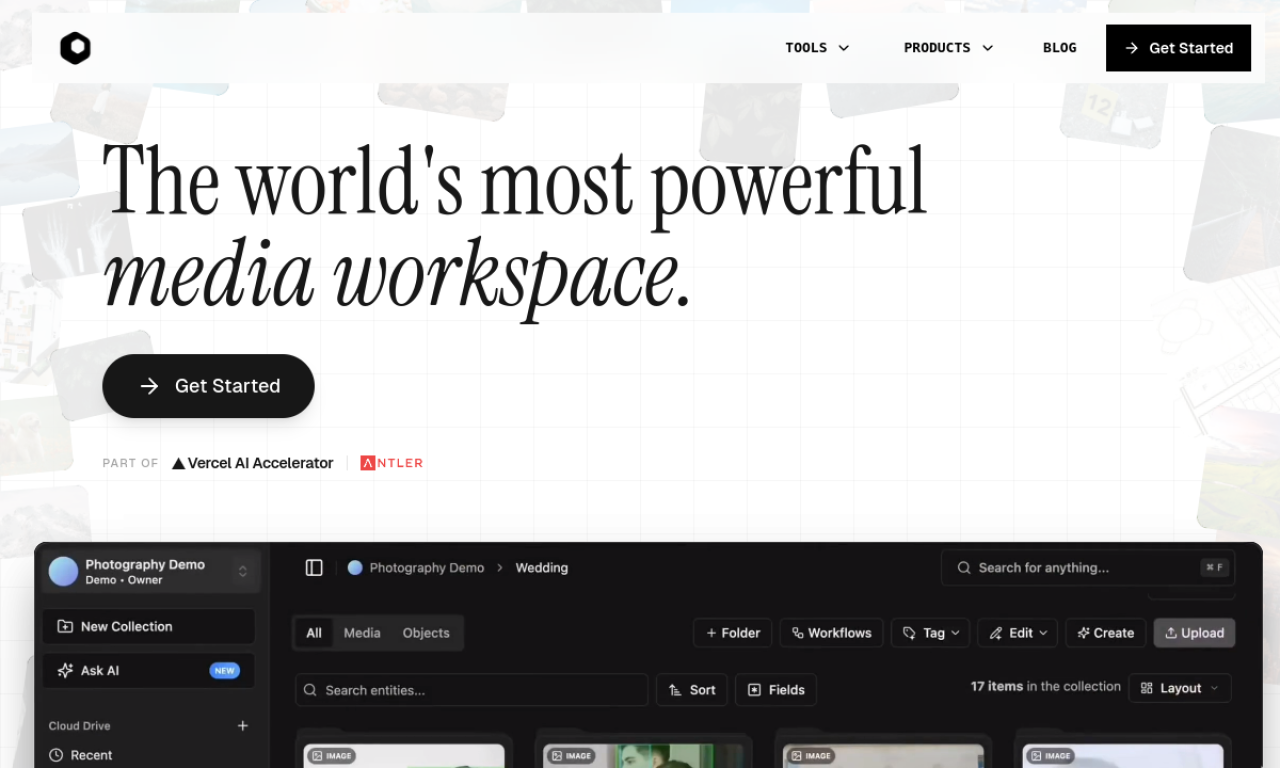
CoreViz is a visual AI platform where teams upload images and videos, then search, tag and analyze them in plain language. It also offers AI photo editing, data connectors and an SDK and API.
- Ajouté le
- 2 nov. 2026
- Site web
- coreviz.io
- Modèle tarifaire
- Free Trial
- Entreprise
- CoreViz
Informations produit
Qu’est-ce que CoreViz ?
A professional visual AI workspace, described as something like Google Photos for organizations, with industry-specific models.
Fonctionnalités principales de CoreViz
- Natural-language search of images and video
- AI photo editing such as background and object removal and upscaling
- AI tagging and organization
- Visual similarity search
- Industry-specific models
- Connectors for Google Drive, Dropbox and data lakes
Cas d’usage de CoreViz
- 1Search experimental data in research
- 2Digital asset management for media
- 3Defect detection in manufacturing
- 4Forensic image analysis
- 5Organizing medical images
Comment utiliser CoreViz ?
Connect your data by uploading images and videos or linking storage; the AI processes it so you can search and analyze it by asking questions.
Questions fréquentes sur CoreViz
What is CoreViz?+
A visual AI platform that lets organizations search and analyze image and video content using computer vision and machine learning.
How do I use CoreViz?+
Upload images and videos or link existing storage, let the AI process them, then search and analyze by describing what you need.
Dans quelle catégorie se trouve CoreViz ?+
CoreViz est répertorié dans Moteur de recherche IA.
Tags de CoreViz
visual searchimage recognitionvideo searchphoto editingapiIntégration du badge GoodAI
Soutenez CoreViz
Ajoutez ce badge à votre site pour montrer que CoreViz est présenté sur Good AI Life. Choisissez une version claire ou sombre, puis copiez le code d’intégration.
Autres badges →