

- 0 enregistrés
- 0 vues
- 0 vidéos
- Présentation:
- App that generates soundscapes for focus, relaxation and sleep based on your surroundings.
- Ajouté le:
- 2 nov. 2026
- Site web:
- endel.io
- Entreprise:
- Endel
Outils à la une
Présentation
Description affichée dans sa langue d’origine (English).
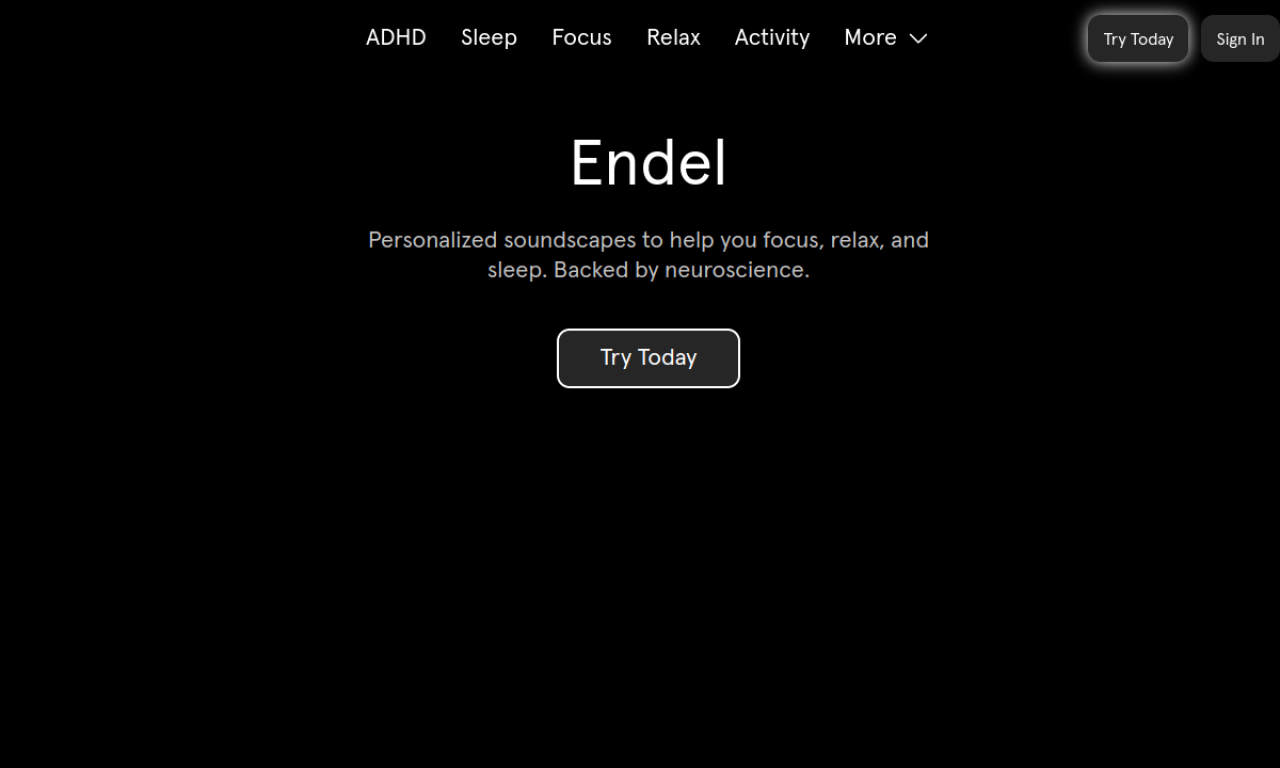
Endel creates soundscapes that adapt in real time to inputs such as time of day, weather, heart rate and location. You pick a Focus, Relax, Sleep or Activity mode. It runs on iOS, Android, Apple Watch, Alexa, Mac, Web and Windows, and the sound design is described as neuroscience-backed.
- Ajouté le
- 2 nov. 2026
- Site web
- endel.io
- Modèle tarifaire
- Paid
- Entreprise
- Endel
Informations produit
Qu’est-ce que Endel ?
Endel is a personalized soundscape app that uses patented technology to help users focus, relax and sleep.
Fonctionnalités principales de Endel
- Soundscapes adapting to real-time inputs
- Focus, Relax, Sleep and Activity modes
- Autoplay
- Apple Watch and Alexa integration
- Science-backed sound design
Cas d’usage de Endel
- 1Focusing while working or studying
- 2Calming the mind
- 3Falling asleep
- 4Adding sound to workouts
- 5Screen-free sleep setup with Alexa
Comment utiliser Endel ?
Install the app on iOS or Android, or open it on Apple Watch, Alexa, Mac, Web or Windows, and choose a mode. You can also pick a Scenario for a specific task or occasion.
Questions fréquentes sur Endel
What is the difference between Soundscapes and Scenarios in Endel?+
Soundscapes are generated endlessly from local inputs like weather and time of day, while Scenarios are pre-defined sound sessions for specific tasks or occasions.
Which devices does Endel work on?+
iOS, Android, Apple Watch, Amazon Alexa, Mac, Web and Windows.
Dans quelle catégorie se trouve Endel ?+
Endel est répertorié dans Générateur de musique IA.
Tags de Endel
soundscapesfocus musicsleep soundsrelaxationwellnessIntégration du badge GoodAI
Soutenez Endel
Ajoutez ce badge à votre site pour montrer que Endel est présenté sur Good AI Life. Choisissez une version claire ou sombre, puis copiez le code d’intégration.
Autres badges →