

- 0 enregistrés
- 0 vues
- 0 vidéos
- Présentation:
- Free online design tool with an infinite canvas, templates and AI image generation for social posts, posters and more.
- Ajouté le:
- 2 nov. 2026
- Site web:
- falva.ai
- Entreprise:
- Falva
Outils à la une
Présentation
Description affichée dans sa langue d’origine (English).
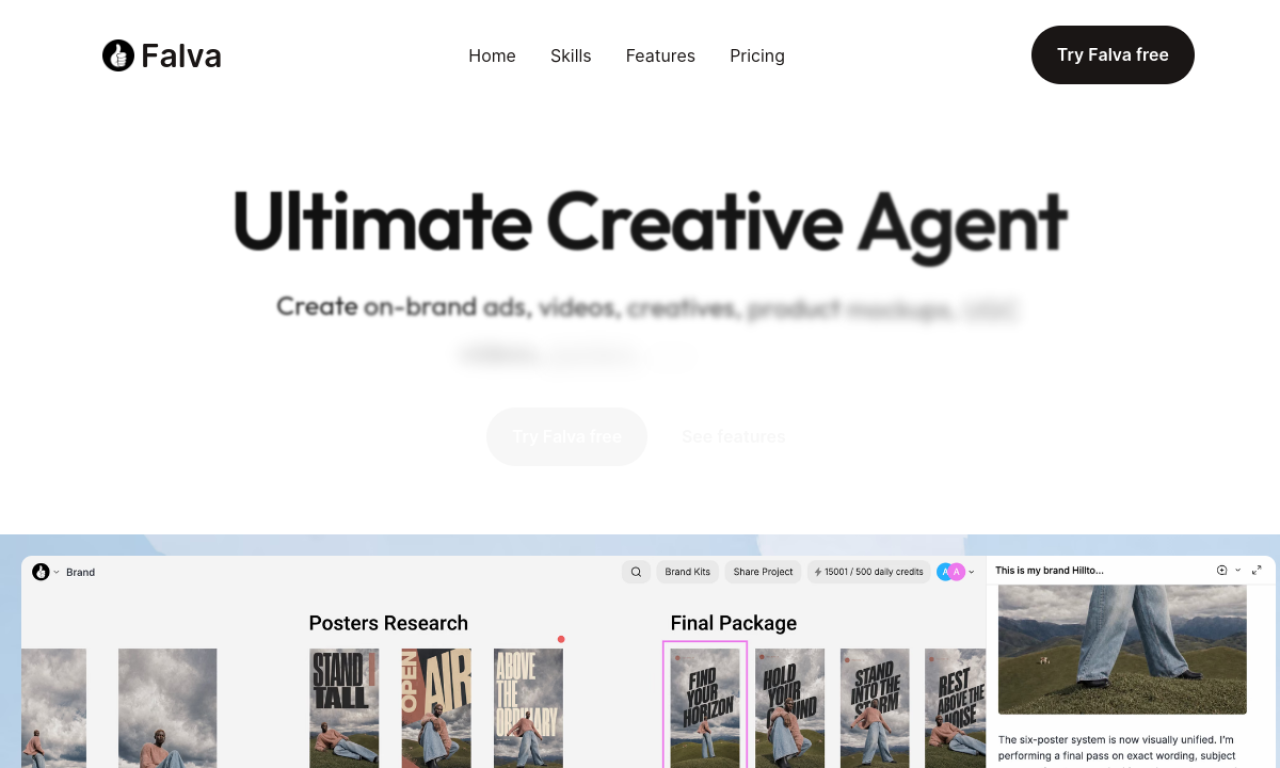
Falva is an AI-assisted visual design platform you can start without a credit card. It offers an infinite canvas, templates, an elements library and AI image generation. People use it for social media posts, presentations, posters, logos and marketing materials. Multiplayer editing and Falva Teams support live collaboration.
- Ajouté le
- 2 nov. 2026
- Site web
- falva.ai
- Modèle tarifaire
- Free
- Entreprise
- Falva
Informations produit
Qu’est-ce que Falva ?
Falva is a free-to-use, AI-powered visual design platform covering social posts, posters, invitations, marketing assets and sales materials.
Fonctionnalités principales de Falva
- AI-powered visual design
- Infinite canvas
- Customizable templates
- Elements library
- AI image generation
- Multiplayer collaboration
Cas d’usage de Falva
- 1Social media posts
- 2Presentations
- 3Posters
- 4Videos
- 5Logos
Comment utiliser Falva ?
Start on the infinite canvas, pick a template, then customize it with the creative resources and options. No credit card is needed to begin.
Questions fréquentes sur Falva
Is Falva free?+
Yes. You can design with templates at no cost and without a credit card.
Does Falva have AI features?+
Yes. Falva AI helps with creative and repetitive tasks, and it includes AI image generation.
Can several people edit a Falva design together?+
Yes. It supports multiplayer editing, and Falva Teams adds real-time collaboration.
Dans quelle catégorie se trouve Falva ?+
Falva est répertorié dans Outils de design IA.
Tags de Falva
ai graphic designdesign templatesai image generatorposter makerlogo makerIntégration du badge GoodAI
Soutenez Falva
Ajoutez ce badge à votre site pour montrer que Falva est présenté sur Good AI Life. Choisissez une version claire ou sombre, puis copiez le code d’intégration.
Autres badges →