

- 0 enregistrés
- 0 vues
- 0 vidéos
- Présentation:
- Turns text or images into 3D models in about 30 to 180 seconds.
- Ajouté le:
- 2 nov. 2026
- Site web:
- kreat3d.io
- Entreprise:
- Kreat3D
Outils à la une
Présentation
Description affichée dans sa langue d’origine (English).
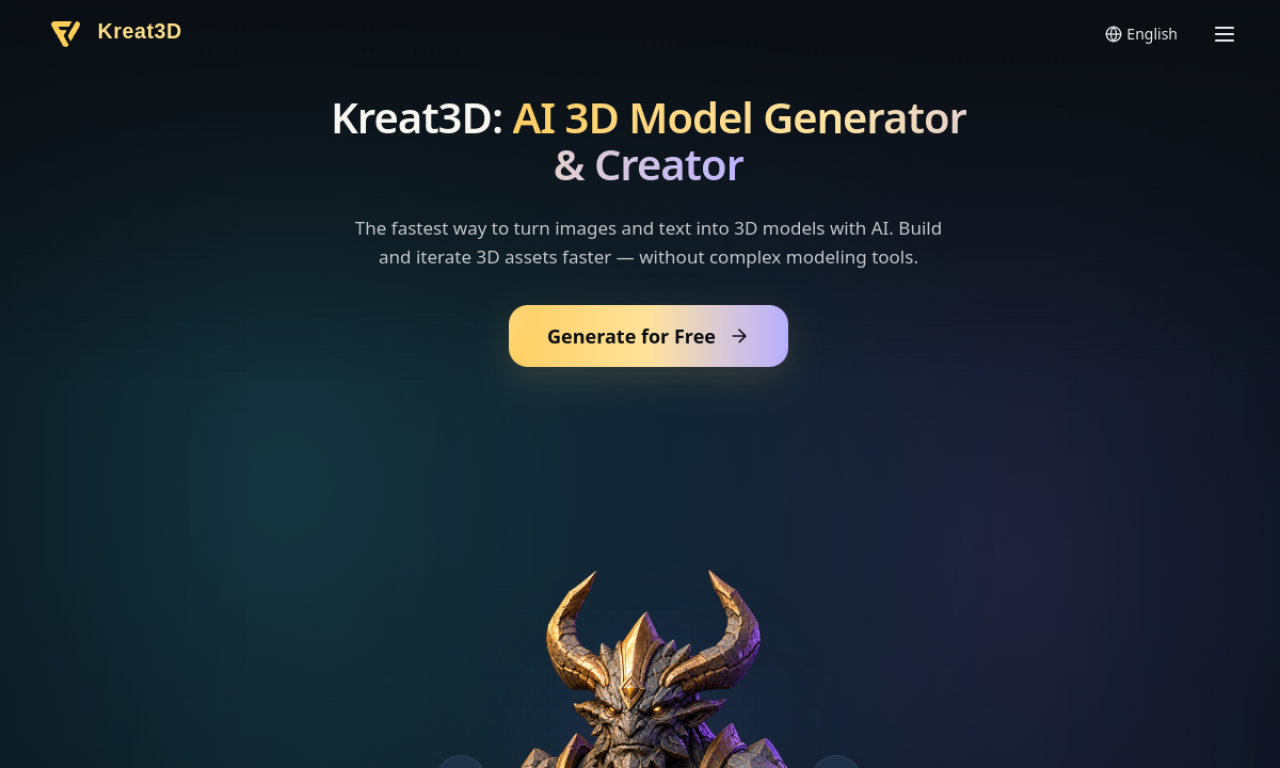
Kreat3D generates 3D assets from a single image, multiple views of an object or a text description, without traditional modeling software. Models can be refined, polycount adjusted, and exported to formats such as GLB, OBJ and STL.
- Ajouté le
- 2 nov. 2026
- Site web
- kreat3d.io
- Modèle tarifaire
- Freemium
- Entreprise
- Kreat3D
Informations produit
Qu’est-ce que Kreat3D ?
Kreat3D is an AI platform that converts images and text into digital 3D models, aimed at beginners and professionals alike.
Fonctionnalités principales de Kreat3D
- Image to 3D
- Multi-image to 3D
- Text to 3D
- High-fidelity geometry and 4K PBR textures
- Polycount control up to 3M
- Export to GLB, OBJ, STL, GLTF, USDZ, PLY
Cas d’usage de Kreat3D
- 1Rapid prototyping for product designers
- 2Assets for indie games
- 33D-printable models from sketches
- 4AR/VR assets and characters
Comment utiliser Kreat3D ?
Upload one image, several views, or type a description. The model is generated in 30 to 180 seconds, after which you can refine it, set the polycount and export.
Questions fréquentes sur Kreat3D
Do I need 3D modeling experience for Kreat3D?+
No, the AI handles the core creation from your images or text.
What is the difference between Image to 3D and Multi Image to 3D?+
Image to 3D uses one reference; Multi Image uses several views such as front, side and back for more accurate geometry.
How long does Kreat3D take to generate a model?+
Roughly 30 to 180 seconds.
Dans quelle catégorie se trouve Kreat3D ?+
Kreat3D est répertorié dans Générateur 3D IA.
Tags de Kreat3D
ai 3d generatorimage to 3dtext to 3dai design generatorIntégration du badge GoodAI
Soutenez Kreat3D
Ajoutez ce badge à votre site pour montrer que Kreat3D est présenté sur Good AI Life. Choisissez une version claire ou sombre, puis copiez le code d’intégration.
Autres badges →