

- 0 enregistrés
- 0 vues
- 0 vidéos
- Présentation:
- AI-powered online PDF editor, converter, and reader.
- Ajouté le:
- 1 nov. 2026
- Site web:
- lightpdf.com
Outils à la une
Présentation
Description affichée dans sa langue d’origine (English).
AI-powered online PDF editor, converter, and reader.
- Ajouté le
- 1 nov. 2026
- Site web
- lightpdf.com
- Modèle tarifaire
- Freemium
Informations produit
Qu’est-ce que LightPDF ?
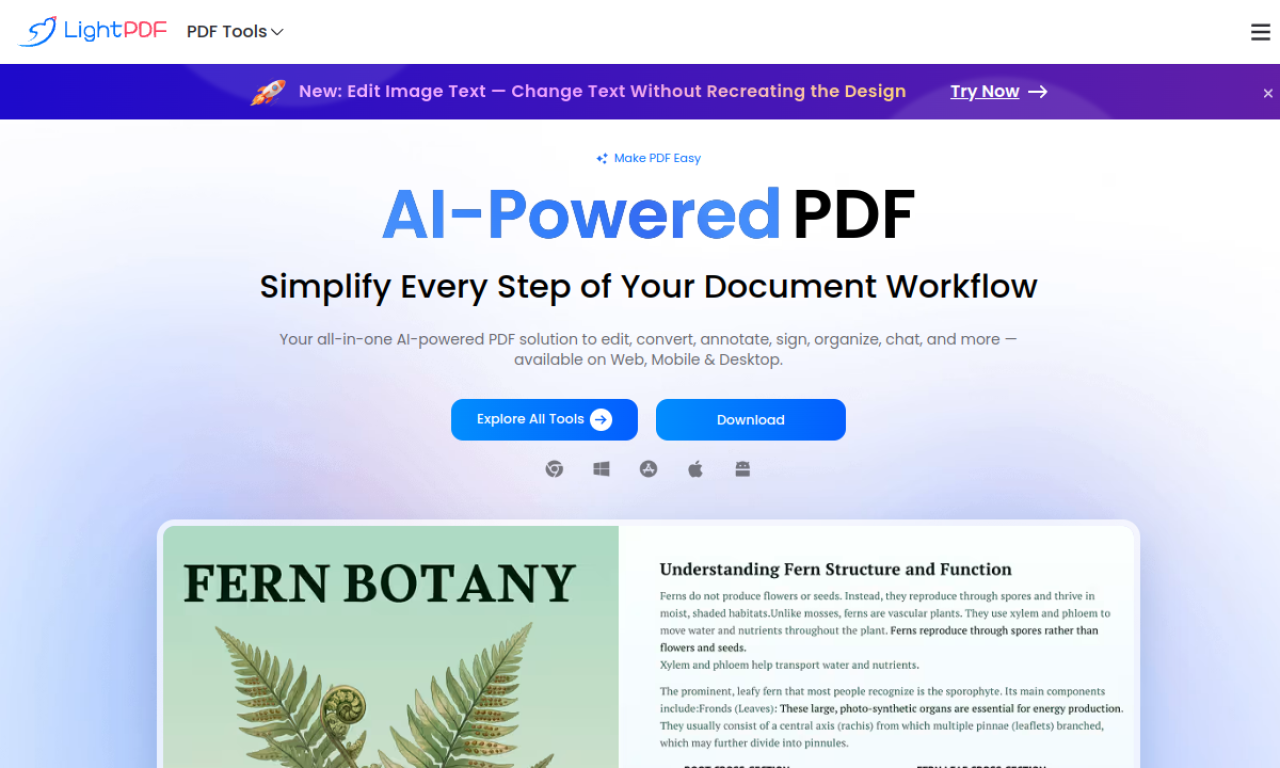
LightPDF is an online PDF editor, converter and reader that runs in the cloud. Alongside conventional PDF tools it offers AI features aimed at handling common PDF problems.
Fonctionnalités principales de LightPDF
- PDF editing
- PDF conversion
- AI-powered tools
- PDF security
- Cloud storage
- OCR
Cas d’usage de LightPDF
- 1Converting PDFs to Word, PPT, Excel, TXT, PNG or JPG
- 2Adding text, images and watermarks to PDFs
- 3Summarizing and translating PDF content with AI
- 4Protecting PDFs with passwords and signatures
- 5Merging and splitting PDF files
Comment utiliser LightPDF ?
Upload a PDF to the LightPDF website and pick a tool to edit, convert, sign, annotate, merge, manage or share it. AI tools handle jobs such as summarizing, translating and creating mind maps.
Questions fréquentes sur LightPDF
What are the LightPDF free trial limitations?+
Free accounts have usage restrictions. For AI Document, for example, each account gets 8 questions with GPT-3.5, and the GPT-4 model is not supported.
How do I cancel a LightPDF subscription?+
To cancel a recurring subscription, submit a ticket through the Contact Us page.
Does LightPDF offer refunds or discounts?+
It offers a 7-day money-back guarantee (3 days for Monthly VIP) and discounts for students and teachers via its education discount page.
Dans quelle catégorie se trouve LightPDF ?+
LightPDF est répertorié dans Productivité, Outils PDF IA.
Tags de LightPDF
pdfproductivityIntégration du badge GoodAI
Soutenez LightPDF
Ajoutez ce badge à votre site pour montrer que LightPDF est présenté sur Good AI Life. Choisissez une version claire ou sombre, puis copiez le code d’intégration.
Autres badges →
