

- 0 enregistrés
- 0 vues
- 0 vidéos
- Présentation:
- Gives brands design and performance control over Dynamic Product Ads
- Ajouté le:
- 2 nov. 2026
- Site web:
- www.marpipe.com
- Entreprise:
- Marpipe
Outils à la une
Présentation
Description affichée dans sa langue d’origine (English).
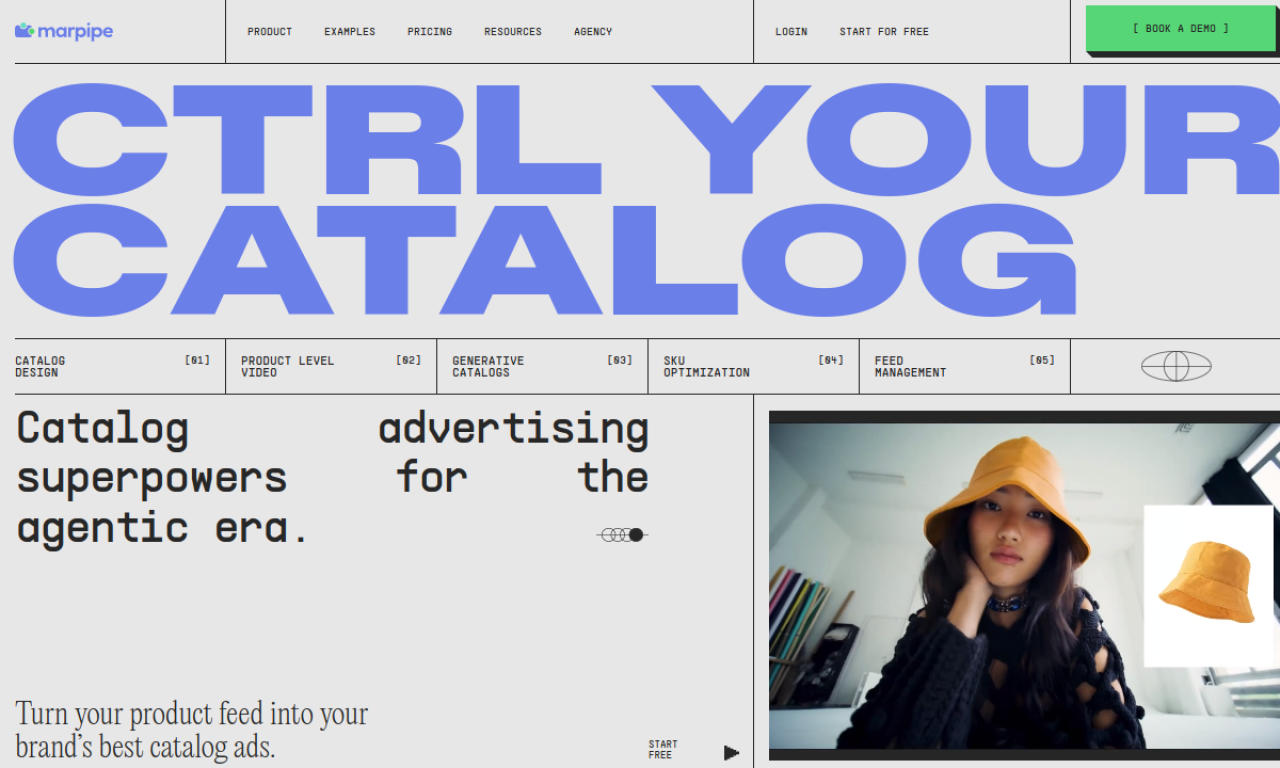
Marpipe uses automation and generative AI to improve catalog-based Dynamic Product Ads. It helps make catalog ads look like designed creative, produce a video per SKU, write copy at scale, and filter out weak performers.
- Ajouté le
- 2 nov. 2026
- Site web
- www.marpipe.com
- Modèle tarifaire
- Contact for Pricing
- Entreprise
- Marpipe
Informations produit
Qu’est-ce que Marpipe ?
Marpipe is a platform that lets brands manage the design and performance of Dynamic Product Ads built from a product catalog.
Fonctionnalités principales de Marpipe
- Design control for catalog ads
- Product-level video from each SKU
- Generative AI copy per SKU
- Automated optimization
Cas d’usage de Marpipe
- 1Raise ROAS on e-commerce dynamic ads
- 2Scale a catalog ad strategy
- 3Promote catalog items ahead of big sales
Comment utiliser Marpipe ?
Connect your product feed, then use design controls, product-level video, generative copy and optimization tools to build campaigns. A/B testing and performance metrics help you refine results.
Questions fréquentes sur Marpipe
What is Marpipe?+
A platform using automation and generative AI to help brands control the design and performance of Dynamic Product Ads.
What are the main Marpipe features?+
Design control, product-level video, generative copy for ads, and automated optimization.
How do I get started with Marpipe?+
Connect your product feed and use its design, video, copy and optimization tools.
Dans quelle catégorie se trouve Marpipe ?+
Marpipe est répertorié dans Création publicitaire IA.
Tags de Marpipe
ad creativedynamic product adsad copyproduct videoai advertisingIntégration du badge GoodAI
Soutenez Marpipe
Ajoutez ce badge à votre site pour montrer que Marpipe est présenté sur Good AI Life. Choisissez une version claire ou sombre, puis copiez le code d’intégration.
Autres badges →