

- 0 enregistrés
- 0 vues
- 0 vidéos
- Présentation:
- LinkedIn automation with a built-in CRM for outreach and lead generation
- Ajouté le:
- 2 nov. 2026
- Site web:
- meetalfred.com
- Entreprise:
- Meet Alfred
Outils à la une
Présentation
Description affichée dans sa langue d’origine (English).
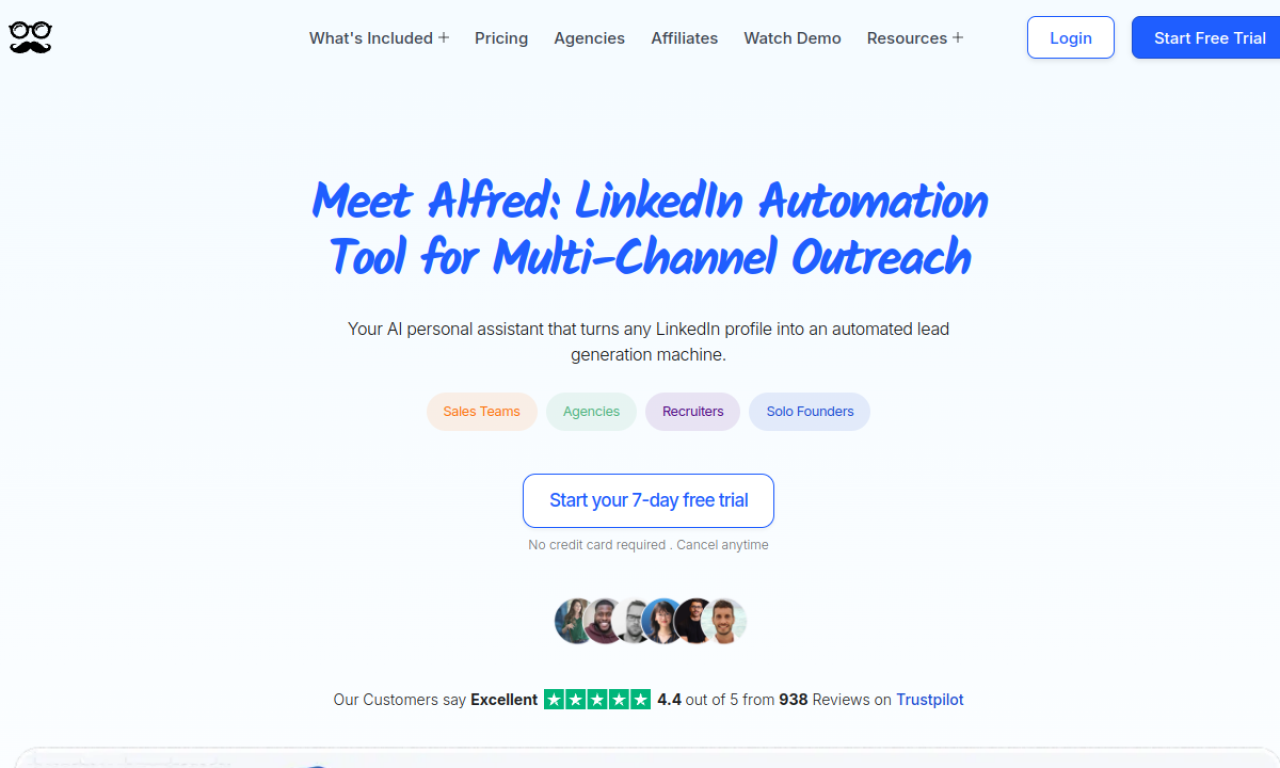
Meet Alfred is a cloud-based LinkedIn automation tool with CRM features for B2B and B2C sales. It automates outreach, finds leads and manages conversations, and also supports email and Twitter (X) for multi-channel campaigns.
- Ajouté le
- 2 nov. 2026
- Site web
- meetalfred.com
- Modèle tarifaire
- Freemium
- Entreprise
- Meet Alfred
Informations produit
Qu’est-ce que Meet Alfred ?
Meet Alfred is a multi-channel outreach platform centered on LinkedIn, with lead finding, a smart inbox and reporting.
Fonctionnalités principales de Meet Alfred
- LinkedIn automation
- Multi-channel outreach
- Lead finder
- LinkedIn CRM
- Smart inbox
- Reporting and tracking
Cas d’usage de Meet Alfred
- 1Automate LinkedIn outreach for more leads
- 2Manage your network and sales conversations
- 3Find quality leads across channels
Comment utiliser Meet Alfred ?
Set up campaigns that send connection requests and follow-ups on LinkedIn, optionally combined with email and Twitter. Use the lead finder and CRM to manage conversations.
Questions fréquentes sur Meet Alfred
Does Meet Alfred have a free plan?+
Yes, a free plan lets you try its core features.
What support does Meet Alfred offer?+
24/7 support, and Teams Plan customers with 10+ accounts get a dedicated account manager.
How do I use Meet Alfred?+
Create outreach campaigns that automate LinkedIn tasks, optionally with email and Twitter.
Dans quelle catégorie se trouve Meet Alfred ?+
Meet Alfred est répertorié dans Assistant commercial IA.
Tags de Meet Alfred
linkedin automationlead generationsales outreachcrmsocial sellingIntégration du badge GoodAI
Soutenez Meet Alfred
Ajoutez ce badge à votre site pour montrer que Meet Alfred est présenté sur Good AI Life. Choisissez une version claire ou sombre, puis copiez le code d’intégration.
Autres badges →