

- 0 enregistrés
- 0 vues
- 0 vidéos
- Présentation:
- Personal AI agent that handles everyday tasks across your apps
- Ajouté le:
- 2 nov. 2026
- Site web:
- muse.ai
Outils à la une
Présentation
Description affichée dans sa langue d’origine (English).
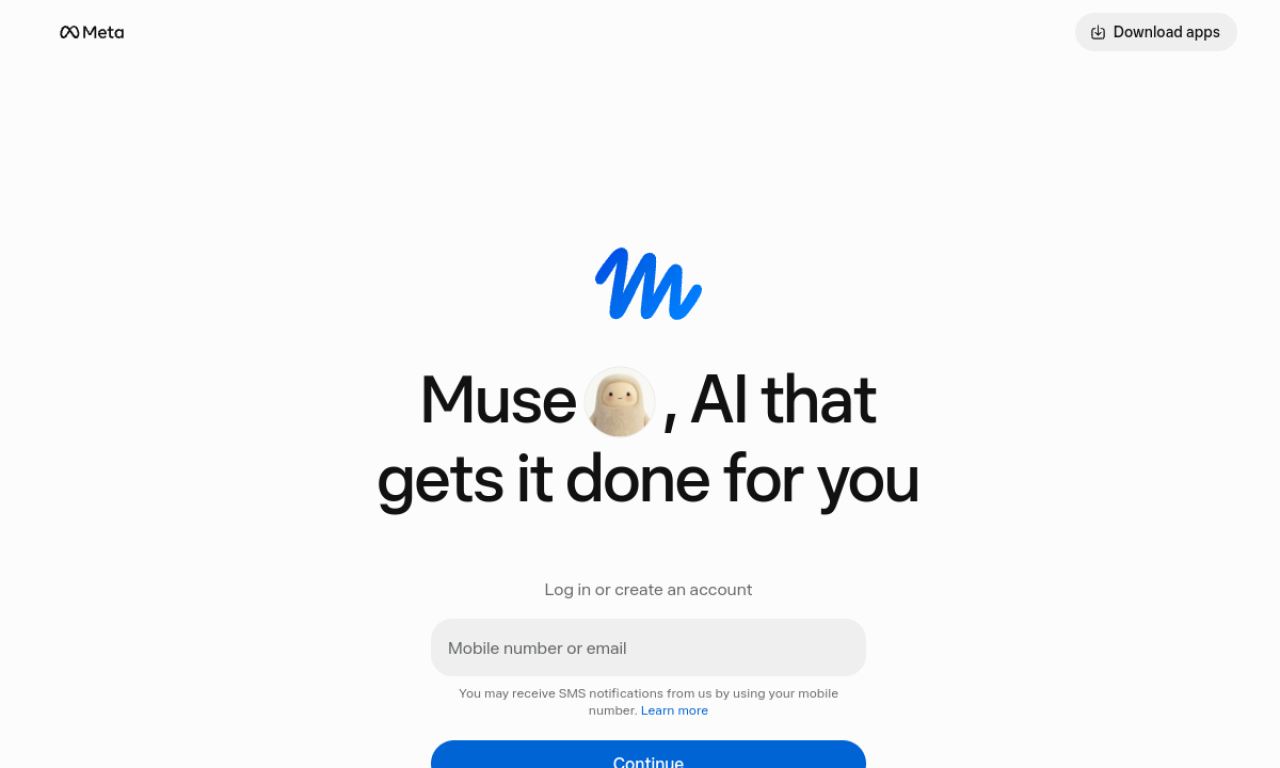
Muse is a personal AI agent from Meta that takes goals covering email, reservations, shopping, calendars and more. You choose which apps it can reach and approve actions like sending email or making purchases.
- Ajouté le
- 2 nov. 2026
- Site web
- muse.ai
Informations produit
Qu’est-ce que Muse ?
Muse is a personal AI agent from Meta for everyday tasks and life management. It works on email, reservations, shopping, finances, health, calendars and fitness.
Fonctionnalités principales de Muse
- Help with everyday tasks and longer-term goals
- Email sorting and calendar management
- Reservation booking and shopping
- Finance, health and fitness planning
- Persistent isolated Secure VM with a full browser
- Mobile, Mac and WhatsApp access
Cas d’usage de Muse
- 1Organizing email
- 2Booking travel or restaurants
- 3Managing calendars
- 4Finding savings while shopping
- 5Building fitness plans
Comment utiliser Muse ?
Sign in, then give Muse a goal through its mobile app, Mac app or WhatsApp. Connect the apps you want it to use, set what it can see and do, and approve actions such as emails or purchases.
Questions fréquentes sur Muse
How do I interact with Muse?+
Through its mobile app, Mac app, or directly in WhatsApp.
What is Muse Secure VM?+
A persistent, isolated Linux computer with a full browser that both you and the agent can use.
Can I control what Muse does?+
Yes. You choose which apps it can access and approve actions like sending emails or purchases beforehand.
Dans quelle catégorie se trouve Muse ?+
Muse est répertorié dans Assistants IA, Agents IA.
Tags de Muse
ai agentpersonal assistantproductivityworkflowschedulingIntégration du badge GoodAI
Soutenez Muse
Ajoutez ce badge à votre site pour montrer que Muse est présenté sur Good AI Life. Choisissez une version claire ou sombre, puis copiez le code d’intégration.
Autres badges →