

PDFgear
Free PDF editor, converter and compressor with no watermark
Introduction
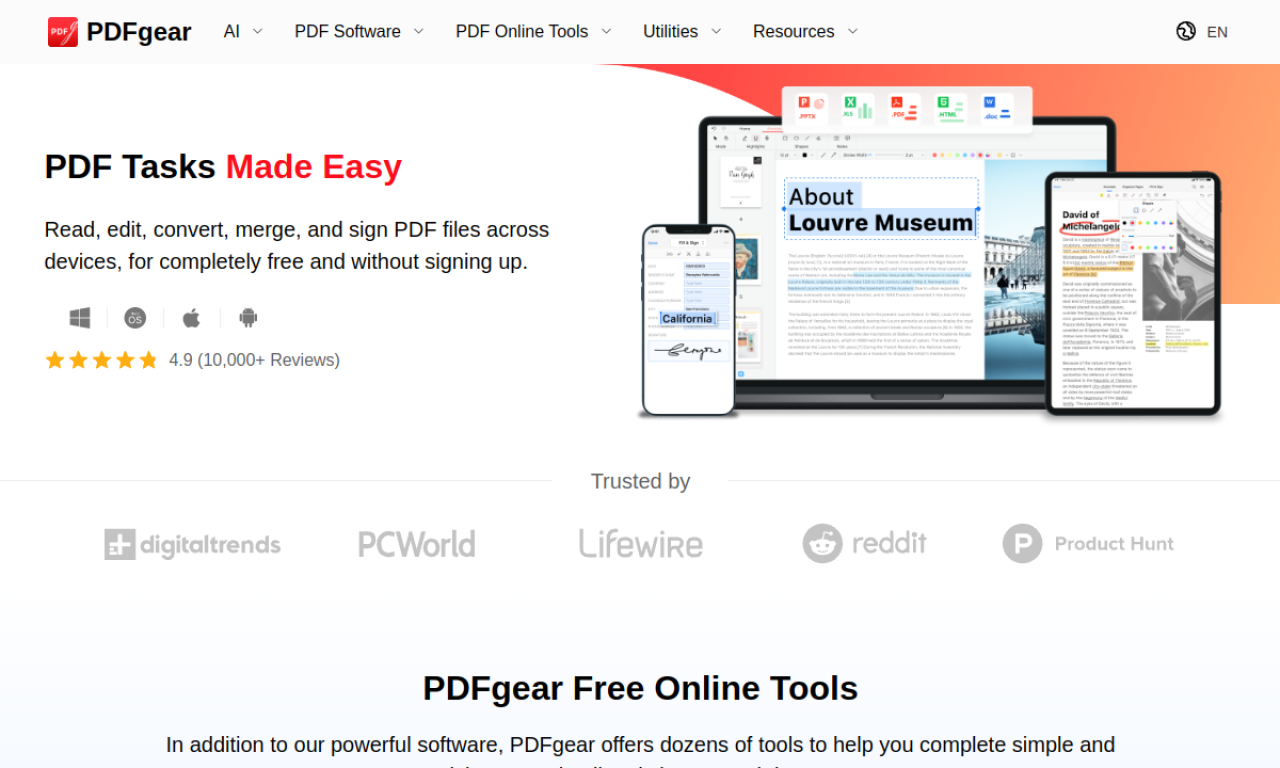
PDFgear is free PDF software with no watermark and no sign-up. It edits, converts, merges, compresses, signs and fills PDFs, and its OCR extracts text from scanned files. Apps exist for Windows, macOS, iOS and Android, along with online tools in the browser.
- Added on
- Nov 2, 2026
- Website
- www.pdfgear.com
- Pricing model
- Free
- Company
- PDFgear
Product information
What is PDFgear?
PDFgear is a completely free PDF toolkit that needs no account and leaves no watermark. It can unlock, view, edit, fill, convert and compress PDFs. You can use downloadable apps or online tools.
How to use PDFgear?
Install the app for Windows, macOS, iOS or Android, or open the online tools in a browser. Choose a function such as editing, converting or merging and load your PDF.
Core features of PDFgear
- PDF editing
- PDF conversion
- PDF management
- OCR
- PDF compression
- PDF signing
Use cases of PDFgear
- 1Editing a PDF like a Word file
- 2Converting PDFs to Word, Excel or images
- 3Merging several PDFs into one
- 4Shrinking large PDFs
- 5Pulling text from scanned PDFs with OCR
Frequently asked questions about PDFgear
What is PDFgear?+
PDFgear is free PDF software with no watermark and no sign-up required.
Is PDFgear really free?+
Yes, it is completely free, with no watermarks and no registration.
What platforms does PDFgear support?+
Software for Windows, macOS, iOS and Android, plus online tools in a web browser.
Which category is PDFgear in?+
PDFgear is listed under AI PDF Tools.