

- 0 enregistrés
- 0 vues
- 0 vidéos
- Présentation:
- A free tool that turns images into 3D assets in GLB or 3D Gaussian formats.
- Ajouté le:
- 2 nov. 2026
- Site web:
- trellis3d.co
- Entreprise:
- TRELLIS 3D AI
Outils à la une
Présentation
Description affichée dans sa langue d’origine (English).
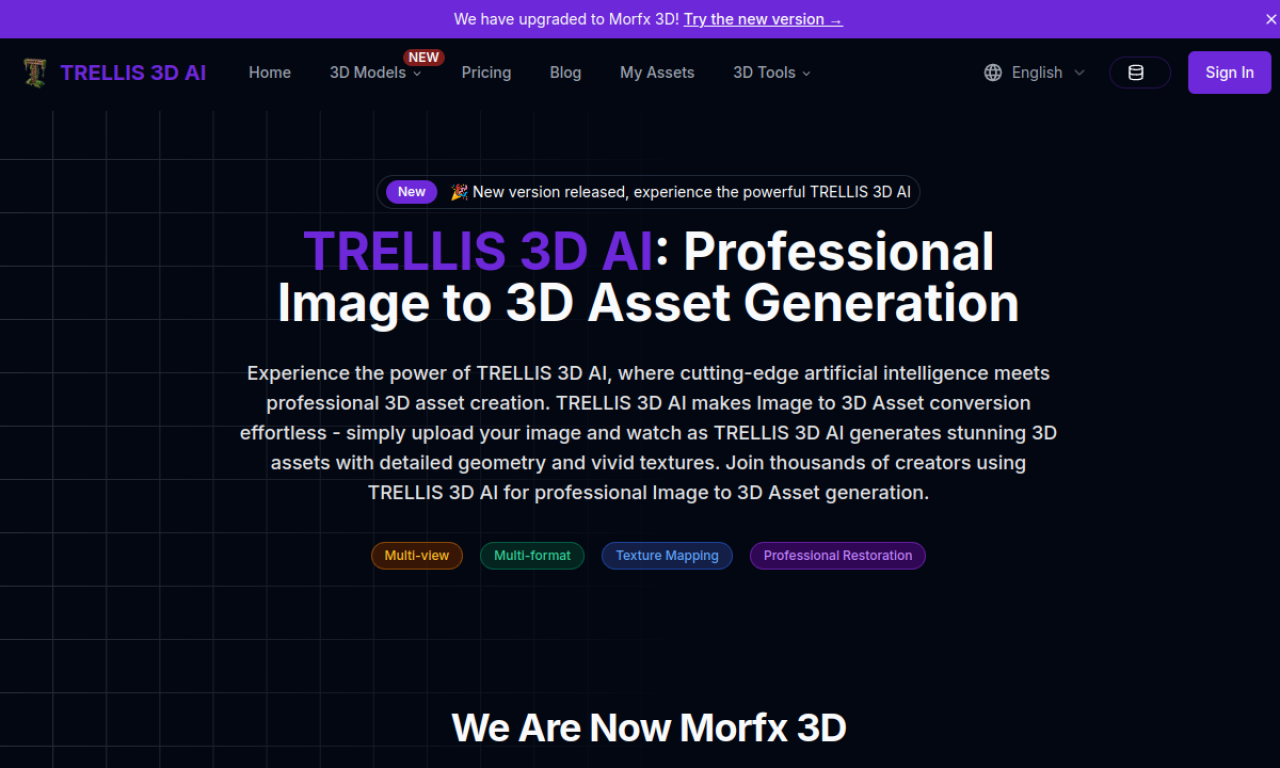
TRELLIS 3D AI converts an image into a 3D asset using structured latent representations and vision encoders. You preview the result in the browser, can make local edits, and download GLB or 3D Gaussian files. The site states that generated assets can be used commercially, subject to its terms.
- Ajouté le
- 2 nov. 2026
- Site web
- trellis3d.co
- Modèle tarifaire
- Free
- Entreprise
- TRELLIS 3D AI
Informations produit
Qu’est-ce que TRELLIS 3D AI ?
A free online tool that converts images into 3D assets for games and applications.
Fonctionnalités principales de TRELLIS 3D AI
- Image to 3D asset conversion
- Structured latent representation for detail
- GLB and 3D Gaussian output
- Browser-based preview
- Local editing
Cas d’usage de TRELLIS 3D AI
- 1Generating 3D assets for games
- 2Creating 3D models for applications
- 3Producing assets for commercial projects
Comment utiliser TRELLIS 3D AI ?
Upload an image and let the AI generate the asset. Preview it in the browser, then download it as GLB or 3D Gaussian.
Questions fréquentes sur TRELLIS 3D AI
Is TRELLIS 3D AI free to use?+
Yes, an online version is free for image to 3D conversion. Additional features are offered for users who need them.
Which 3D formats does TRELLIS 3D AI export?+
It exports GLB and 3D Gaussian files.
Can I use TRELLIS 3D AI outputs commercially?+
The site says assets can be used commercially, subject to its terms of service.
Dans quelle catégorie se trouve TRELLIS 3D AI ?+
TRELLIS 3D AI est répertorié dans Générateur 3D IA.
Tags de TRELLIS 3D AI
ai 3d model generatorimage to 3d modelfree 3d generatorIntégration du badge GoodAI
Soutenez TRELLIS 3D AI
Ajoutez ce badge à votre site pour montrer que TRELLIS 3D AI est présenté sur Good AI Life. Choisissez une version claire ou sombre, puis copiez le code d’intégration.
Autres badges →